


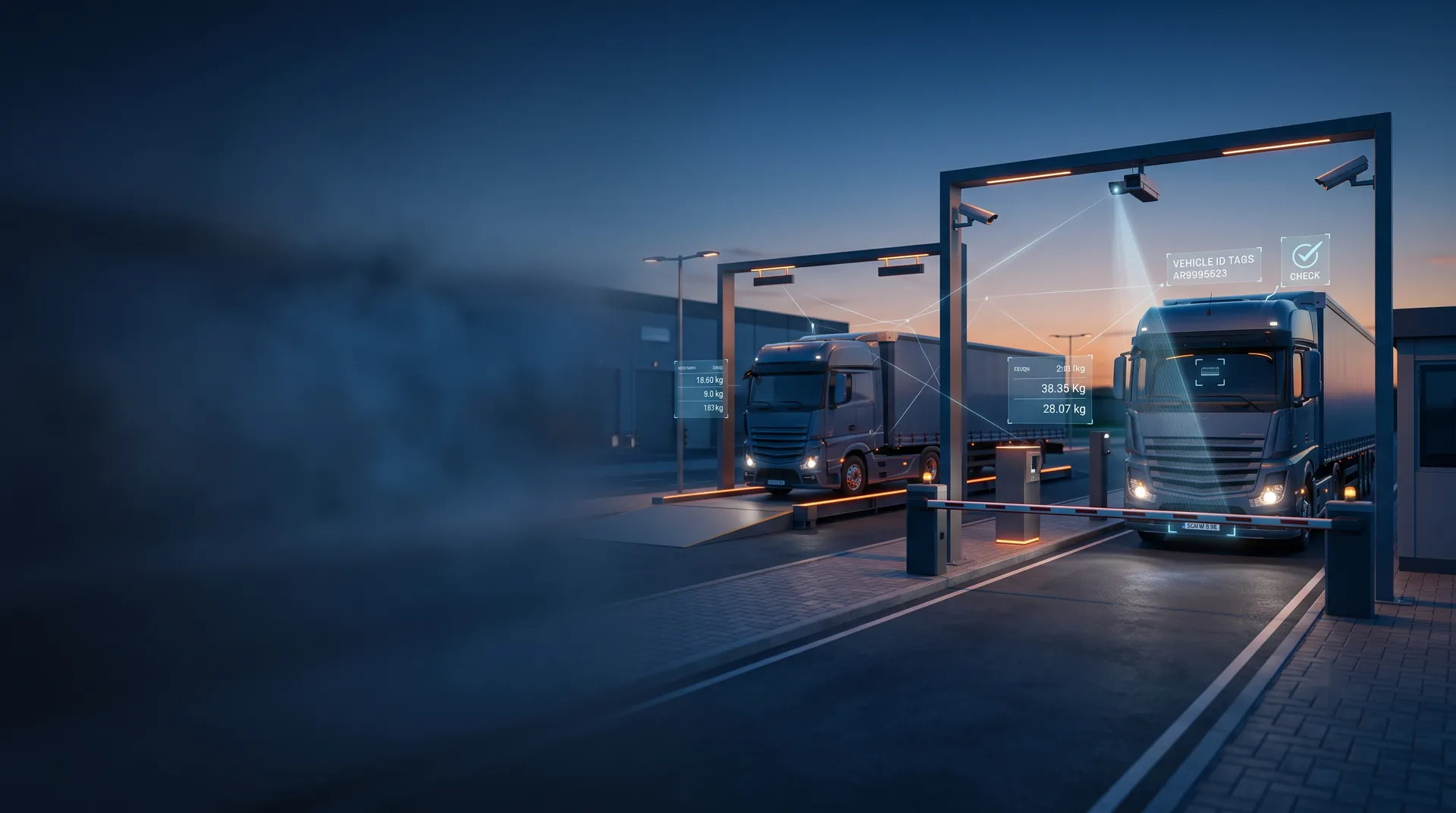

A gate OCR system is most useful when its reads reach the next system without anyone retyping them. Gate OCR system integration sends the plate and container data to the weighbridge, and on to the yard or terminal system, so one identity follows the truck from gate to weight to stack. This guide shows the data flow and what to check before go-live.
Key takeaways
- Gate reads can create or confirm the weighbridge ticket and the yard job.
- One vehicle identity across systems removes retyping and mismatches.
- Weighbridges used for trade must be verified and stamped, and recalibrated as Legal Metrology rules require.
- Test the full chain with real trucks and booking data before go-live.
How gate reads reach the weighbridge and yard
At the gate the system reads the plate and, for container trucks, the container number. It sends them to the integration layer, which looks up the booking or order. The same data is then offered to the weighbridge terminal, and to the yard or terminal system for the next move.
| Step | Data passed on |
|---|---|
| Gate | Plate, container number, images |
| Weighbridge | Vehicle identity and order for the ticket |
| Yard or terminal system | Entry record and target location |
Linking the gate read to the weighing ticket
When the truck reaches the weighbridge, the system already knows who it is, so the operator or the unmanned terminal does not need to type the number. The ticket is created from the booking and the measured weight. Weighbridges used for trade must be verified and stamped, and they must be recalibrated as required by Legal Metrology rules. Integration does not replace this, and a stamped weight remains the legal reference. See our port automation guide on gate, yard and quay in one workflow for the wider flow.

Passing the entry record to the yard system
After weighing, the yard or terminal system receives the entry record and can assign a stack or a bay. Where the yard uses its own tracking, the gate identity becomes the starting point of the unit history. If the truck leaves through another lane, the exit read closes the record. Keeping one identity for the whole visit makes reports on time inside the site easy to build.
Checks to run before the integrated chain goes live
- Send test bookings that include errors, to see how the chain reacts.
- Check what happens when the link to the weighbridge or yard system is down.
- Confirm that corrections at one step reach the others.
- Run real trucks through the full path in different lighting.
Plan a fallback so the gate can run in manual mode if a link fails.
Connecting gate OCR to your systems with Suraj Informatics
Suraj Informatics provides gate automation with links to weighbridge and yard software. Share your current systems and gate layout, and we will outline the integration and a test plan.
Gate OCR integration: common questions
Can gate OCR feed an unmanned weighbridge?
Yes. The gate read can identify the vehicle so the weighbridge opens the right order.
Does integration remove the need for weighbridge calibration?
No. Trade weighbridges must be verified, stamped and recalibrated as Legal Metrology rules require.
What if a link goes down?
Plan a manual fallback and test it before go-live.
Which systems can be connected?
That depends on their interfaces. Share your systems and we will confirm the options.
Talk to our gate OCR team
Tell us about your gate lanes and paperwork, and we will suggest the right OCR setup.





