




Advanced video surveillance management goes beyond viewing cameras. It ties video to events from other systems, such as a card read at a door or a gate opening. When these are linked, every event arrives with a picture and a clip, and the team spends less time hunting for the right footage.
Key takeaways
- Linking an event to a camera gives staff a picture to check straight away.
- Useful events include denied entries, doors held open, forced doors and gate openings.
- Each link needs a correct camera, a time match and a clear alert rule.
- Test the links regularly and keep the event list short and meaningful.
What happens when video meets access events
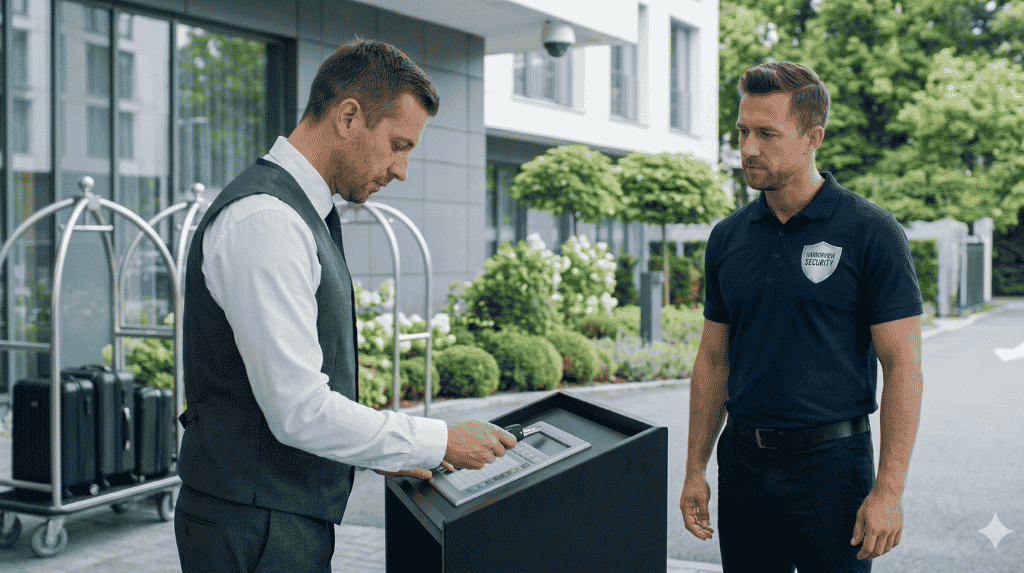
An access control system records who used a door or gate, and when. A video system records what the camera saw. When the two are linked, a card read or alarm automatically brings up the camera by that entry point, and the clip is saved with the event record. The operator sees the person and the event together.
Events worth linking to a camera view
| Event | What the operator sees |
|---|---|
| Denied card at a door | Who tried the door and how many were present |
| Door held open too long | The doorway live, to see if it is blocked or left open |
| Forced door alarm | A live view and the clip before the alarm |
| Gate opening | The vehicle and the people near the gate |
| Visitor sign-in | A picture to match the entry record |
How the link is built
The link is usually set up through the management platform, which receives events from the access system and calls up the matching camera. Each door or gate is paired with one or more cameras, and the time clocks of the systems are kept in step. For logistics sites that run many gates, see video surveillance for warehouses and logistics.
Checking and keeping it accurate
Check each link after installation and again after any change to doors, cameras or software.
- Trigger a test event at each door or gate.
- Confirm the correct camera and clip appear.
- Check that event and video times match.
- Record the result and fix any wrong pairing.
- Repeat the test on a regular schedule.
Planning video and access integration with Suraj Informatics
Suraj Informatics connects video surveillance with access control and gate systems, so each event is stored with its picture. We survey your doors, gates and cameras and test each link before handover.
Video and gate event integration: common questions
Does it need a particular access control brand?
Not necessarily. It depends on the interfaces both systems offer, which a survey can confirm.
Can it work for vehicle gates?
Yes. A gate event can bring up the gate camera and save a clip with the entry record.
Will it create too many alerts?
Only if too many events are linked. Start with the events that matter and add more later.
Who can see the saved clips?
Set permissions so only named staff can view and export them.
Talk to our video surveillance team
Tell us about your doors, gates and cameras and we will suggest which events to link.





