


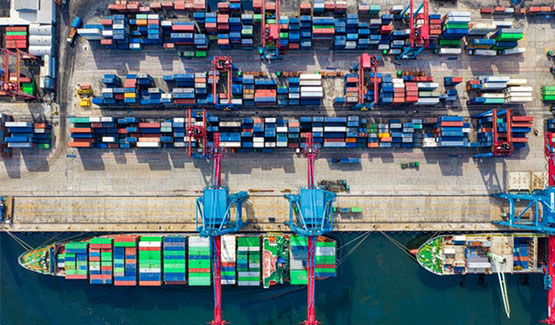

Controlling a port or terminal means knowing, at any moment, what is happening at the gates, on the quay and in the stacks. A control room turns separate feeds into one picture and puts exceptions in front of operators quickly. This guide covers what such a control view should show and how it connects to the terminal system.
Key takeaways
- A control room is only as good as the data that reaches it.
- Gate, quay, yard and camera feeds should appear in one view.
- Alerts should flag exceptions, not repeat every normal event.
- The control view must exchange data with the terminal operating system.
What a port control room needs to see
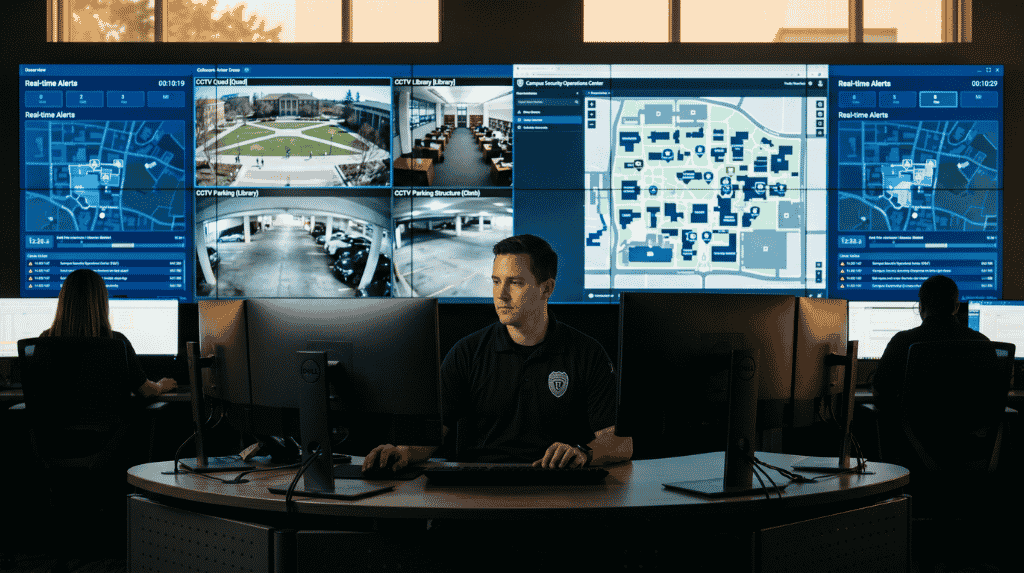
Operators need four things on screen: vehicle and container movement at the gates, equipment and berth status, yard occupancy, and live camera views of key points. When these sit in separate tools, staff switch between screens and miss links between events. One shared view reduces that.
Data sources behind the control view
The view is fed by gate OCR and RFID reads, crane and equipment data, terminal system records and camera streams. Each source needs a clear owner and a defined interface. Missing or late data is the usual reason a control view is not trusted. Our gate, yard and quay workflow guide shows how the sources link.
Alerts and exceptions that matter
A good alert tells the operator what happened, where and what to do. Typical examples are an unreadable container code at a gate, a vehicle in a restricted zone, a stopped queue or a camera that has gone offline. Keep the list short so each alert still gets attention.
Linking control to the terminal operating system
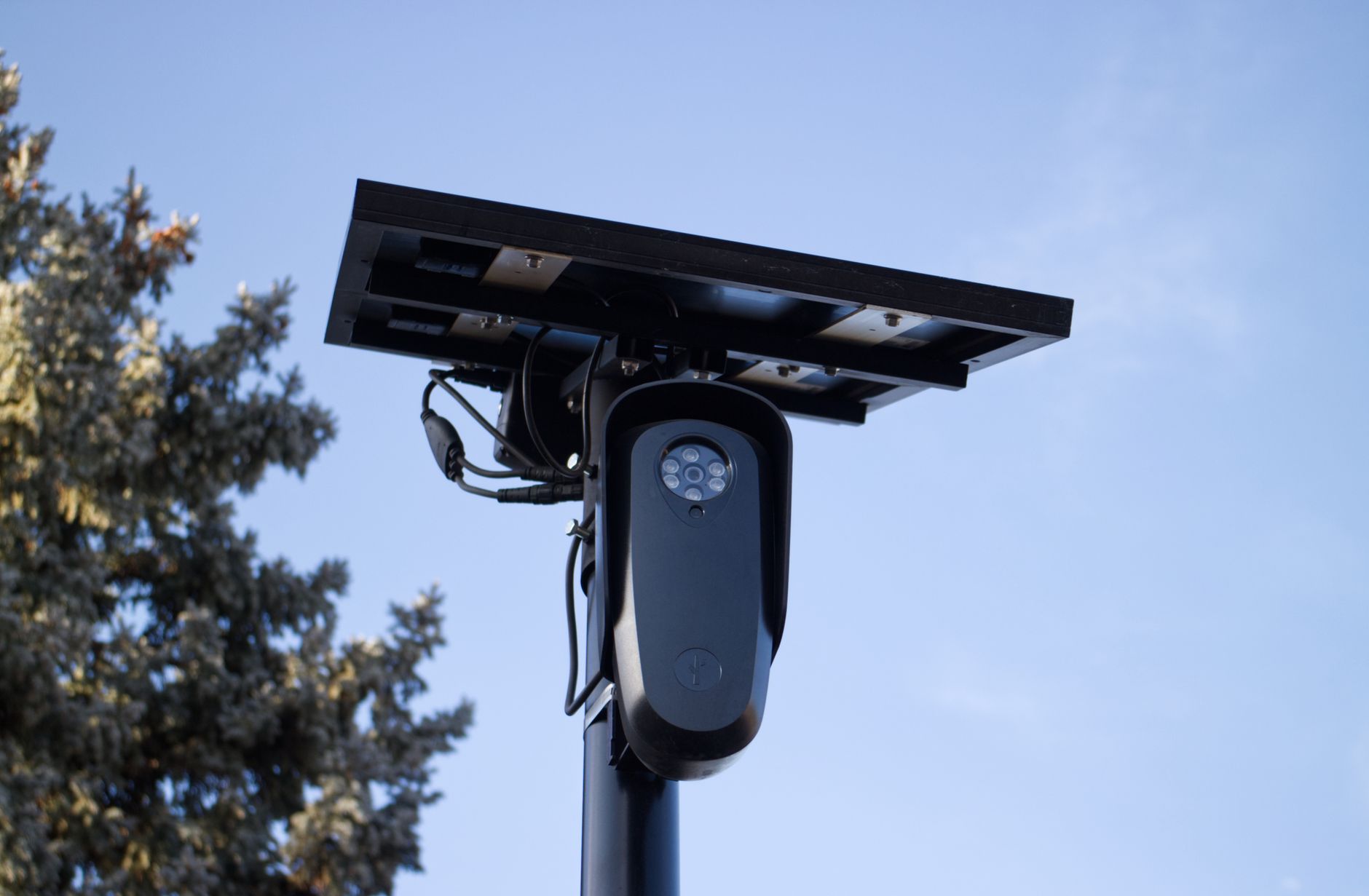
The control view should show what the terminal operating system plans and what the field reports, side by side. When a gate read does not match a booking, the operator sees both and decides. Read about port surveillance for terminals to see how video supports this.
Planning terminal control with Suraj Informatics
Suraj Informatics delivers port automation that joins gate, yard and surveillance data in one control view. Contact us to review your terminal and agree a first stage.
Port and terminal control: common questions
What is a port control room?
A central room where operators watch gates, equipment, yards and cameras on shared screens and respond to events.
Does a control room replace the terminal system?
No. It shows and supports what the terminal operating system plans and what the field reports.
What data is most important?
Reliable gate and yard events, since they show where containers and vehicles actually are.
Can a small terminal use one?
Yes. A smaller control view with a few screens can still bring gates and cameras together.
Talk to our port automation team
Tell us about your gates, yards and cameras, and we will outline a control view for your terminal.





