




An access control system is only as good as the list of credentials behind it. Cards get lost, people change roles and leavers keep their badges. This guide follows a credential through its whole life, from issue to revoke, so the system stays accurate and doors stay protected.
Key takeaways
- A credential is anything a person presents: a card, PIN, mobile pass or fingerprint.
- Issue only after identity and approval are checked by someone responsible.
- Report lost cards fast and block them at once, then issue a replacement.
- Remove access on the day a person leaves or changes role.
- Review the credential list on a fixed schedule and remove unused entries.
What counts as an access credential
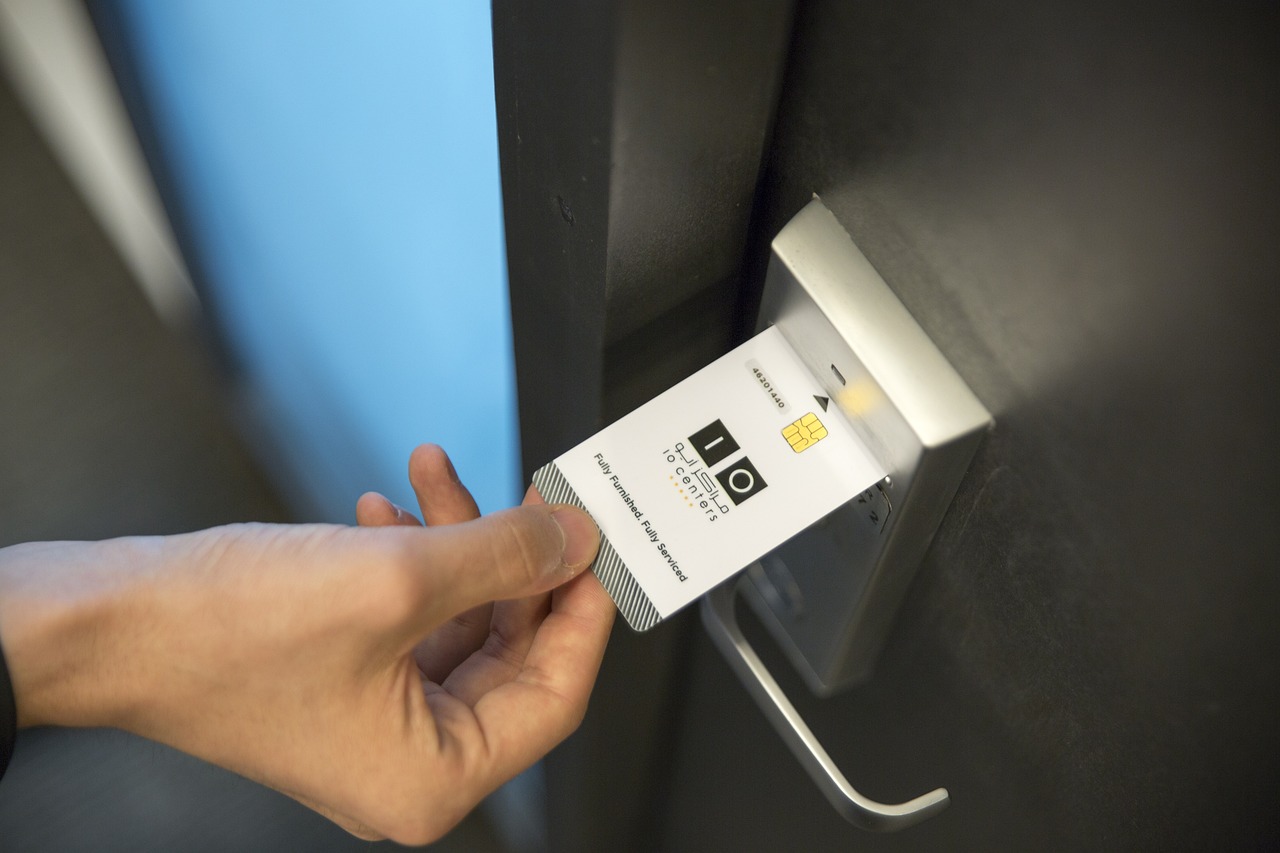
A credential is what the person presents to prove they may enter. It may be a proximity card, a smart card, a PIN, a mobile pass or a biometric such as a fingerprint. Many sites combine two for sensitive doors. Each type has a life cycle, but the steps in this guide apply to all of them.
Issuing credentials to the right person
Issue should be a short, written routine.
- The manager requests access for named doors and a start and end date.
- A second person, such as security or HR, approves the request.
- The administrator enrols the person and links the credential in the system.
- The person signs for the card or pass and receives the rules of use.
- The system record shows who approved and when.
Give access by group, such as office staff or maintenance, and avoid one-off door lists that are hard to review later.
Lost cards and replacement without gaps
People lose cards. What matters is how quickly the lost card stops working. Ask staff to report loss to a named desk at any hour. The administrator blocks the card in the system straight away, then issues a new one linked to the same person. Never reuse the old card number. If a card is later found, return it, and do not re-enable it without a check.
Revoking access when people leave or change roles
Leavers and role changes are where most gaps appear. Link the access request to the HR exit process, so removal is a step on the leaving checklist. For contractors, set an end date at issue so the credential stops by itself. When someone moves to a new role, remove the old groups before adding the new ones.

Mobile passes help here because access can be removed centrally without collecting a card. See industrial access control for contractors and visitors for short-term passes.
Keeping the credential list clean
Run a report of every active credential on a fixed schedule. Check for people who have left, cards not used for a long time and groups that grew too wide. Ask managers to confirm what their teams still need. Keep the audit log of changes so you can show who granted or removed each right.
Managing access credentials with Suraj Informatics
Suraj Informatics supplies access control systems with software for enrolling, blocking and reviewing credentials across gates, offices and plants. Tell us how many people and doors you manage, and we will suggest a setup.
Access control credentials: common questions
What is the safest access credential?
Combining two, such as a card and a PIN or a card and a fingerprint, is stronger than any single one.
How fast should a lost card be blocked?
As soon as it is reported. Name a desk that can do it at any hour.
Can credentials expire automatically?
Yes. Set an end date at issue for contractors, visitors and temporary staff.
How often should we review credentials?
On a fixed schedule set by your security policy, and always after staff changes.
Talk to our access control team
Tell us how many people, doors and sites you manage, and we will suggest a credential setup.





