


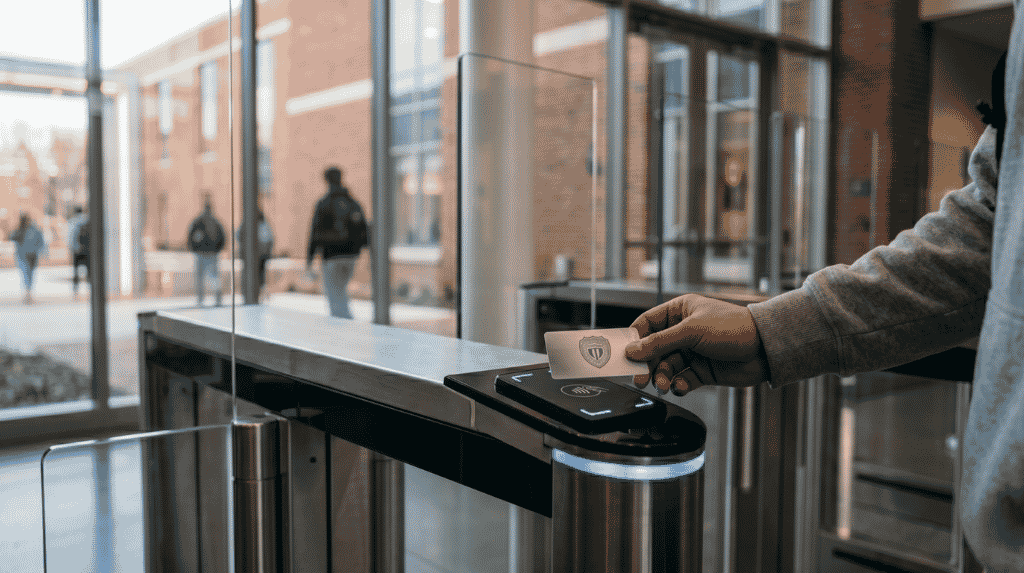

Every site has visitors: customers, auditors, drivers, interviewees and service engineers. Staff cards do not suit them, and a paper register at the gate is slow and hard to search. Visitor management built on your access control system gives each guest a short, limited pass and keeps a clean record from invite to exit.
Key takeaways
- Visitors need their own pass type, with limits on time, zones and escort rules.
- Pre-registration by the host cuts waiting time and surprises at reception.
- A host approval step keeps the person who invited the guest responsible.
- Badges should expire on their own and be returned or cancelled at exit.
- Visitor records are personal data and need clear retention rules.
Why visitors need a different path from staff
A staff card says the holder works here and may enter set areas. A visitor is the opposite: unknown until checked, present for a short time and allowed in only a few places. Treating visitors as temporary staff leads to cards that never come back and doors that stay open to people who left long ago.
A visitor pass should therefore be its own credential type in the access control system. It has a start time, an end time, named zones and, where needed, a rule that an escort must be present. The wider design choices are covered in our guide to industrial access control for gates, contractors, visitors and vehicles.
The visitor flow from invite to sign-out
A simple flow works for most sites, from a small office to a large plant.
- The host enters the visitor name, company, date and purpose, or sends an invite link.
- The visitor arrives and reception or a kiosk checks the invite and an identity document.
- The host approves the visit, by app, message or at the desk.
- A badge is printed or a time-limited credential is issued for the allowed zones.
- The visitor is escorted where required and signs out, and the badge is returned or switches off at the end time.
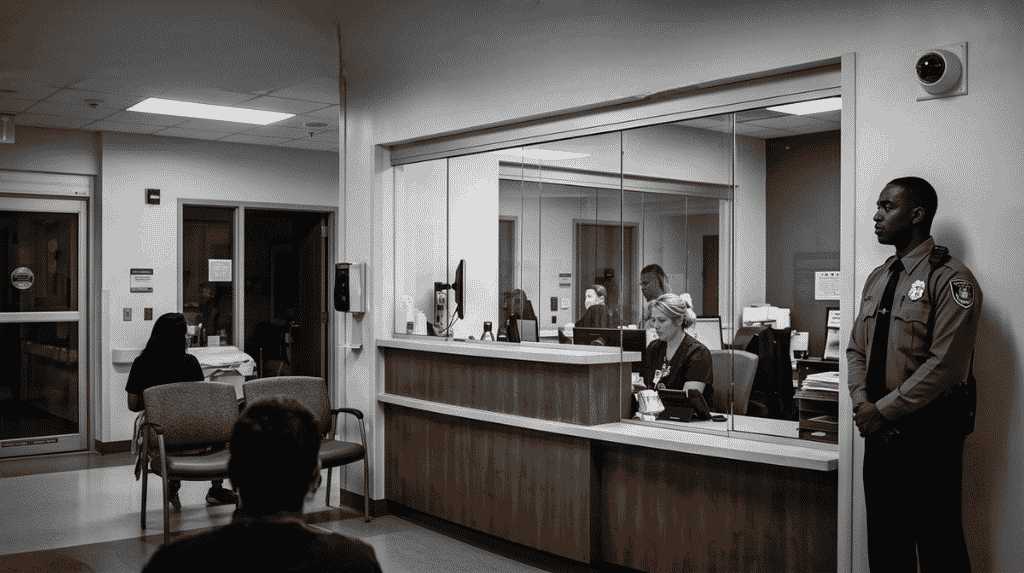
Badges, host approval and escorted zones
The badge is what the door readers see, so its limits matter more than its look.
| Setting | What it controls |
|---|---|
| Valid from and to | The hours the pass works, and nothing outside them |
| Allowed zones | Meeting rooms, canteen or a named area only |
| Escort rule | Whether a staff member must badge with the visitor |
| Host | Who invited the visitor and is accountable for them |
| Return or cancel | Closing the pass at sign-out so it cannot be reused |
Keep production areas, stores and server rooms outside the default visitor zones. If a guest must enter them, add a separate approval and an escort.
Visitor records, lists and data care
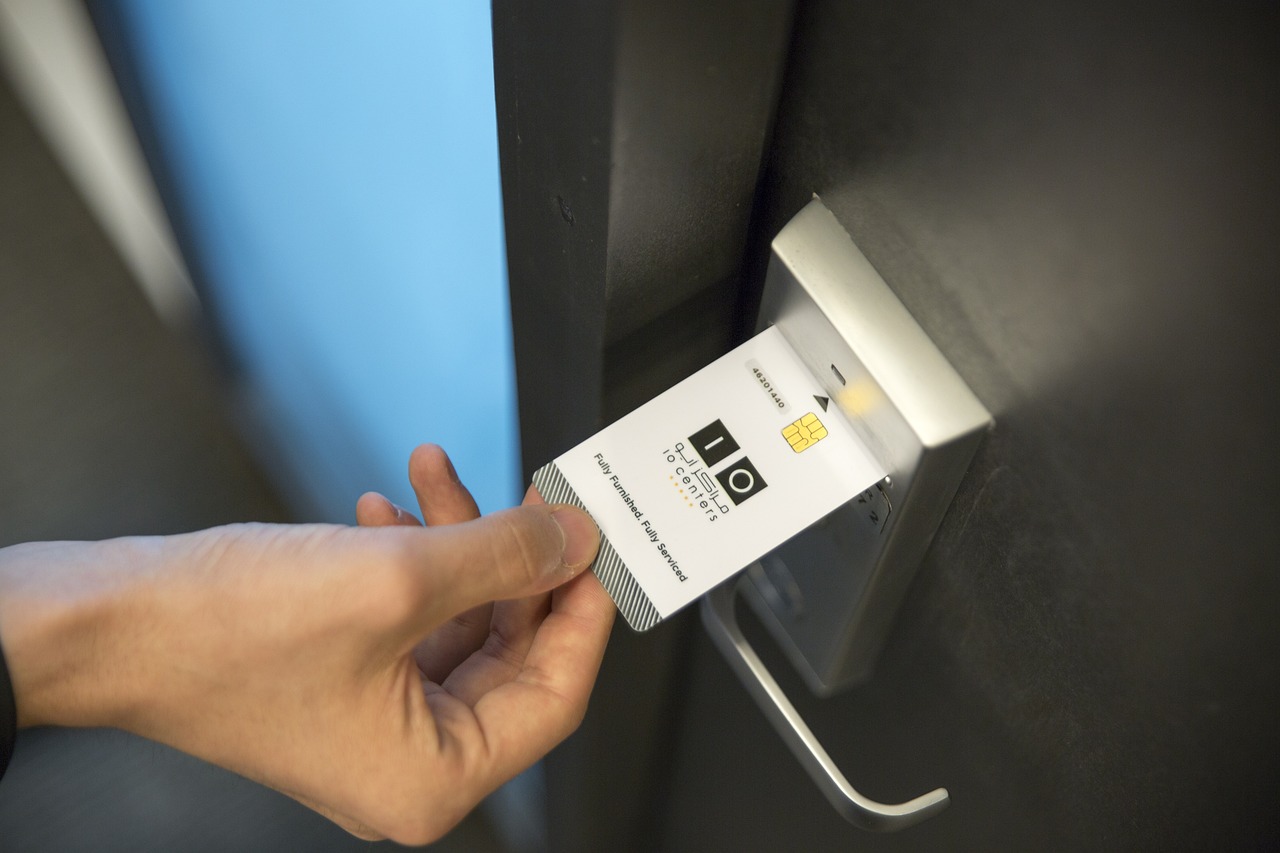
The log shows who came, when, whom they met and when they left. That is useful for audits and for roll calls during an emergency. It also holds names, phone numbers and identity details. Collect only what you need, tell visitors why, restrict who can search the log and delete records when your policy and local rules allow. A list of people who must not be admitted can sit in the same system, with a rule that alerts the guard rather than refusing silently.
Planning visitor management with Suraj Informatics
Suraj Informatics designs access control systems that include visitor passes, host approval and kiosks for offices, plants and warehouses. Tell us how many visitors you receive and which areas they should reach, and we will propose a flow that fits your reception. For the credential side, see our overview of how an access control system works.
Visitor management access control: common questions
Can visitors use the same readers as staff?
Yes. Visitor credentials are read by the same readers, but they carry stricter time and zone limits.
Do visitors need to be pre-registered?
It is not required, but pre-registration speeds up arrival. Walk-in visitors can be registered at the desk.
What happens if a visitor does not return the badge?
A time-limited pass stops working at its end time, so a missing badge does not leave a standing risk.
How long should visitor records be kept?
Follow your company policy and local data rules. Keep them long enough for audits, and no longer.
Talk to our access control team
Tell us about your reception, visitor numbers and restricted areas, and we will suggest a visitor flow.





