


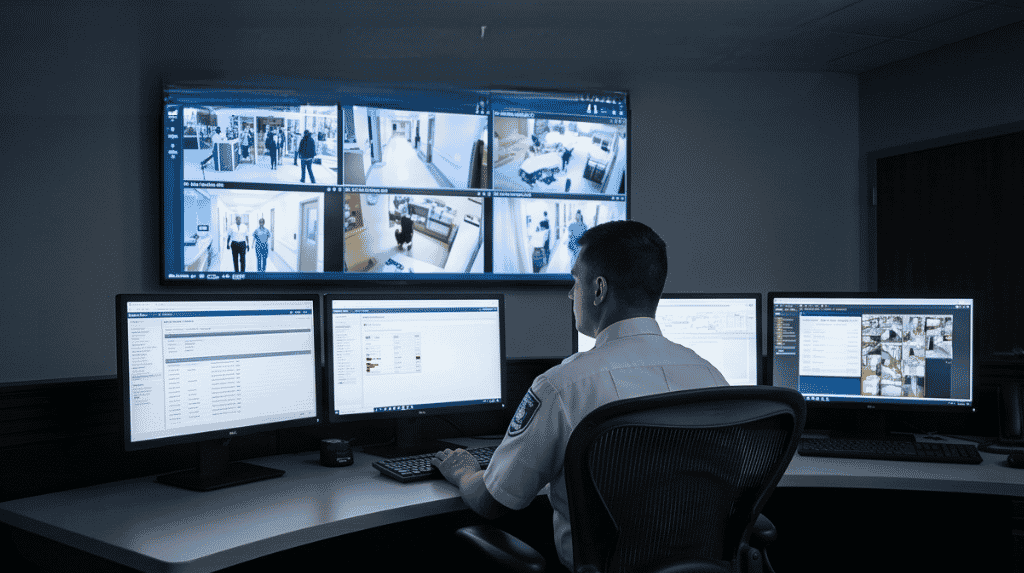

Demand for intelligent video surveillance has grown as sites move from analog cameras to networked IP video. The intelligent video surveillance provider you pick shapes how well the system works for years. This guide lists what a good provider should cover, from design to storage, analytics and support, so you can compare offers fairly.
Key takeaways
- A provider should survey your site and design before quoting.
- Ask about camera types, storage options and how footage can be viewed remotely.
- Check how video connects with access control and alarms.
- Confirm who supports and maintains the system after installation.
Design that starts with your site
A good provider walks the site, asks what you need to detect and recommends camera positions, lenses and lighting. Be cautious of a fixed package offered without a visit. The design should explain what each camera is expected to see and how alerts will reach your team.
Analog, IP and mixed camera systems
Some sites keep existing analog cameras while adding IP cameras where analytics are needed. Ask the provider whether they can support both, and which parts of the old system are worth keeping. Our article on intelligent video surveillance versus CCTV explains why analytics need good video from the start.
Storage and viewing: local, network or cloud
Video can be stored on site, on a network recorder or in the cloud. Each option affects cost, retention time and bandwidth. Ask how long footage is kept, how it is protected and how you can view it remotely from a phone or a control desk.
| Option | Think about |
|---|---|
| Local storage | Capacity, backup and physical protection |
| Network storage | Network capacity and access rights |
| Cloud storage | Bandwidth, data location and retention |

Analytics, alarm checks and integration
Ask which events the analytics can detect and how they are tuned for your site. Video alarm verification lets an operator confirm an alert before sending someone to check. Also ask how video links with intrusion alarms and access control so one event can show the door record and the camera view together.
Support, training and long-term care
Installation is the start. Ask who trains operators, who answers faults, how software updates are handled and what spares are kept. A written scope and service terms make it easier to compare providers. Read AI video analytics for plants and warehouses for examples of what analytics detect on industrial sites.
Working with Suraj Informatics on video surveillance
Suraj Informatics can design, install and support intelligent video surveillance systems that fit your existing infrastructure, from simple camera networks to analytics and control room views. Contact us for a site survey and a written scope.
Choosing a video surveillance provider: common questions
What should a provider do first?
Survey your site and agree what the cameras need to detect.
Can new cameras work with old ones?
Often yes, using a recorder or platform that supports both. Confirm during design.
Where is footage stored?
It can be stored locally, on a network recorder or in the cloud, depending on your needs.
Is support included?
Ask for service terms in writing, including training and fault response.
Talk to our video surveillance team
Describe your site and what you want to detect, and we will suggest a design.





