


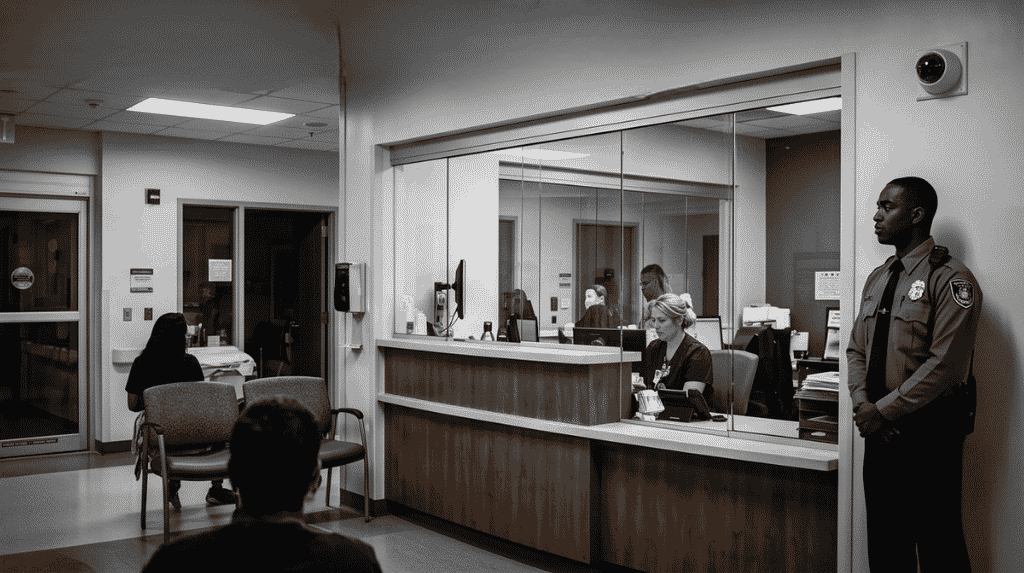

An office has a different problem from a plant. Hundreds of people come and go, visitors arrive all day, and the front door is also a welcome desk. Office access control has to keep the floors private without making staff queue at the door. This guide shows how to zone a workplace and set rules people will actually follow.
Key takeaways
- Treat reception as the control point, then protect each floor and the sensitive rooms behind it.
- Staff cards or phones open the doors their job needs, and nothing more.
- Visitors get a time-limited pass and a host who is told when they arrive.
- After-hours entry needs its own rule, with every entry logged.
- Keep the rules few and clear so staff do not prop doors open.
Zones for a workplace: public, staff and restricted
Start by drawing the building as three kinds of space. The public zone is the lobby and reception. The staff zone is the open floors and common rooms. The restricted zone holds finance, HR files, the server cupboard and the stationery or asset store. Each zone gets its own door rule.
| Zone | Typical door rule |
|---|---|
| Lobby and reception | Open in business hours, staffed or watched by camera |
| Staff floors | Card or phone credential, staff and approved visitors |
| Finance, HR, server room | Named people only, with every entry logged |
| Stairs and fire exits | Always release for escape; alarm if opened without cause |
Reception, visitor passes and lift control
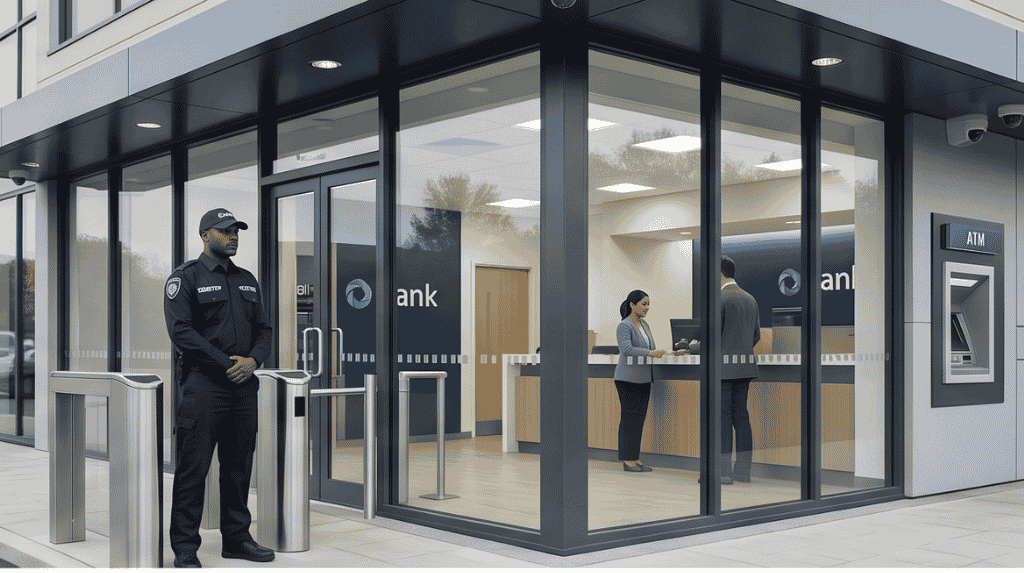
Visitors should never have the same access as staff. A good visitor flow starts when the host registers the guest, continues with a printed or digital pass at reception, and ends when the pass is returned or expires. Lift control can limit a visitor pass to the floor they are visiting. Read how an access control system works and connects to other systems for the building blocks behind this.
Evenings, weekends and cleaning staff
Late work is normal in offices, so a rule that locks everyone out will be ignored. Set a time profile that lets named staff in after hours through one door, with a camera on it and an alert to security. Cleaners and facilities teams need their own profiles tied to the hours they work, not a spare master card.
Rules that staff do not work around
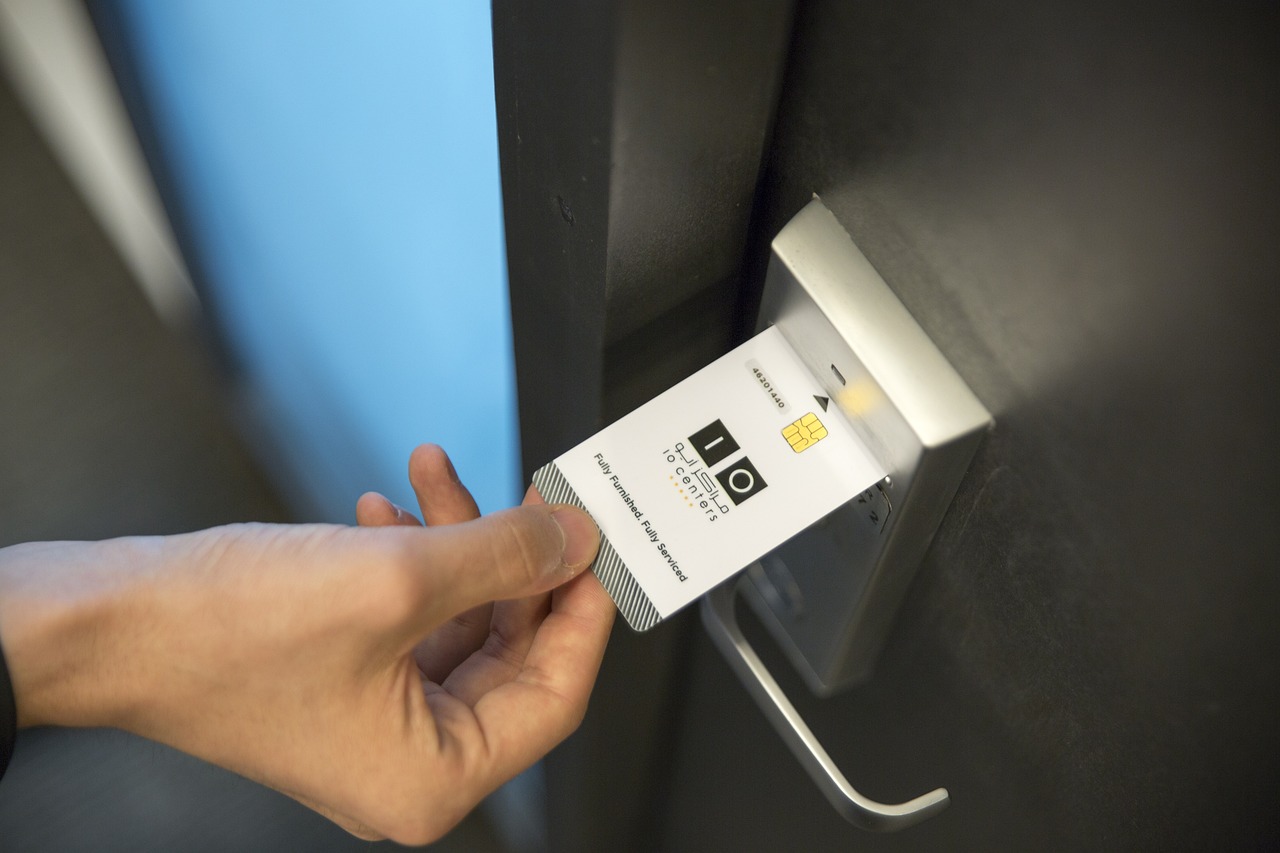
Doors get propped open when the system is slow or the rules are confusing. Keep the card readers close to the door, test response time, and give staff an easy way to report a lost card. Review the access list every quarter so leavers and moved staff lose old rights. See our requirements checklist for choosing access control when you plan a new office system.
Planning office access control with Suraj Informatics
Suraj Informatics provides access control systems for offices, plants and campuses, from door readers to central software. Tell us about your floors and visitor flow and we will suggest a layout.
Office access control: common questions
Do small offices need access control?
Many do, especially where there is a shared lobby or valuable records. Start with the main door and any restricted room.
Can staff use their phones instead of cards?
Yes, where the readers and software support it. Many sites allow both so nobody is locked out when a phone battery dies.
What happens in a fire?
Doors on escape routes must release on the fire alarm as local fire rules require. Test this after any change.
How do I handle cleaners and contractors?
Give them time-limited profiles for the areas and hours they need, and review them regularly.
Talk to our access control team
Share your building layout and how people move through it, and we will suggest readers and rules.





