


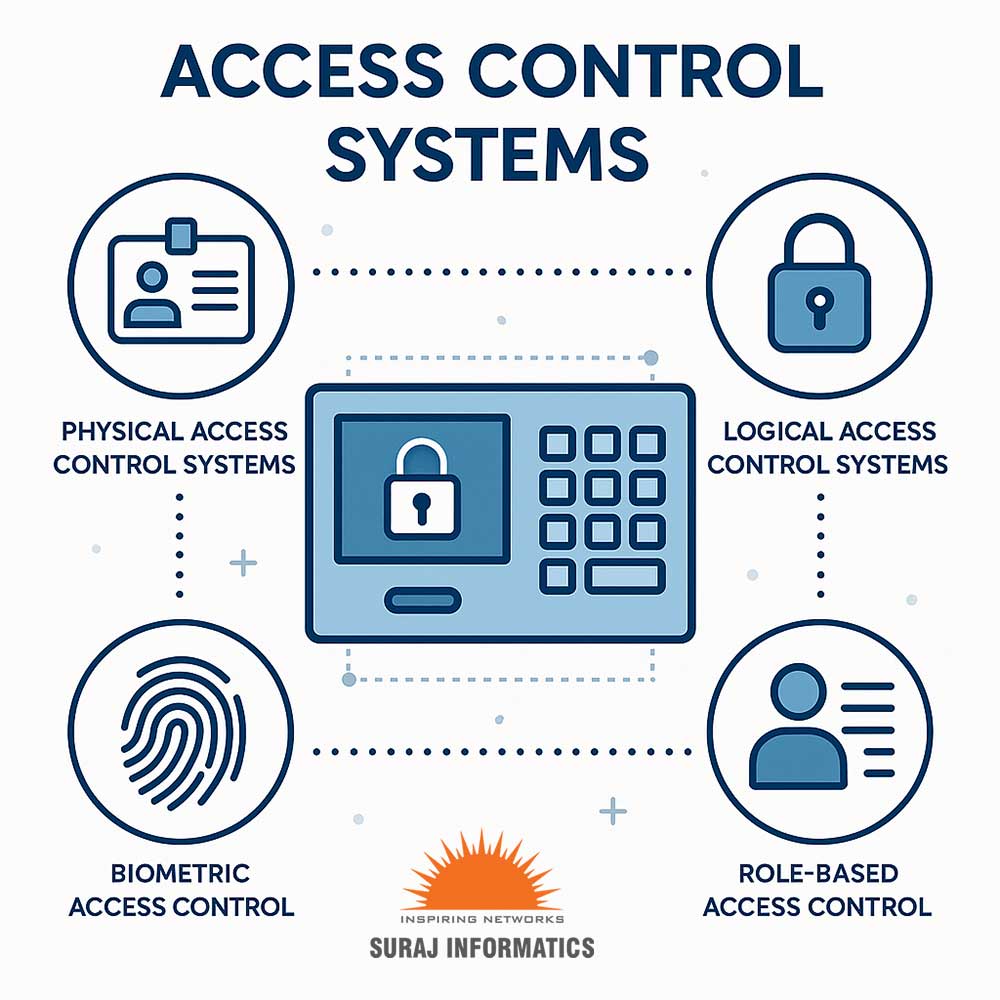

Access control decides who can go where and who can use what. Locks and passwords alone no longer cover the risks most organisations face, so modern systems combine several types of access control. This guide explains the four main types, physical, logical, role-based and biometric, where each one fits and how they work together.
Key takeaways
- Physical access control (PACS) protects buildings, gates and restricted zones.
- Logical access control (LACS) protects IT systems, applications and data.
- Role-based access control (RBAC) gives people only the access their job needs.
- Biometric access control adds strong identity checks for high-security areas.
Why access control needs more than locks and passwords
Keys can be copied, cards can be shared and passwords can be stolen. At the same time, organisations need records of who entered which area and when, for safety, audits and investigations. A modern access control system grants access only to authorised people, logs every event and makes it easy to change permissions when someone joins, moves or leaves.
Physical access control systems (PACS)
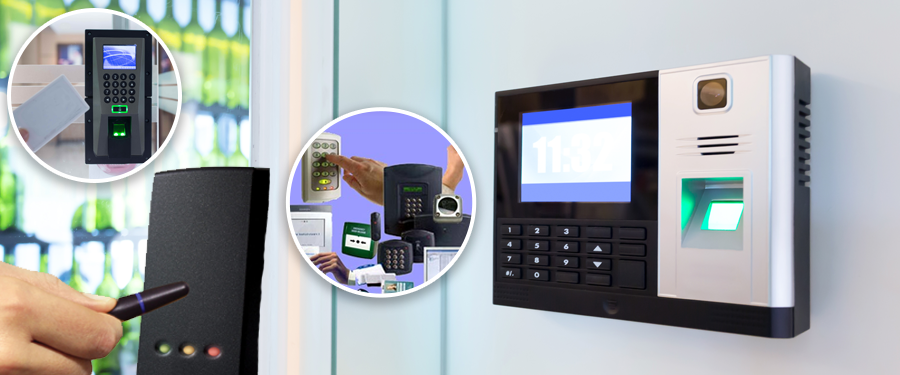
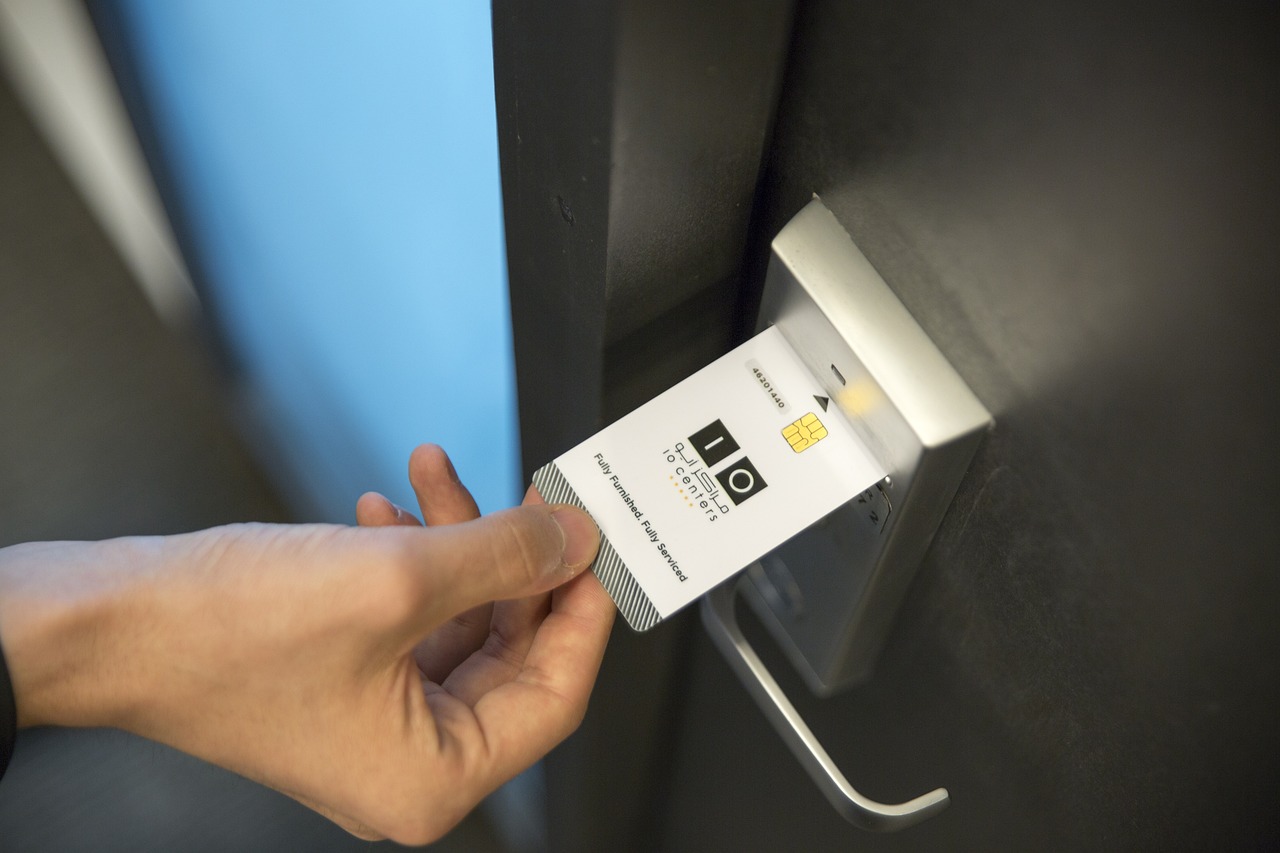
PACS control entry to buildings, rooms, gates and restricted zones using smart cards, PIN codes, mobile credentials or biometrics. Readers connect to controllers that unlock doors, turnstiles or boom barriers when a valid credential is presented.
| Credential | Typical use |
|---|---|
| Smart card or RFID tag | Offices, plants, warehouses, vehicle gates |
| PIN code | Secondary check or low-risk doors |
| Mobile credential | Visitors and contractors using a phone |
| Biometric | Server rooms, labs, cash and high-value stores |
Logical access control systems (LACS)
Logical access control protects computers, networks, applications and data. It covers user accounts, strong passwords, multi-factor authentication (MFA) and monitoring of who signs in to which system. Logical and physical access are increasingly linked, so a badge that is cancelled also stops network access.
Role-based access control (RBAC)
RBAC assigns access rights to roles rather than to individual people. A shift supervisor, a contractor and a visitor each get a different set of doors, times and systems. When someone changes job, their role changes and the permissions follow automatically, which keeps access tidy and reduces mistakes.
Biometric access control
Biometric systems identify people by fingerprint, face or other physical traits. Because a biometric cannot be lent like a card, it suits high-security areas and attendance control. Good practice is to store biometric templates securely, tell people how their data is used and follow applicable data-protection rules.
- Map your areas and risks. List doors, gates and systems and how sensitive each one is.
- Define roles. Decide which roles need access to which areas and systems, and when.
- Choose credentials. Match cards, PINs, mobile or biometrics to each risk level.
- Integrate. Connect access control with CCTV, visitor management and HR or ERP systems.
- Review regularly. Remove unused rights and check access reports.
For how the parts of a system connect, read how an access control system works, and for gates, contractors and vehicles see industrial access control. Suraj Informatics designs and installs access control systems for plants, offices, ports and campuses.
Types of access control: common questions
What are the main types of access control?
Physical access control, logical access control, role-based access control and biometric access control. Most organisations use a combination.
What is the difference between PACS and LACS?
PACS controls entry to physical spaces such as doors and gates; LACS controls access to computers, networks and data.
Why use role-based access control?
It gives people only the access their job needs and makes it easy to update rights when roles change.
Is biometric access control safe for personal data?
It can be, if templates are stored securely, access is limited and applicable data-protection rules are followed.
Talk to our access control team
Tell us about your sites, doors and users, and we will suggest the right mix of access control.





