




Wireless networking solutions let you place IP cameras where a network cable is too costly or hard to run, such as car parks, fields, campuses and remote gates. High-resolution video needs a well-planned link, so the design matters as much as the equipment. This guide covers when to go wireless and how to plan it.
Key takeaways
- Wireless suits locations where trenching or cabling is difficult or expensive.
- A site survey checks line of sight, distance and interference before you buy.
- Video needs steady bandwidth, so link capacity must be planned for every camera.
- Pre-configuring cameras and radios before installation saves time on site.
When a wireless link beats a cable
Wireless is worth considering for car parks, school grounds, large open yards and buildings where drilling is restricted. Power over Ethernet cabling can be better where cable runs are short and easy, so compare both for each camera position.

Survey first: line of sight and interference
A survey records existing network equipment, the camera positions and anything that blocks or disturbs radio signals, such as buildings, trees and other radios. Radio paths generally need a clear line of sight. Allowed power and frequencies depend on local rules, so confirm what applies at your site.
Sizing bandwidth for video links
Each camera sends a continuous stream, and higher resolution and frame rate need more capacity. Add up the streams that share a link and leave headroom for growth. Where one link would carry too many cameras, add more links or aggregation points.
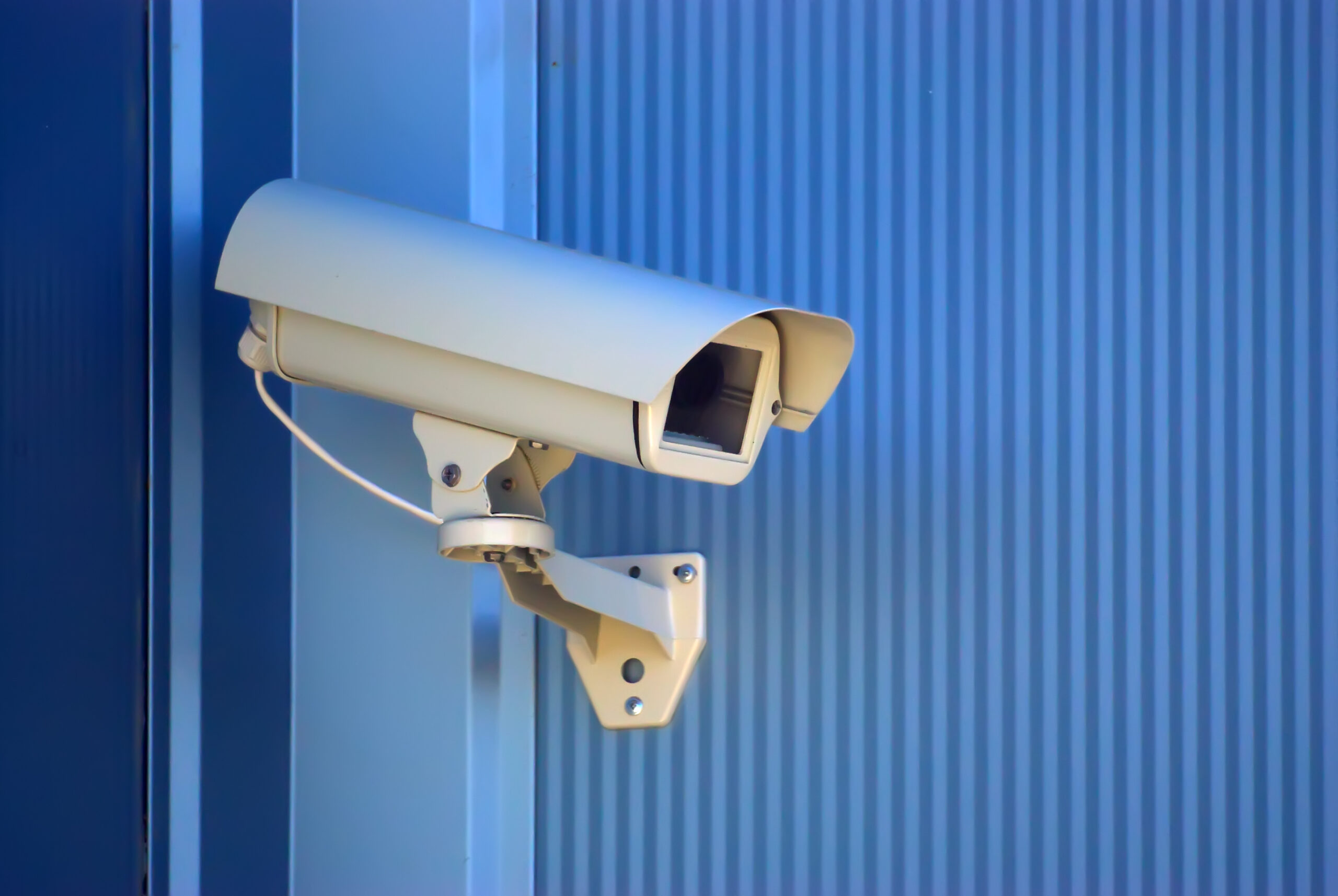
Pre-configured radios and cameras
Cameras and radios can be set up on the bench with addresses and firmware before they go out, which keeps installation simple. Then test each link under load and record signal levels for future checks.
- Survey the site and list camera positions.
- Design the links and check capacity.
- Configure radios and cameras in advance.
- Install, aim and test each link.
- Document settings and monitor signal levels.
Once video is flowing, see how video analytics adds value over basic CCTV and how video surveillance services are delivered.
Planning wireless networking solutions with Suraj Informatics
Suraj Informatics designs wireless networks for IP video and works with our network security and monitoring services so camera links stay protected. Contact us to review your camera positions.
Wireless camera networks: common questions
Can IP cameras run over wireless links?
Yes, if the link is designed for the video bandwidth and has a suitable radio path.
Is wireless cheaper than cabling?
Sometimes. It helps where cable runs are long or hard. Compare both for each position.
Does weather affect a wireless link?
It can, so outdoor equipment should be rated for the site and links tested under load.
Do wireless camera links need securing?
Yes. Use encryption, strong credentials and keep firmware updated.
Talk to our wireless team
Share your camera positions and we will suggest a wireless link plan.





