


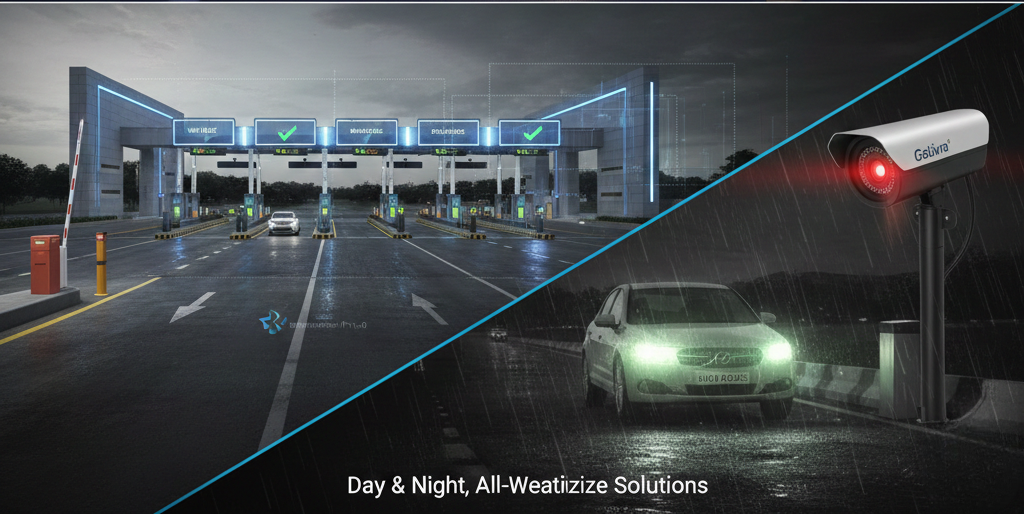

Gate OCR security checks use automatic plate and container reading to see who is arriving and to compare each vehicle with the lists a site holds. This article explains how the checks work, how images support later queries and how staff should handle a flagged vehicle.
Key takeaways
- Every vehicle passes the gate, so it is a natural place to check arrivals.
- Gate OCR reads plates and container numbers and stores images for each visit.
- When linked to your lists, the software can compare each read with approved, booked or blocked vehicles.
- A practised routine for flagged vehicles keeps responses consistent.
The gate as a security checkpoint
A terminal or plant gate is the one place every vehicle must pass. That makes it the natural point to check who is arriving. Gate OCR systems read licence plates and container numbers automatically and keep still and video images of each visit, so the gate has a record that does not rely on a handwritten log.
Checking each read against what the site expects
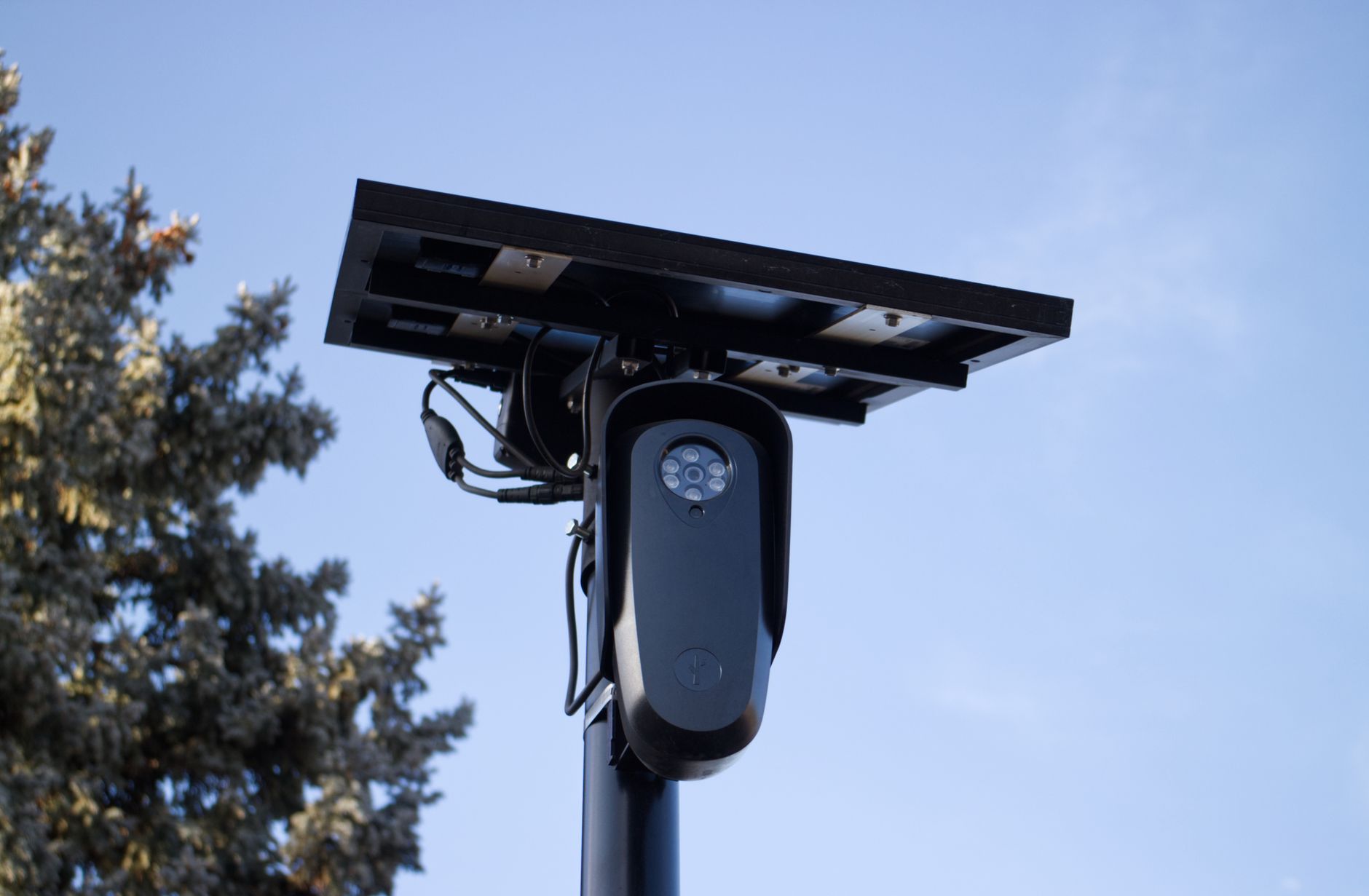
The read becomes useful when it is compared with something. When the gate software is linked to your lists, it can compare each plate with approved vehicles, with a booking, or with a list of vehicles that are not to be admitted. The match result appears on the agent’s screen in seconds.
| Check | Result shown to the agent |
|---|---|
| Plate on the approved list | Admit and log |
| Plate matches a booking | Admit and link the visit to the booking |
| Plate on a blocked list | Hold and call a supervisor |
| Plate unreadable | Send to the help lane for a manual check |
Which lists are used, and who maintains them, is decided with your security team during design.
Images and records as evidence
Every visit can store the plate, container number, time and images. If there is a later query about who entered, or about damage to a container, the team can retrieve the images instead of relying on memory. Handle the images under your data and privacy policy, with access limited to those who need them. Read gate OCR accuracy at night, in rain and on dirty containers to understand how reads are tested.
Handling alerts and exceptions calmly
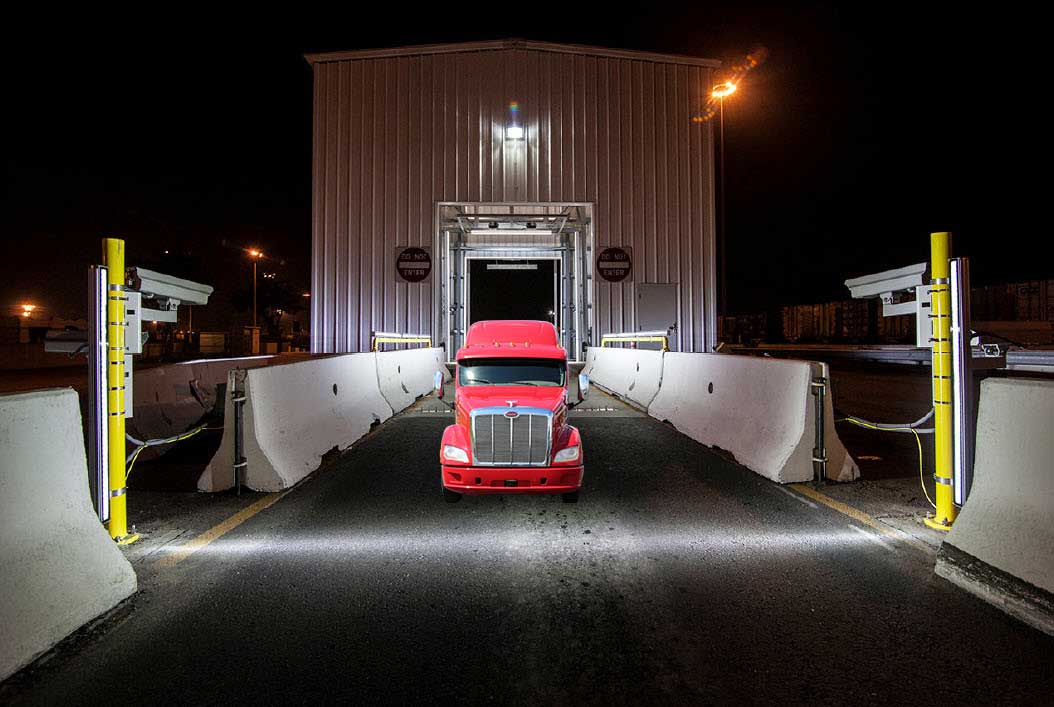
A flagged vehicle should lead to a clear routine: the agent holds the vehicle, checks the details, calls a supervisor if required and records the outcome. Practise the routine so staff act the same way every time. Our guide to handling unreadable plates and containers covers the help-lane process in more detail.
Planning gate security with Suraj Informatics
Suraj Informatics provides gate OCR and gate automation that can be linked to terminal control systems and your own lists. Tell us what your gate must check and we will help you plan it.
Gate OCR security: common questions
Can gate OCR check vehicles against a list?
When the gate software is linked to your lists, it can compare each plate with approved, booked or blocked vehicles. The lists and rules are agreed during design.
What happens when a plate cannot be read?
The visit goes to the help lane, where an agent checks the vehicle manually and records the result.
Are images stored for every visit?
Gate OCR systems can store still and video images with the plate, container number and time, so past visits can be reviewed.
Does gate OCR need extra staff?
The system reads automatically, so agents mainly handle exceptions and flagged vehicles.
Talk to our gate automation team
Tell us who and what must be checked at your gate, and we will suggest how gate OCR can support it.





