


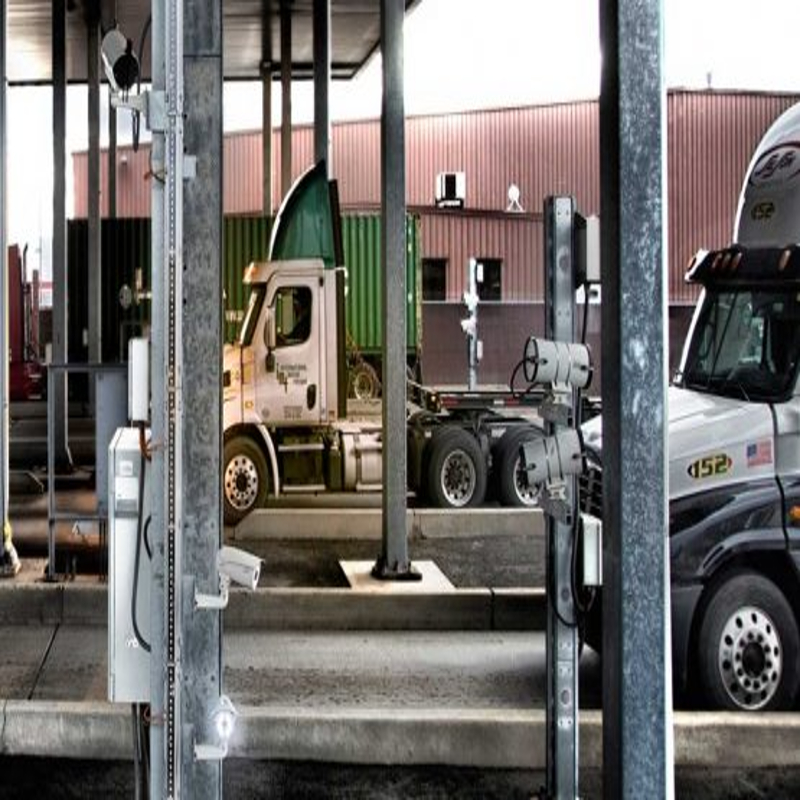

Gate OCR exceptions are the vehicles and containers the system cannot read or confirm on its own. Every gate has some, because plates get dirty, codes get covered and bookings change. What matters is how quickly the exception reaches a person and how the answer is recorded. This guide covers the common causes and a simple way to handle them.
Key takeaways
- An exception is any read the system cannot confirm against a booking or a clear image.
- Most exceptions come from dirt, damage, odd plate formats or missing bookings.
- A guard should see the images and the booking together, then confirm or correct the read.
- Tracking exceptions over time shows where cameras, lighting or processes need work.
Why a gate read ends up as an exception
The camera sees the plate or container code but the software cannot be sure of it. Typical causes are mud or paint on the code, a bent or faded plate, strong glare, a container door facing the wrong way, or a vehicle that stops too far from the camera. The second group is not about reading at all. The booking may be missing, expired or entered with a typing error.
A simple flow for resolving an exception
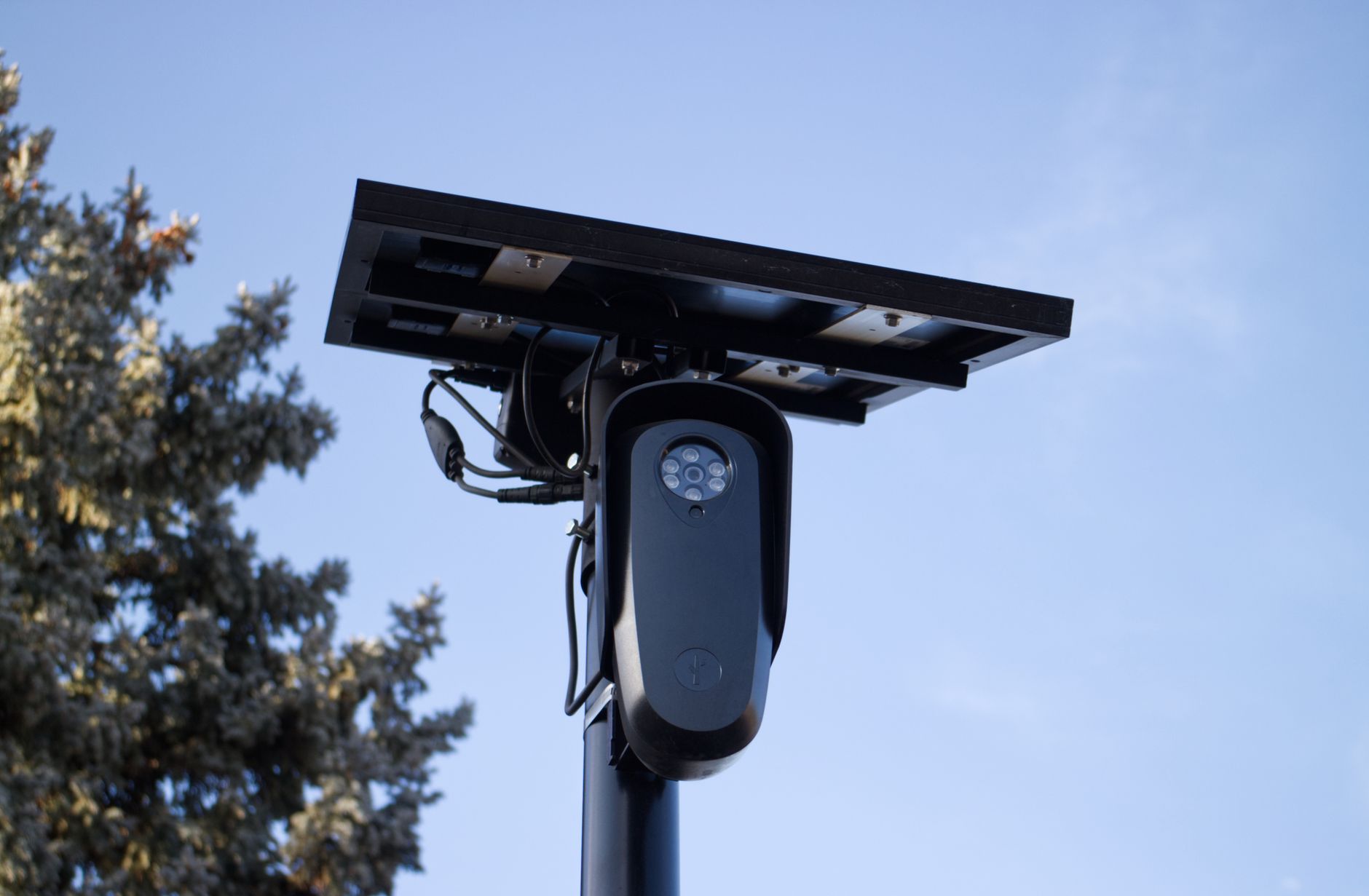
- The system holds the lane and raises an alert.
- The guard sees the saved images next to the nearest booking.
- The guard confirms the read, corrects it, or sends the driver to a manual check.
- The decision is saved with the guard name and time.
Keeping the flow short keeps the queue moving, and saving each decision gives you an audit trail.
Keeping the exception rate low over time
Review the list of exceptions every week. If many come from one lane, check the camera angle and lighting there. If many come from one customer, check how their bookings are entered. Cleaning lenses, adjusting lighting and fixing booking data usually cuts exceptions more than changing software. For test methods, read gate OCR accuracy: night, rain, dirty containers and how to test.

Training gate staff to work with exceptions
Staff need to know what the screen shows, how to correct a read and when to refuse entry. Short training with real examples from your own gate works better than a manual. Agree who can override a mismatch, because an override should never be open to everyone. See how a gate OCR system works at terminal and plant gates for the basics.
Reviewing gate OCR exceptions with Suraj Informatics
Suraj Informatics installs gate OCR and automation systems with exception screens, saved images and reports. Tell us how your gate runs today, and we will help you plan an exception process that keeps trucks moving.
Gate OCR exceptions: common questions
Is it normal to have exceptions?
Yes. Every gate has some. The aim is to handle them quickly and learn from them.
Who resolves an exception?
Usually the gate guard or supervisor, using the saved images and the booking.
Can exceptions be reduced?
Often, by cleaning lenses, fixing lighting and correcting booking data.
Are exception decisions recorded?
They should be, with the user and time, so that you have an audit trail.
Talk to our gate OCR team
Tell us about your gate lanes and paperwork, and we will suggest the right OCR setup.





