


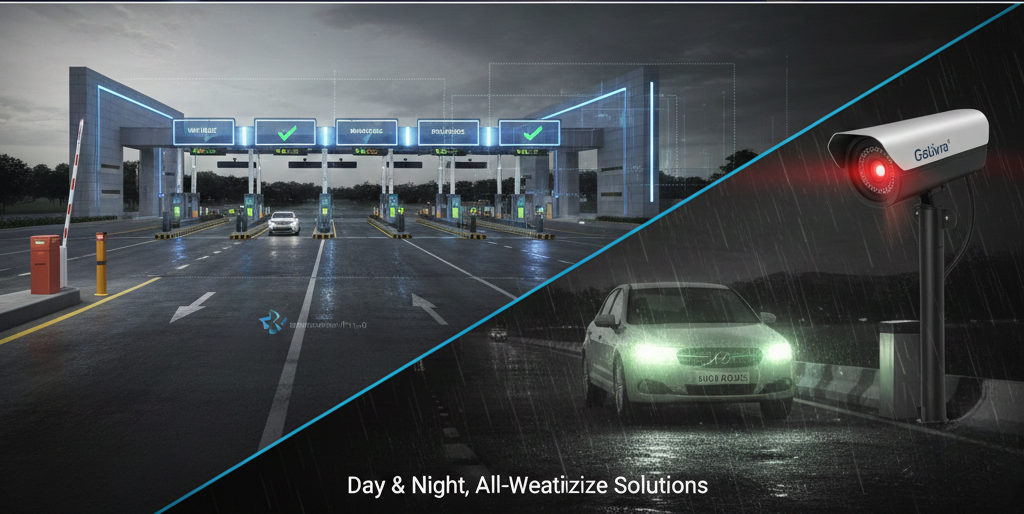

The easiest way to understand gate OCR technology is to follow one truck from the road to the exit lane. At each stop the system reads something, checks it and decides what to do next. This guide walks through that journey and shows where time is saved and where exceptions arise.
Key takeaways
- Gate OCR technology reads numbers from camera images and passes them to gate software for a decision.
- A truck normally passes a trigger, a camera read, a data check and a barrier before it enters.
- Exceptions such as unclear reads or no booking are sent to an operator instead of stopping the whole lane.
- The same reads on exit give a clear in-and-out record for each truck.
Step one: the truck reaches the lane
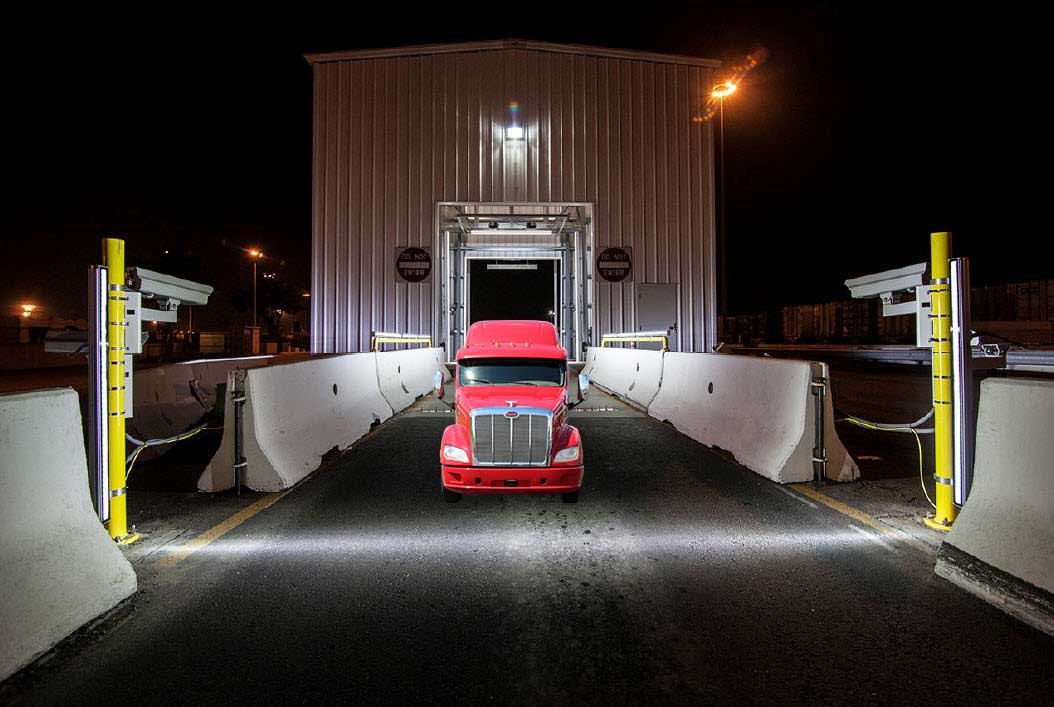
As a truck approaches, a loop or sensor tells the system it is there. Lights switch on if needed and the cameras wait for the right position. The driver is guided by lane marking and, in some sites, a signal or display.

Step two: reading and checking
The cameras capture the number plate and the container number and the OCR engine turns them into text. The gate software then checks the numbers against a booking, a pre-advice or a work order. If everything matches, the barrier opens. See efficiency and accuracy at terminal and plant gates for how matching is set up.
| Step | What the system does | If it fails |
|---|---|---|
| Trigger | Detects the truck | Operator starts capture |
| Capture | Reads plate and container | Image sent for manual check |
| Match | Compares with booking | Truck sent to the help lane |
| Barrier | Opens and logs the time | Operator releases it |
| Exit | Reads again and closes the visit | Operator confirms |
Exceptions and the help lane
No system reads every container perfectly, so a good design plans for exceptions. A short screen showing the images lets an operator confirm the number in seconds. Trucks without a booking go to a separate lane or window so the main lane keeps moving.
Step three: gate-out and the record
On exit the same reads close the visit, compare the container with what was released and record the time. The result is a complete record of when each truck came in, what it carried and when it left, which helps with turnaround and with disputes. See TAT in logistics and how to cut it for how to use these times.
Gate OCR technology from Suraj Informatics
Suraj Informatics provides gate automation with OCR for ports, depots and plants. The GATIVRA platform links gate reads with appointments, weighbridges and the yard.
Gate OCR technology: common questions
How long does a truck stay at an OCR gate?
The read itself takes a few seconds. Total time depends on checks, the barrier and how quickly exceptions are cleared.
What is read at the gate?
The number plate and container number, and in some designs seal numbers or damage images.
What if the truck has no booking?
The software flags it and sends it to a help lane or window so it does not hold up the others.
Does gate OCR replace gate staff?
It reduces routine data entry. Staff are still needed for exceptions, security and supervision.
Talk to our gate automation team
Tell us about your gate lanes and daily truck volumes, and we will suggest the right gate OCR setup.





