


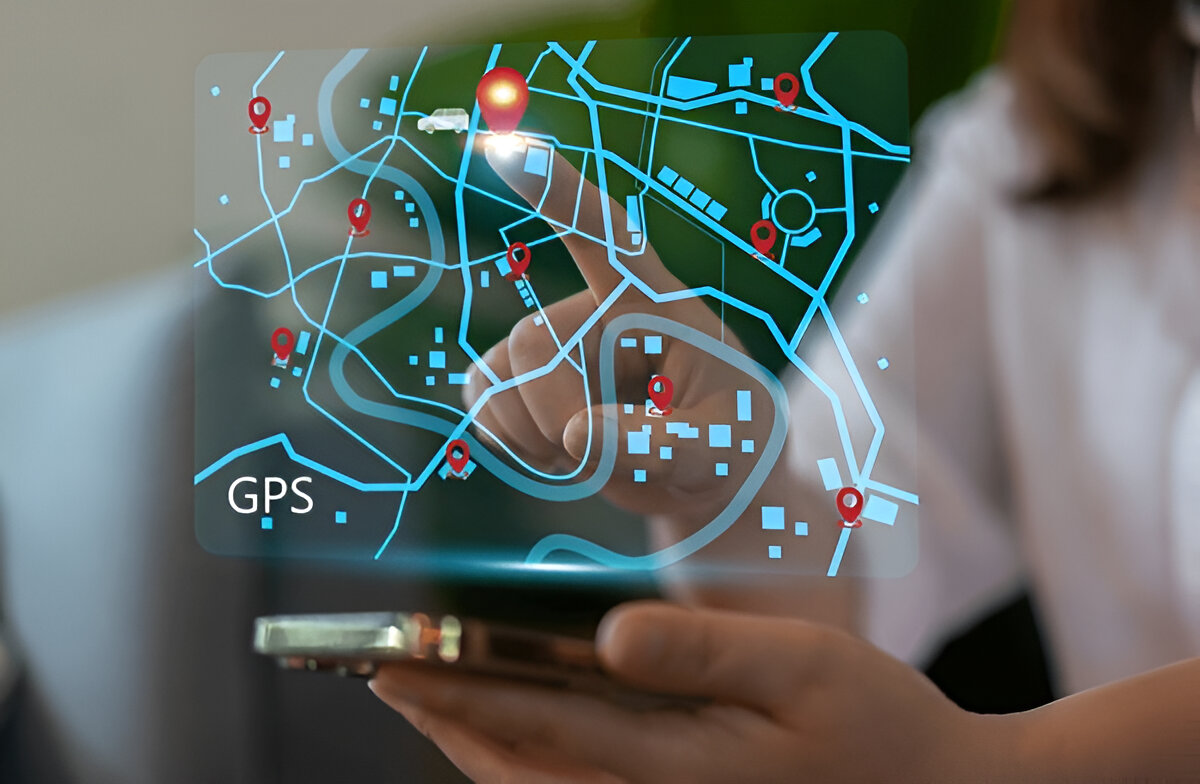

RTLS software is the part of a real-time locating system that people actually use. Tags and receivers produce raw position data, and the software turns it into a live map, alerts and reports. This guide explains what to expect from the software and how to judge it.
Key takeaways
- Software places each tag on a floor plan and keeps a history of where it has been.
- Rules on zones, time and movement trigger alerts to the right person.
- Reports on dwell time and routes show where work slows down.
- Open integration lets location data reach your ERP, WMS or maintenance system.
The live map: from tag signals to a floor plan
The core screen is a map of the site with every tag shown in place. Users can search for an item or person, filter by type and zoom into one area. A good map is easy for non-technical staff to read, because most users are supervisors and planners, not engineers.

Zone rules and alerts that match real work
Rules are what make location data useful without someone watching a screen all day. Typical rules include:
- An asset leaves an approved area or the site
- A tool or trolley stays in one place longer than expected
- A vehicle or person enters a restricted zone
- A required item has not reached a station by a set time
Alerts can go by message, email or on-screen notice, and each rule should name who receives it.
Dwell time, routes and reports
History is where the planning value lies. Dwell-time reports show where items wait, route views show how material moves, and utilisation reports show which equipment is idle. Judge these against your own questions, such as why a line waits for material, rather than a list of report names.

Connecting RTLS data to ERP, WMS and maintenance
Location data is most valuable when other systems can use it. Ask whether the software offers an open interface, how events are sent and how it matches tags to item records. Our overview of an RTLS implementation: survey, tags, anchors and software shows where the software fits in a project.
Choosing RTLS software with Suraj Informatics
Suraj Informatics supplies RTLS solutions that include the tags, receivers and software, set up around your floor plan and business rules. Tell us the questions you want location data to answer, and we will suggest a practical setup.
RTLS software: common questions
What does RTLS software do?
It shows tag positions on a map, applies zone rules, sends alerts and keeps a history for reports.
Is the software separate from the hardware?
It depends on the system. Check that software, tags and receivers are tested together.
Can it connect to our ERP or WMS?
Often yes, through an open interface. Confirm the method and data fields before buying.
Who should use the dashboard?
Supervisors, planners and maintenance teams, so choose software that is easy for them to read.
Talk to our RTLS team
Share the questions you want location data to answer, and we will suggest a setup.





