




A data centre or server room holds equipment that a whole business depends on. Data centre access control works in layers: each door gets stricter as you move closer to the racks, and every entry leaves a record. This guide shows how the layers, dual checks and logs fit together.
Key takeaways
- Build layers from the site boundary to the building, the data hall and the rack.
- Use two-factor entry, such as a card plus PIN or biometric, on the inner doors.
- An airlock or anti-passback stops tailgating into the hall.
- Visitors and contractors are escorted and their entry is logged.
- Review logs regularly and link door events to camera footage.
Layers from the boundary to the rack
Think of concentric rings. The first ring is the site boundary and gate. The second is the building entrance. The third is the data hall door, and the fourth is the cabinet or cage that holds specific equipment. Each ring has its own readers and rules, so a person who passes one layer is not automatically allowed through the next.
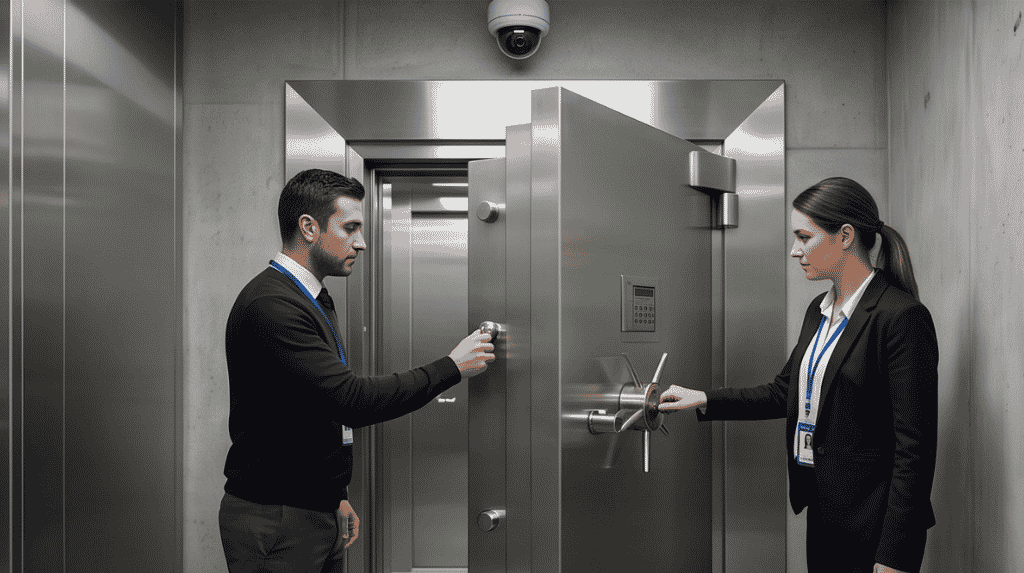
Two-factor entry, airlocks and anti-passback
For the data hall door, combine something you hold with something you know or are, such as a card plus a PIN or fingerprint. A small airlock with two interlocked doors lets only one person in at a time. Anti-passback rules stop a card being used twice to let a second person follow. Read the access control zones guide to map these layers to your plan.
Escorts, work orders and time limits
Engineers and vendors should enter only with an approved work order, a named host and a pass that expires. Escort them to the exact rack, and log their entry and exit. Remote hands staff get access to their own cabinets, not the whole hall.

Logs, alerts and linked video
Keep a record of every door event. Alert on doors held open, repeated refused cards and entry outside normal hours. Link each reader to a nearby camera so a reviewer can see who stood at the door. Our guide to access control monitoring and alerts shows how to set rules that do not overload the team.
Securing server rooms with Suraj Informatics
Suraj Informatics designs access control systems with layered doors, dual checks and clear logs for server rooms and data centres. Contact us to discuss your site.
Data centre access control: common questions
Do small server rooms need all these layers?
Not all, but a controlled door, a log and a visitor rule are sensible even for a small room.
What is anti-passback?
A rule that stops a credential entering twice without a matching exit, so one card cannot admit two people.
Is biometric entry required?
No. It is one option for the inner doors, often used with a card or PIN.
How long should logs be kept?
Follow your own policy and any rules that apply to your business, and make sure old logs can be searched.
Plan access for your server room
Describe your rooms, racks and visitors, and we will suggest door layers and rules.