


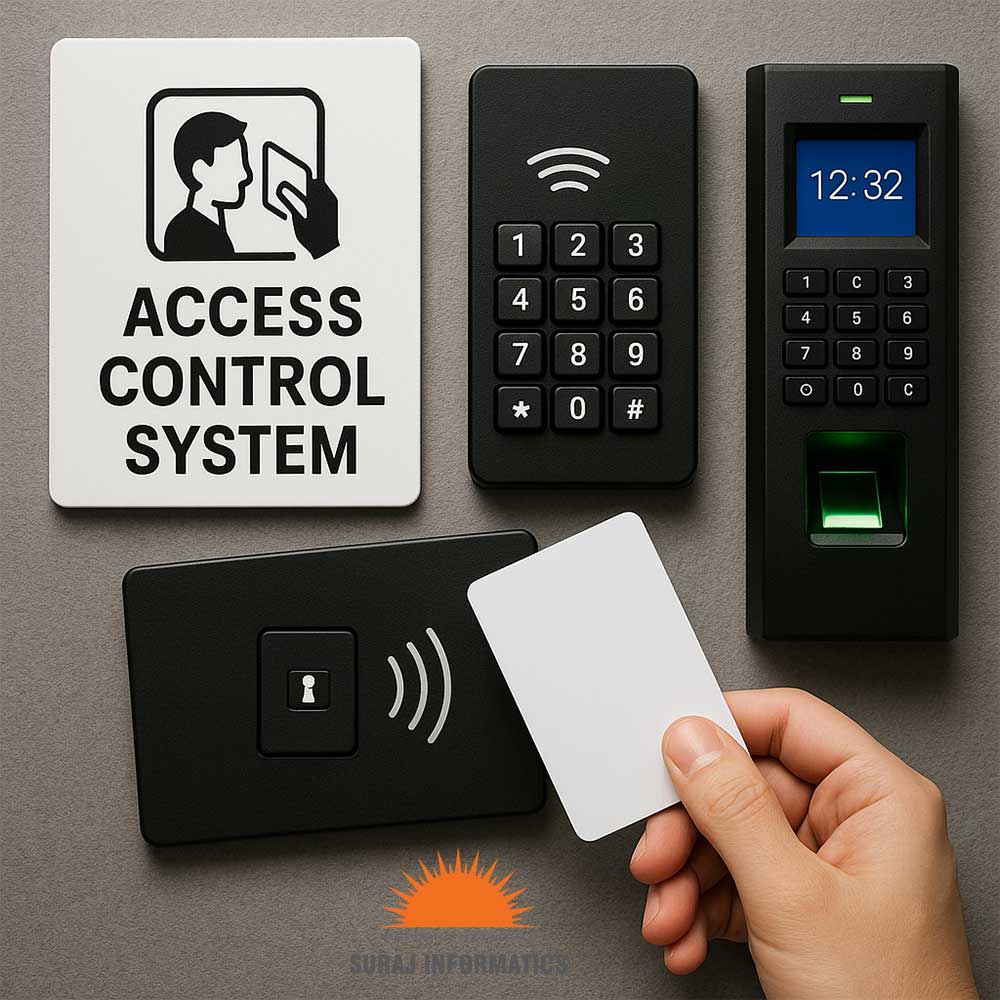

An access control system does more than open doors. Every card swipe, denied attempt and door left open is an event, and monitoring is the practice of watching those events and acting on them. This guide explains what to monitor, how alerts and logs work, and how remote management helps multi-site teams.
Key takeaways
- Monitoring turns door readers into a live picture of who is where.
- Alerts matter most for forced doors, held-open doors and repeated denied attempts.
- Audit logs give a searchable record for reviews and investigations.
- Remote management lets one team look after several sites.
Door events worth watching
Each reader reports what happens at its door. A good monitoring screen separates routine events from those that need a response.
| Event | Why it matters |
|---|---|
| Access denied | May be a lost card, wrong zone or a misuse attempt |
| Door forced open | A door opened without a valid credential |
| Door held open | A door left open can defeat the lock |
| Repeated attempts | Several tries at one door may signal misuse |
| Reader offline | A dead reader leaves a gap in coverage |
Alert rules that reduce noise
Too many alerts are ignored, so tune them. Send urgent events, such as a forced door, to the guard desk straight away and keep routine denials in the log for review. Rules can depend on the zone, the time of day and the type of person, for example a contractor card used outside shift hours. Pairing alerts with camera views lets the operator see the door before deciding what to do. Our guide to intelligent video surveillance alerts for loitering and intrusion shows how camera alerts add to door events.
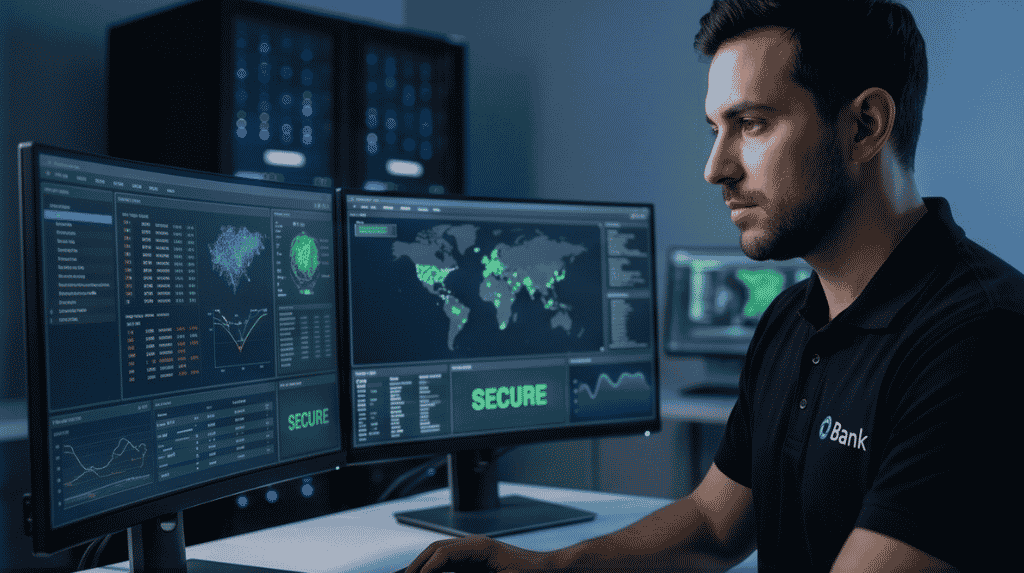
Audit logs for reviews and investigations
The log records the card or person, the door, the time and the result. Teams use it to answer simple questions after an incident: who entered this area, in what order and at what time. Regular reviews also show unused cards that should be removed and doors with frequent denials that may need a policy change. Keep logs for the period your own policy or legal advisers require, and limit who can read or export them.
Managing many sites from one place
Remote management lets administrators add or block a card, change a door schedule or unlock a door for a visitor without travelling. This helps organisations with plants, warehouses and offices in different cities. Access rights stay consistent, and a lost card can be blocked everywhere at once. Remote access to the system itself should be protected with strong passwords and named accounts. See industrial access control for gates, contractors and visitors for a fuller picture.

Starting with a monitoring plan
- List the doors and zones that matter most.
- Decide which events need an instant alert and who receives it.
- Set a response routine for each alert type.
- Schedule a monthly log review.
Planning access control monitoring with Suraj Informatics
Suraj Informatics designs access control systems with live monitoring, alert rules and audit reports, and connects them with cameras and gate systems. Contact us to review your doors and the events you need to watch.
Access control monitoring: common questions
What is access control monitoring?
It is the live watching of door and reader events, with alerts and logs, so that security staff can respond quickly.
Can alerts be sent to a phone?
Many systems can send notifications to a phone or a control desk. Check the options with your supplier.
How long should logs be kept?
Follow your own security policy and any legal requirements, and restrict who can access the logs.
Can monitoring work across several sites?
Yes. A central platform can manage readers at many locations from one screen.
Talk to our access control team
Tell us about your doors and zones, and we will suggest a monitoring setup that fits.





