


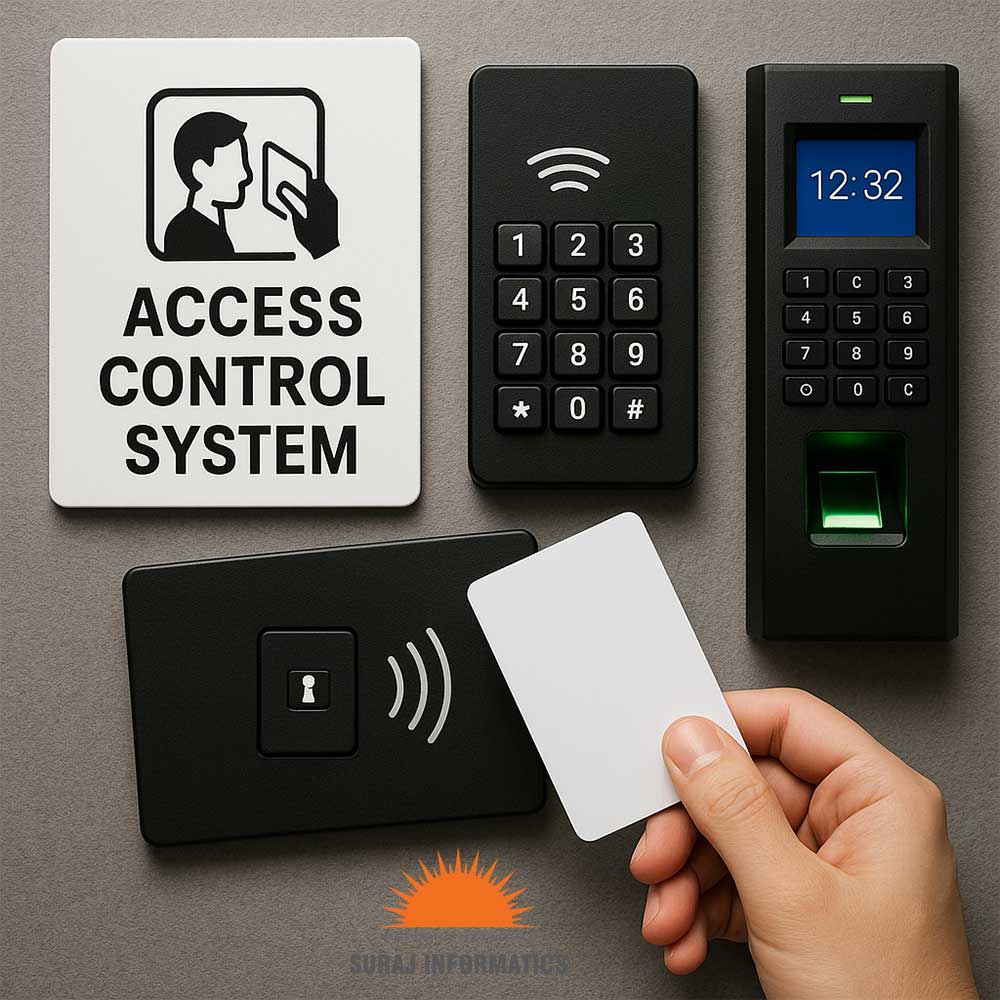

Every access control system has a brain: software that holds the user list, the rules and the logs. The question is where it runs. Cloud vs on-premise access control is a choice between a hosted service you reach over the internet and software on your own servers. This guide compares the two on the points that matter at the door.
Key takeaways
- On-premise software runs on your servers, and your team looks after it.
- Cloud software runs on a hosted platform and is managed through a browser.
- Door controllers should keep working if the link to the software drops.
- Multi-site and remote teams often favour cloud, while strict networks may favour on-premise.
- A hybrid setup is possible, with local control and cloud management.
What cloud and on-premise access control mean
With an on-premise system, the access control software and its database sit on a server in your building or data centre. Your IT team installs updates, takes backups and secures the server. With a cloud system, a service provider hosts the software. You log in through a browser or app, and the provider handles the servers.
In both cases the readers and door controllers are on site. The difference is only where the software lives. For a refresher on those parts, see our guide to how an access control system works.
Comparing the two setups side by side
No single answer fits every site. This table shows the usual differences.
| Point | On-premise | Cloud |
|---|---|---|
| Where software runs | Your own server | Hosted platform |
| Updates and backups | Your IT team | Handled by the provider |
| Remote access | Needs a secure link set up by you | Through a browser or app |
| Many sites | Needs links between sites | One view for all sites |
| Network rules | Can stay inside your network | Needs outbound internet access |

Internet, power and failure behaviour
Ask first what happens when something breaks. A good design keeps decisions at the door controller, which stores the cards and rules it needs. If the network or internet fails, doors keep opening for valid cards and the controller sends logs when the link returns. Check that this holds for your product, and test it by unplugging the link during commissioning.
Power matters too. Locks, controllers and network switches need backup power, and the lock type decides whether a door opens or stays shut when power is lost.
Data, updates and who looks after the system
Access logs and user lists are sensitive data. Ask where the data is stored, who can reach it and how it is backed up. On-premise keeps the data in your hands but adds work: patching, backups and a plan for server failure. Cloud shifts much of that work to the provider, but you should read the terms on data location and retention.

Choosing a setup that fits your sites
Count your sites, check your network rules and decide who will look after the software. A single plant with a strong IT team may prefer on-premise. A company with many small sites may value one cloud view. A hybrid, with local controllers and cloud management, covers both. Whatever you choose, make sure the doors never depend on the link to open for a valid card.
Planning your access control setup with Suraj Informatics
Suraj Informatics designs access control systems in on-premise and hybrid forms, matched to your network and sites. Tell us how many doors and locations you have and how your IT team works, and we will recommend a setup. You may also like our guide to types of access control.
Cloud vs on-premise access control: common questions
Do doors stop working if the internet fails?
They should not. Controllers keep the rules locally, so valid cards still open doors.
Is cloud access control less secure?
Not by nature. Security depends on the design, the provider and how you manage accounts.
Can I move from on-premise to cloud later?
Often yes, if the controllers and readers support it. Check this before you buy.
Which suits a single site best?
It depends on your IT team and network rules. Both can work well for one site.
Talk to our access control team
Tell us about your sites, doors and IT setup, and we will suggest where the software should run.





