


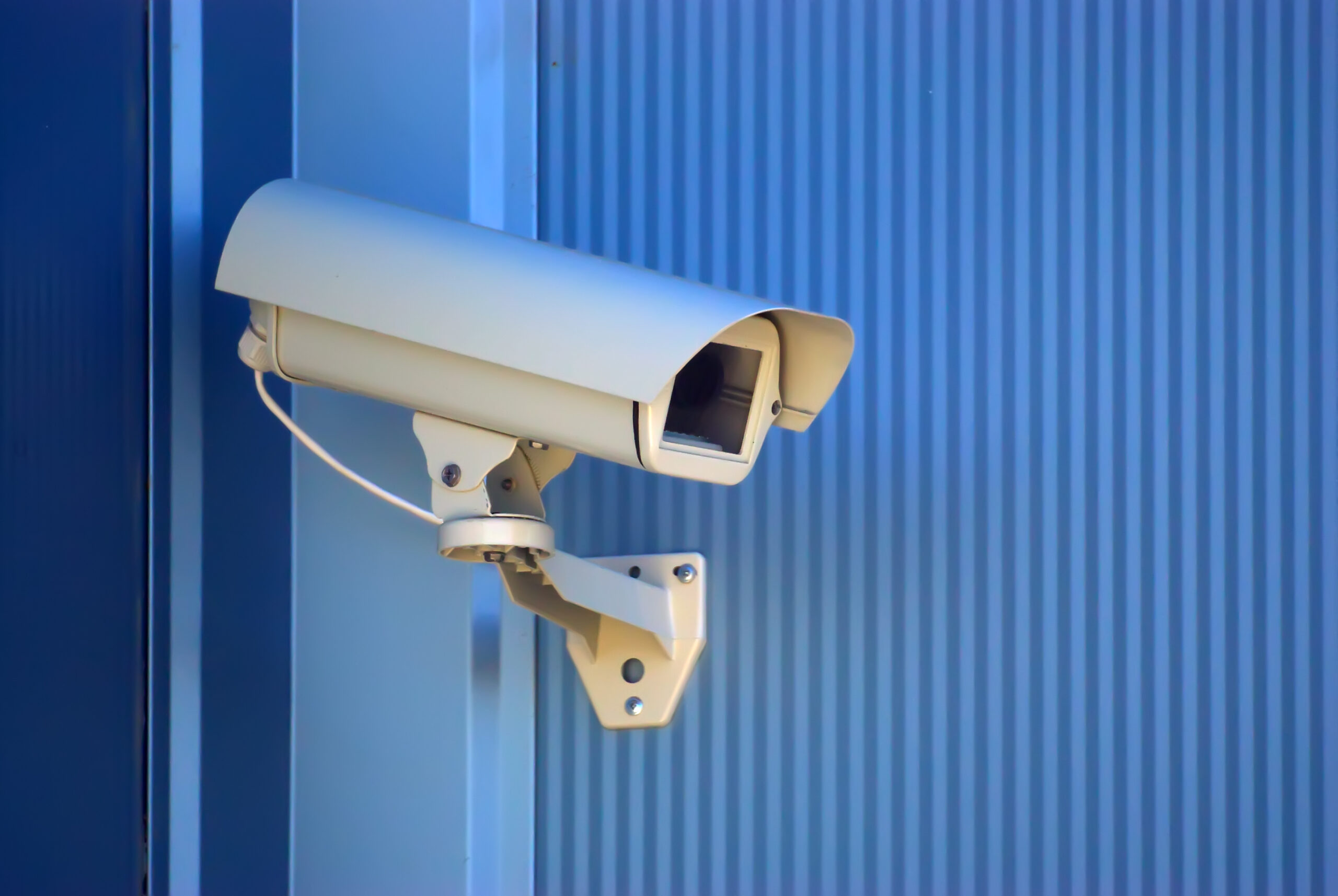

IVS camera placement decides what the analytics can see, and what they cannot see they cannot detect. A well-planned layout covers entry points, boundaries and busy work areas with the right view and light. This guide shows how to plan coverage before you buy a single camera.
Key takeaways
- Camera placement sets the limit of what video analytics can detect.
- Walk the site first and mark zones, entry points and blind spots.
- Field of view, mounting height and lighting matter as much as the camera model.
- Check network, storage and power for every camera position before installing.
Why camera placement decides what IVS can detect
Analytics software works on the picture it receives. If a camera looks into glare, sits too far from the target or is blocked by a stack of goods, alerts will be missed or wrong. Good placement gives the software a clear, steady view of the people and vehicles you care about.
Walking the site: zones, entry points and blind spots
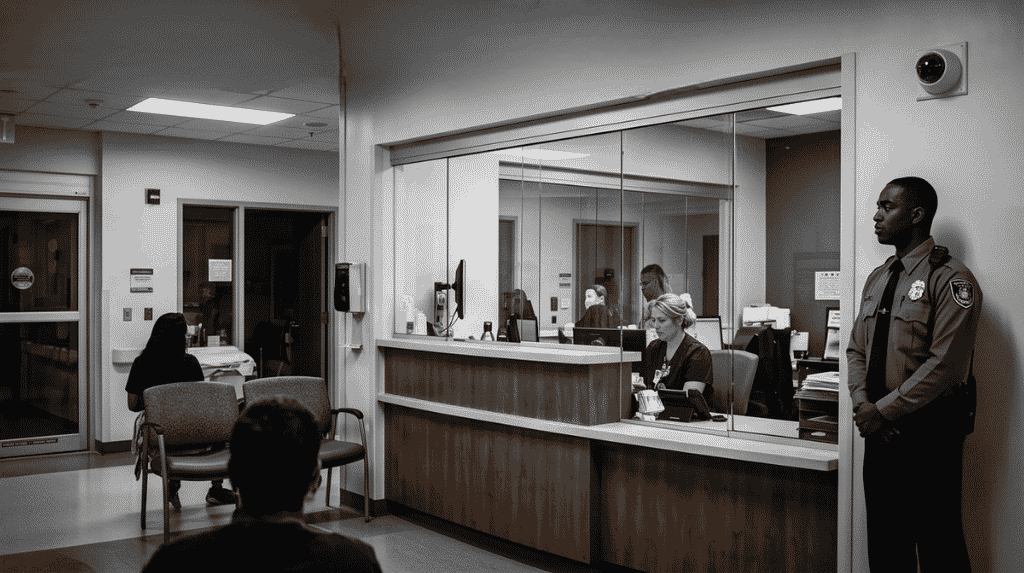
Start with a walk-through and a site plan. Mark the perimeter, gates, doors, loading areas and any place where people or vehicles gather. For each one, note what event you need to catch, such as intrusion after hours or a person entering a restricted area. Then mark the blind spots that corners, pillars, racks and parked vehicles create. Our guide to video surveillance for warehouses and logistics shows how these zones look in a working facility.
Field of view, mounting height and lighting
Choose the lens and height for the job. A wide view suits a yard or car park, while a narrow view is better for reading a face or a plate at a gate. Mount cameras high enough to avoid tampering, but not so high that people are seen only from above. Check the scene at night, in rain and at sunrise or sunset, because glare and shadow are common causes of poor analytics. Keep cameras away from bright lamps and avoid pointing them at windows.

A simple coverage planning table
Record each position in one table so the design can be reviewed before work starts.
| Zone | Goal | What to check |
|---|---|---|
| Perimeter and gates | Detect intrusion and loitering | Long view, night lighting, clear fence line |
| Entry doors | Record who enters | Face height, backlight from outside |
| Work and storage areas | Spot unsafe or unusual activity | Racks and stacks blocking the view |
| Yard and parking | Watch vehicles and people | Wide view, weather, glare |
Network, storage and power checks before install
Every camera position needs a power source and a network route. Confirm cable distances, switch capacity and where video will be stored and for how long. Plan for the server that runs the analytics and for who will respond when an alert arrives. Read how IVS alerts for loitering, intrusion and breach work to decide which alerts each camera should raise.
Planning IVS camera layouts with Suraj Informatics
Suraj Informatics surveys sites and designs intelligent video surveillance layouts that fit your zones, lighting and network. Contact us and we will walk through your site with you.
IVS camera placement: common questions
How many cameras does a site need?
It depends on the area, the zones to cover and the detail needed in each. A site survey gives a reliable count.
Can existing cameras be reused?
Often yes, if their view, resolution and position suit the analytics. A survey checks each one.
Does lighting really matter?
Yes. Poor or uneven light is a common reason analytics miss events, so check each camera at night.
Who should be involved in planning?
Security, operations and IT. Each knows a different part of the site and the network.
Talk to our video surveillance team
Tell us about your site and the events you need to catch, and we will suggest a camera layout.





