


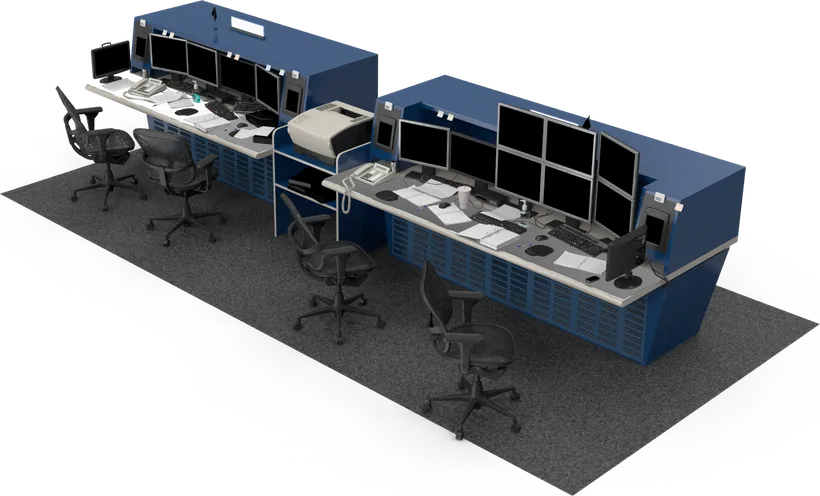

An IVS control room is where camera alerts become decisions. Good design gives the operator a clear alert, the live picture and a set routine to follow, then keeps a record for later review. This guide covers how to set up alarm handling and incident review so the right alerts get the right response.
Key takeaways
- Operators need the alert, the live view and the recent clip on one screen.
- Rank alerts by risk so serious events are never buried under minor ones.
- A written response routine makes every operator act the same way.
- Saved clips and logs support reviews, reports and false alarm tuning.
What an operator needs from an IVS control room
Watching dozens of feeds by eye does not work. With IVS the software watches, and the operator reacts. The screen should show which camera raised the alert, what rule was broken, the live picture and a short clip from just before the event.

Ranking alerts so the right ones come first
Not every alert is equal. An intruder at a boundary at night needs an instant response, while a person lingering near an entrance may only need a look. Give each alert type a priority and decide who is notified at each level. See IVS alerts for loitering, intrusion and breach for the main alert types.
From alert to action: a response workflow
A simple written routine keeps every shift consistent.
- Alert appears with camera name, time and rule.
- Operator checks the live view and the saved clip.
- Operator confirms or dismisses the alert and records the reason.
- If confirmed, the operator calls the guard, supervisor or emergency contact.
- The event is logged and closed with notes.
Reviewing incidents with saved clips and logs
After an event, the team needs to see exactly what happened. Saved clips with time stamps and the alert log answer the first questions quickly. Review serious events as a team and use the findings to improve procedures. Keep access to recordings limited to named staff and follow your privacy policy.
Reducing false alarms over time
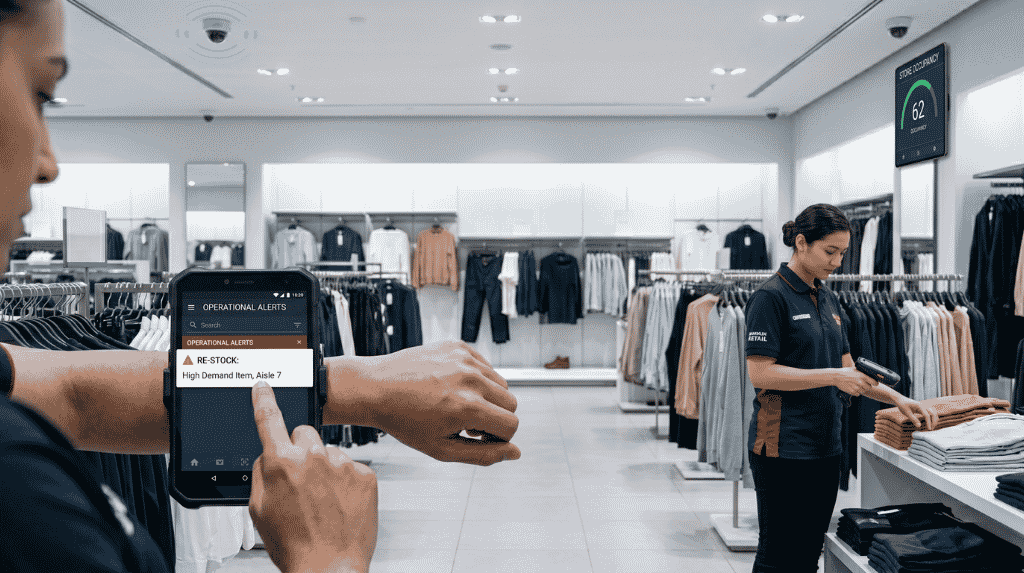
False alarms tire operators and hide real events. Track which rules, cameras and times produce them. Often the fix is a small change, such as adjusting a detection zone, improving light or shifting a camera. Review the numbers monthly and tune one change at a time. Our overview of IVS features, uses and benefits explains what the analytics look for.
Planning an IVS control room with Suraj Informatics
Suraj Informatics designs intelligent video surveillance control rooms with clear alert screens, response routines and clip storage. Contact us to discuss your site and your team.
IVS control room: common questions
How many operators does a control room need?
It depends on the number of cameras, the alert volume and your shifts. Start with a pilot and adjust.
Can alerts go to a phone as well?
Yes. Many sites send high-priority alerts to supervisors on mobile devices as well as to the control room.
How long should clips be kept?
Set this with your security and legal teams, based on site policy and local rules.
Can IVS work with our existing cameras?
Often yes. A survey checks the camera quality and network.
Talk to our video surveillance team
Tell us how your security team works today, and we will suggest a control room setup.





