




Buying an unmanned weighbridge system is the easy part. The results depend on how well it is planned, installed and handed over to the people who use it. This guide sets out a practical rollout in six steps for plants, mines and logistics sites, so that the project finishes on time and the weights can be trusted from the first day.
Key takeaways
- Review the current weighing process before choosing hardware.
- A site survey checks the platform, lane layout, power, network and sensor positions.
- Integration with the ERP or gate system is planned early, not left to the end.
- Train operators, supervisors and drivers, and keep a written exception procedure.
Step 1: Review how weighing works today
Write down how trucks arrive, where they are weighed, who records the weight and where the data goes. Note the busiest hours, the number of weighments a day and the common problems, such as queues, wrong vehicle numbers or manual slips. These notes define what the new system must fix. The benefits are listed in 8 reasons to automate a weighbridge.
Step 2: Survey the weighbridge and the lane
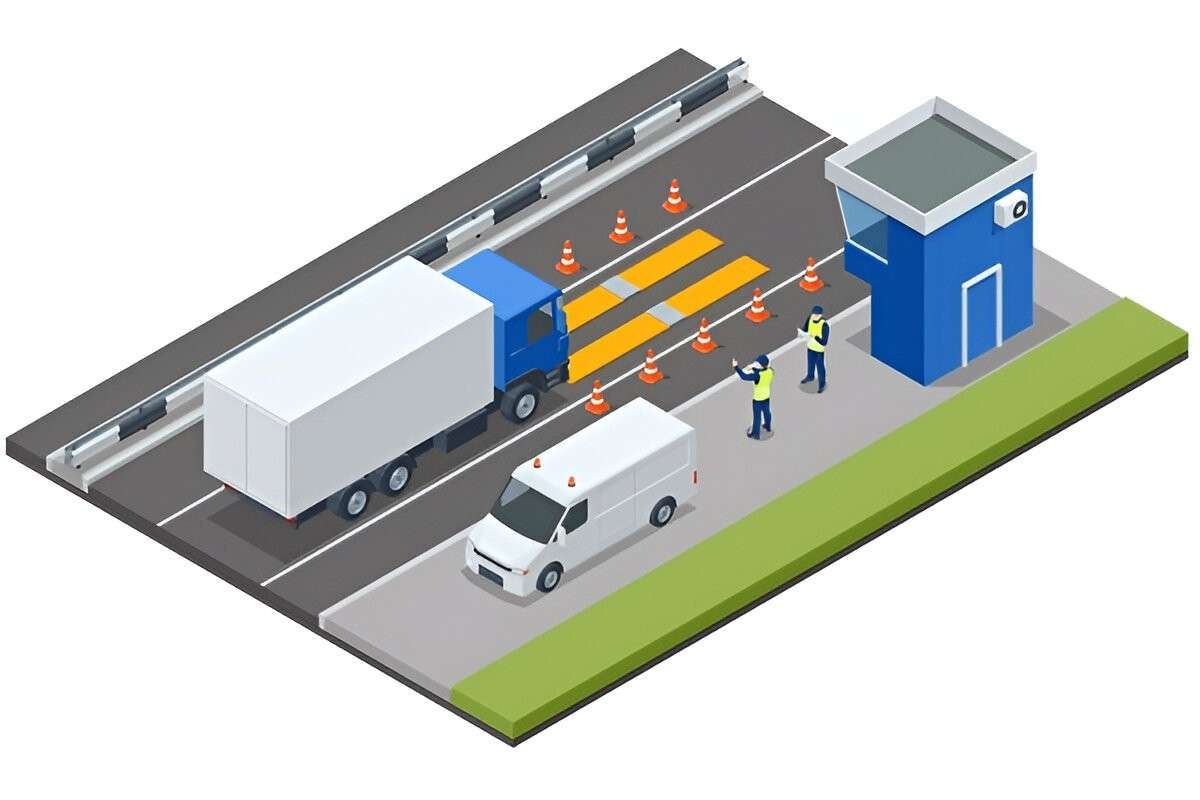
Check the platform and load cells, the approach and exit roads, the space for a truck to line up, power supply, network cover and the best places for cameras and sensors. Also check that the weighbridge is calibrated and in good condition, because automation will not hide a faulty scale.
Step 3: Choose and install the hardware
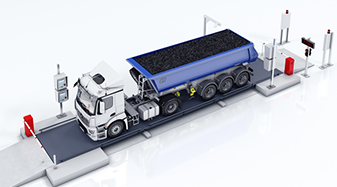
A typical lane has vehicle sensors, number-plate cameras, RFID or card readers, traffic lights, a display and a kiosk or terminal. Our guide to unmanned weighbridge components explains each item. Install and test them lane by lane, and check positioning with truck positioning sensors and lights.
Step 4: Integrate with ERP and gate systems
Decide which system owns the master data for vehicles, orders and customers, and how weight tickets flow back. See weighbridge ERP integration for the usual approach. Test with real orders before go-live.
Step 5: Train people and write the exception rules
Operators, supervisors and drivers need to know what the lights and displays mean and what to do when a weighment fails. Write a short exception procedure for cases such as an unreadable plate, an unstable weight or a power cut.
Step 6: Go live, then review
- Run in parallel with the old method for a short period and compare the weights.
- Check reports for gaps, duplicates and exceptions.
- Review after one month and adjust sensor positions, rules and training.
Planning an unmanned weighbridge project with Suraj Informatics
Suraj Informatics surveys the site, supplies and installs unmanned weighbridge systems and connects them to your ERP and the GATIVRA platform. We also support training and after-sales service.
Calibration note: automation does not replace legal metrology. The weighbridge, load cells and indicator must still be calibrated, stamped and verified at the intervals required by the Legal Metrology authorities, and after any repair or relocation.
Unmanned weighbridge implementation: common questions
How long does an unmanned weighbridge take to install?
It depends on the site, the number of lanes and the integration work. A survey gives a realistic timeline.
Can we keep our existing weighbridge?
Often yes, if the platform and load cells are sound and calibrated. Sensors, cameras and software are added around it.
What should we test before go-live?
Check vehicle detection, number-plate reading, weight capture, ticket printing and the data posted to the ERP.
Why run the old and new methods in parallel?
It lets you compare weights and catch setup problems before you rely on the new system.
Talk to our weighbridge team
Tell us about your weighbridge and vehicle types, and we will suggest the right sensors and guidance devices.





