




Cameras protect people and property, and they also record people. Video surveillance privacy is about doing the first without being careless about the second. A clear purpose, honest signs, limited views and controlled access to footage make a system easier to defend and easier to trust. These are practical steps.
Key takeaways
- Write down why each camera exists and what it should see.
- Place clear signs so people know they may be recorded.
- Mask areas that are private or outside your site.
- Limit who can view, export and delete footage, and keep a record.
Start with a purpose for every camera
Before mounting a camera, note what it is for, such as protecting a gate or watching cash handling. A clear purpose helps you choose the angle and decide whether the camera is needed at all. Avoid views of washrooms, changing rooms and similar private spaces.
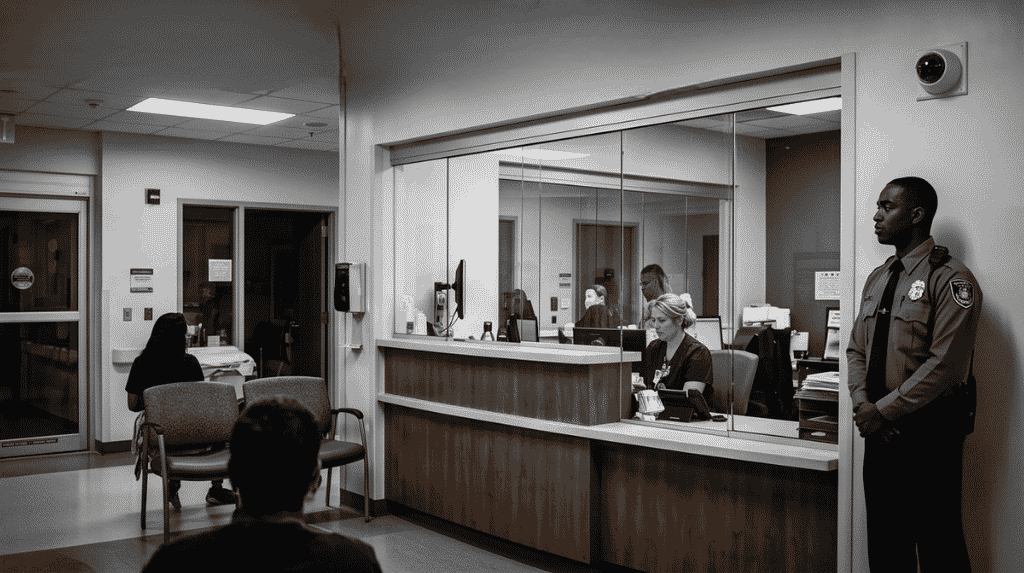
Signs and notices that people can read
Place signs where people enter the area, in the languages they read, and say that video is recorded and who to contact. Keep the wording plain. Tell staff about cameras in your policies, not only on the wall.
Masking views you should not record
Many cameras can mask zones in the picture, such as a neighbouring window or a public road. Set the masks at install, and check them after any change of camera angle. Analytics that count or track people should be told what they may store. Read IVSS analytics and privacy for how analytics fit into responsible use.
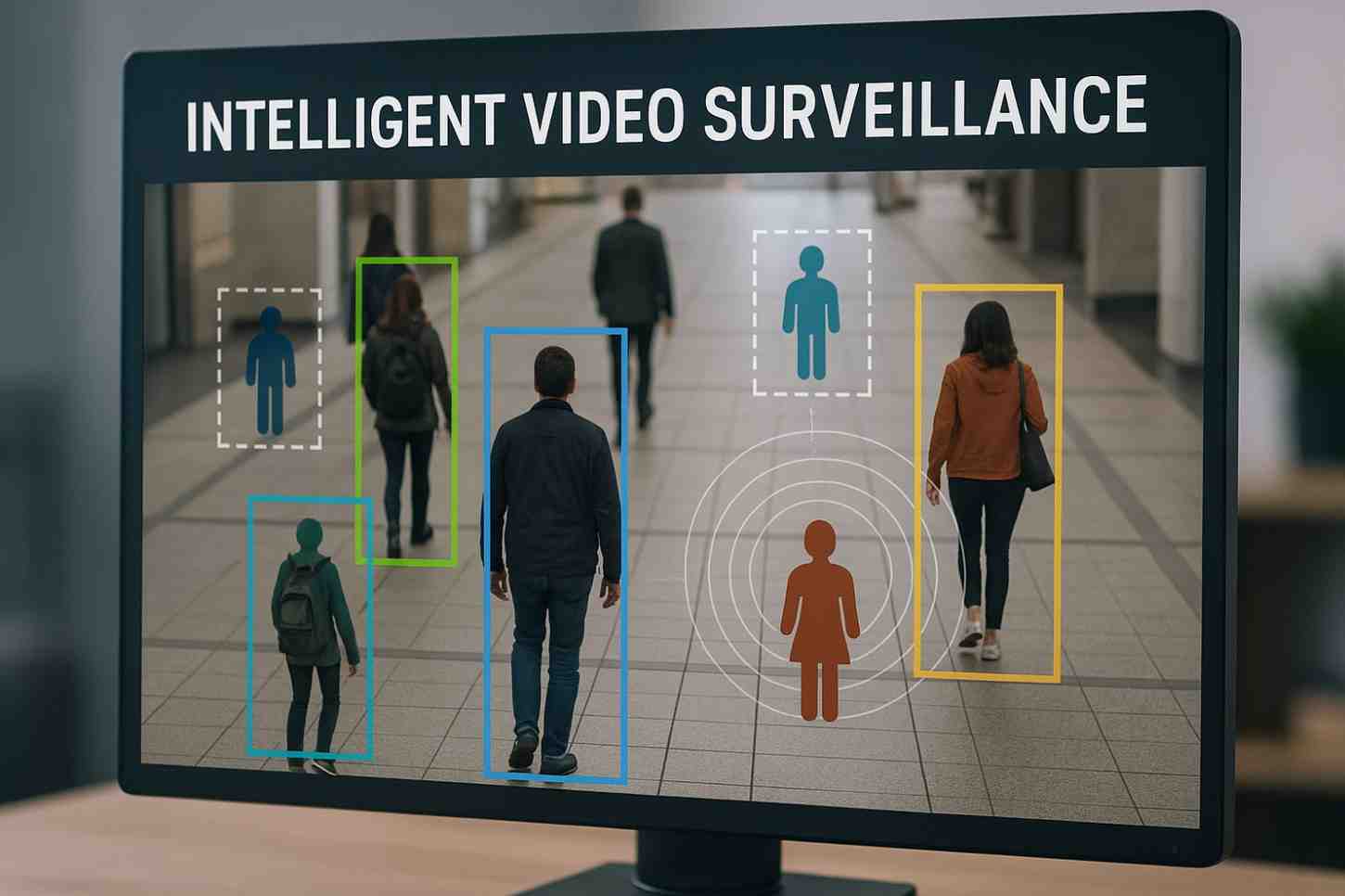
Who can see and export footage
Give each user a role. Operators may view live pictures, a supervisor may export clips and only a few people can delete anything. Keep a log of who exported what and why. Set a retention period and remove footage when it ends. Data protection law, such as India’s Digital Personal Data Protection Act, 2023, may apply to footage of identifiable people, so confirm your duties with a legal adviser.
Planning video surveillance privacy with Suraj Informatics
Suraj Informatics provides intelligent video surveillance with privacy masking, role-based access and clear logs built into the design. Contact us to review your camera views and access rules.
Video surveillance privacy: common questions
Do I need signs for CCTV?
Clear signs are good practice and are often expected. Check the rules that apply to your site and use plain wording.
Can cameras record audio?
Treat audio as more sensitive than video. Record it only with a clear purpose and legal advice.
How long should footage be kept?
Keep it only as long as the purpose needs, then delete it under a written policy.
What is privacy masking?
It is a setting that blocks part of the camera view, so a private or outside area is never recorded.
Talk to our video surveillance team
Tell us about your camera views and users, and we will help set up masking and access rules.





