


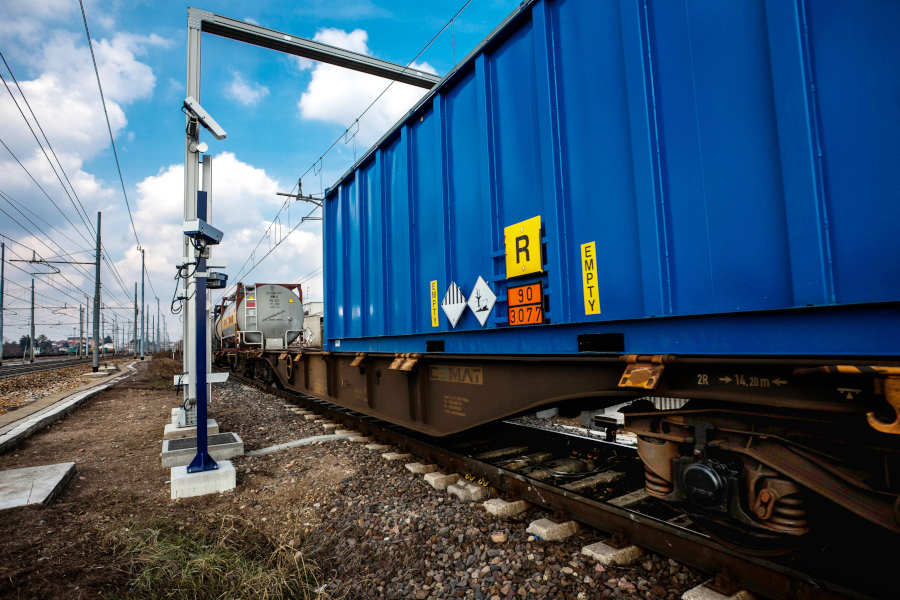

Railway OCR damage images are the pictures a portal takes of every wagon and container as a train passes. They show the condition of the equipment on arrival and on departure, so a dispute about who caused a dent can be settled from a record, not from memory. This guide explains what the images show and how terminals use them.
Key takeaways
- A railway OCR portal can store images of each wagon and container for every passage.
- Images taken on arrival and on departure make a clear before and after record.
- The same data that reads the numbers links each image to the right wagon.
- Review rules and image storage should be agreed with your claims and safety teams.
What a railway OCR portal records on each passage
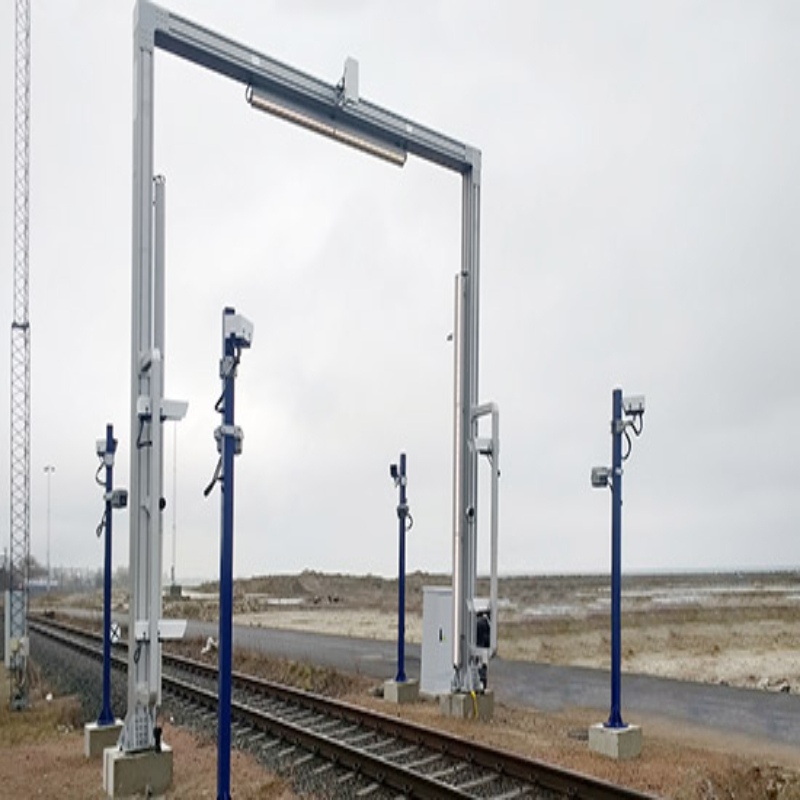
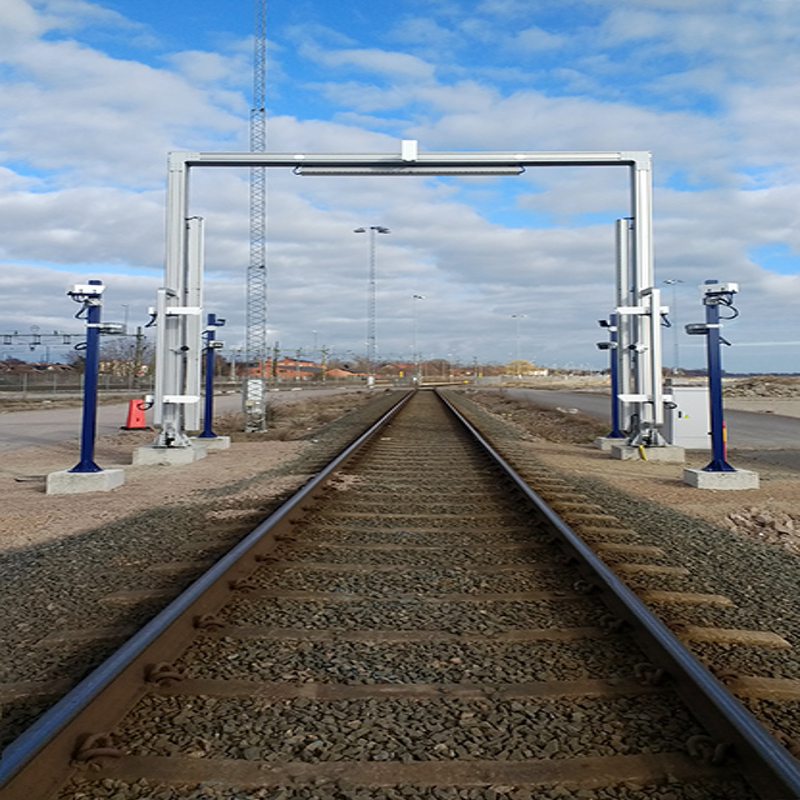
As a train moves under the portal, cameras on the gantry and trackside posts take images of each wagon side and container face. The recognition software reads the wagon number and the container code from the same images, and the system stores both together. Each image is tied to the train, the wagon and the time of the passage.
Where the site uses trackside tag readers as well, the tag data can be stored with the images so that the wagon identity is confirmed twice.
Comparing arrival and departure images of a wagon
The real value comes from two passages. When a train arrives, the portal records the condition of each unit. When it leaves, the portal records it again. If a container shows a new dent or a damaged door after it has been handled in the terminal, the two sets of images show when it happened.
| Passage | What the images show |
|---|---|
| Arrival | Condition of the wagon and container as received |
| Handling in the terminal | Reference for any later claim or inspection |
| Departure | Condition as handed back to the rail operator |
Using damage images for claims and safety checks
Claims staff can pull the images for a wagon number in seconds instead of asking yard staff to walk the track. Safety teams can look for open doors, loose lashing or damaged placards without standing beside a moving train. Staff working from images are also away from the track, which lowers exposure to moving equipment. For the data link behind this, read rail OCR integration: train data to the TOS and rail yard system.
What decides the quality of rail damage images
Image quality depends on camera position, lighting, train speed and how clean the wagon sides are. A portal designed for the speeds on your line, with lighting that works at night, gives images that can be used as evidence. Ask any supplier to show sample images from a similar site, in daylight and at night, before you decide.
Decide early how long images are kept and who can view them, because storage and access rules differ between operators. See manual train checking versus rail OCR for how this compares with checks done by hand.
Planning rail damage imaging with Suraj Informatics
Suraj Informatics designs and installs railway OCR portal systems that read wagon and container numbers and store images of every passage. We will review your tracks, train speeds and claim process and propose a portal and storage plan to match.
Railway OCR damage images: common questions
Does a railway OCR portal take pictures of every wagon?
Yes. Images are captured for each wagon and container that passes, and they are stored with the numbers that were read.
Can the images settle a damage dispute?
They give a dated record of condition on arrival and departure, which is strong evidence. Final decisions stay with the parties involved.
Do images work at night?
They can, if the portal has suitable lighting. Ask for night samples from a similar site.
How long should images be kept?
That depends on your claim periods and company policy. Agree this before installation.
Talk to our rail OCR team
Tell us about your tracks and trains, and we will suggest the right portal setup.





