


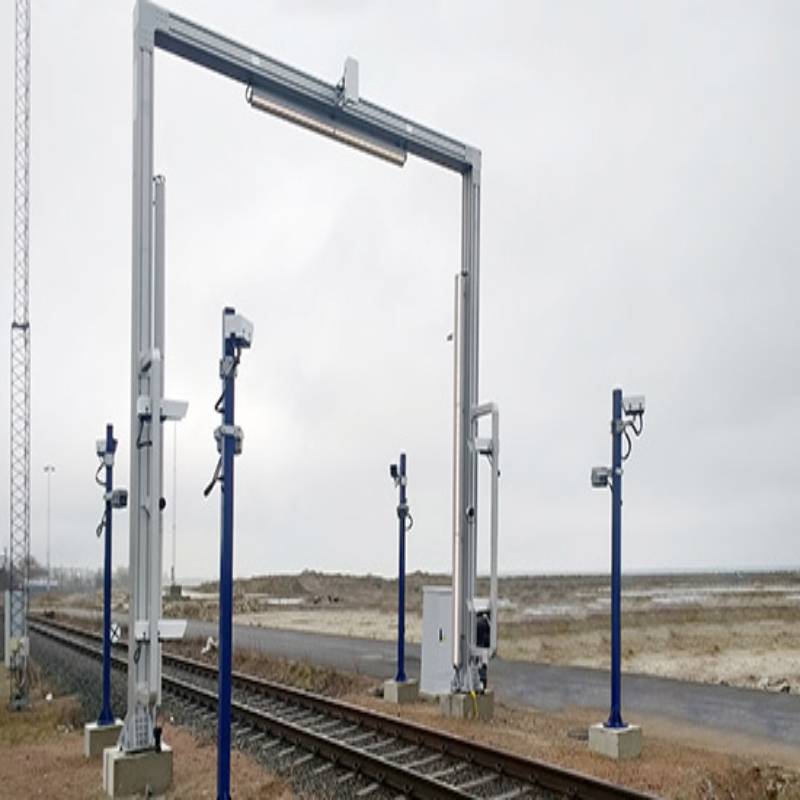

A rail OCR portal reads wagon and container numbers as a train passes, but the reads are only useful when they reach the systems that plan and track work. At an intermodal terminal that means the terminal operating system (TOS) and the rail yard system. This guide explains what data the portal produces, how it is passed on and what to test before the terminal relies on it.
Key takeaways
- The portal produces a train list: wagon order, wagon IDs and container IDs.
- The list is matched to the planned train and the discharge or load plan.
- Differences go to an exception queue for a person to resolve.
- Test with real trains before go-live, including night and bad weather.
What the portal sends
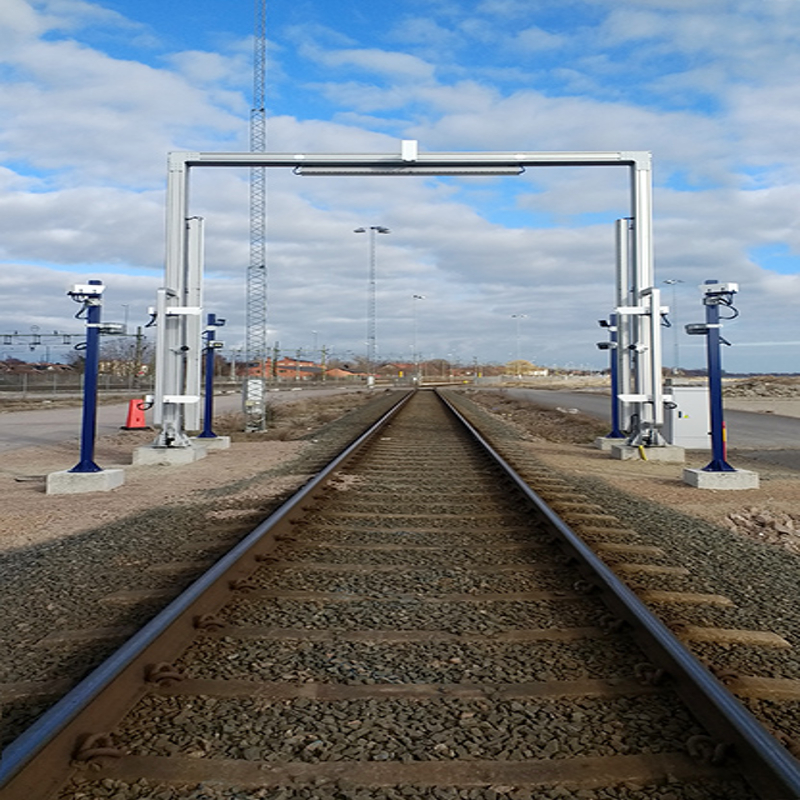
As the train passes the portal, cameras capture each wagon and container. The software builds a train record with the sequence of wagons, the wagon numbers, the container numbers and size or type codes, along with images and times. See how train OCR portals read wagons and containers for the reading process.
Matching the train to the plan
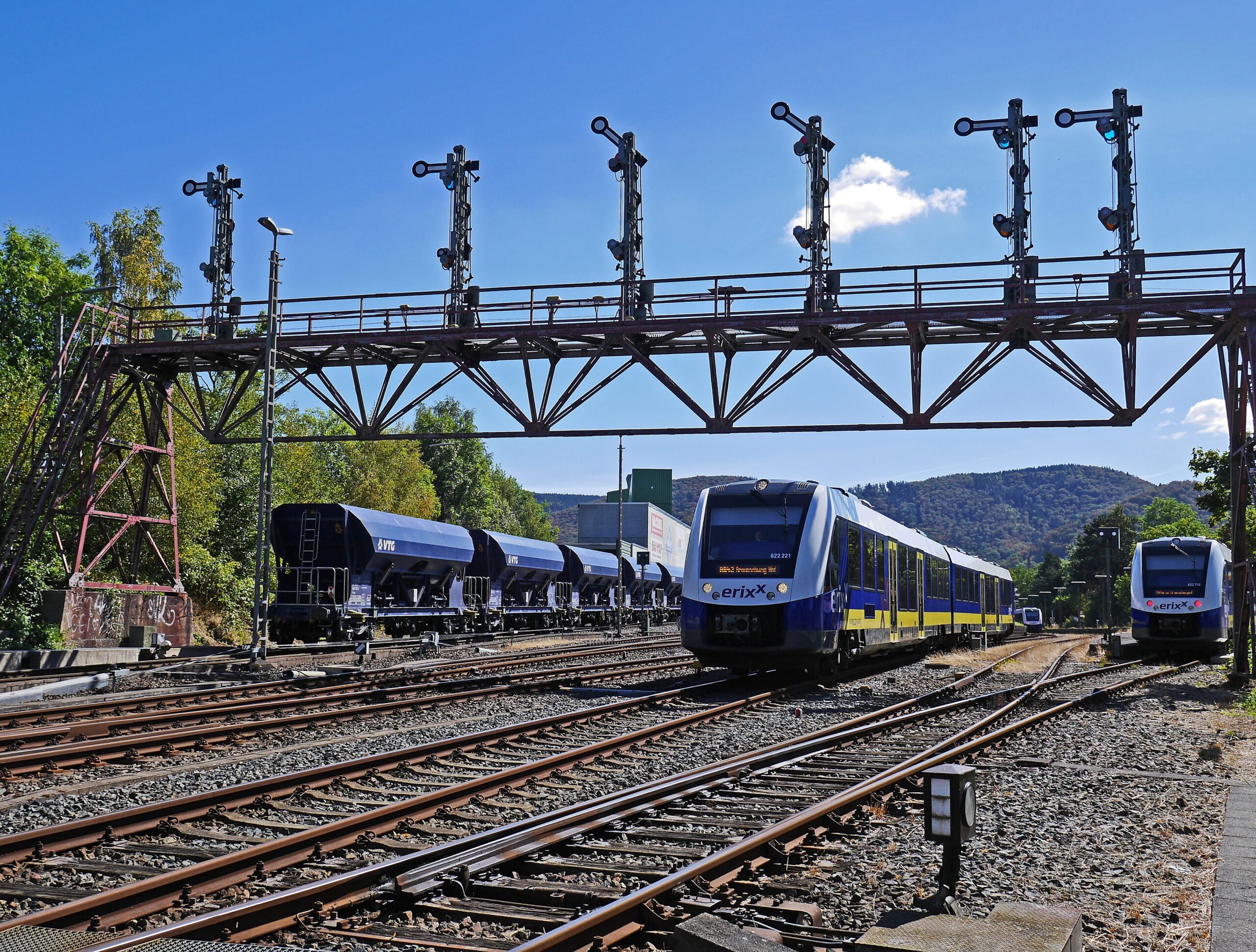
The terminal normally has an advance list from the railway or shipping line. The OCR record is compared with it. Matches are confirmed automatically, and mismatches, such as a wrong wagon order or a container not on the list, are flagged. This replaces a slow walk along the train with a notebook.
Systems that receive the data
| System | Data it receives | Use |
|---|---|---|
| TOS | Container IDs, wagon positions | Plan discharge and loading |
| Rail yard system | Train sequence and wagon status | Plan shunting and track use |
| Gate system | Container availability | Release to trucks |
| Management reports | Arrival time, exceptions | Review turnaround |
What to test before go-live
- Run real trains through the portal and compare the list with the manual one.
- Check exceptions and how long it takes to clear them.
- Test night and weather, because glare and rain affect images.
- Confirm the interfaces pass all fields to the TOS and yard system.
Read intermodal rail OCR for the wider picture.
Rail OCR portals and integration from Suraj Informatics
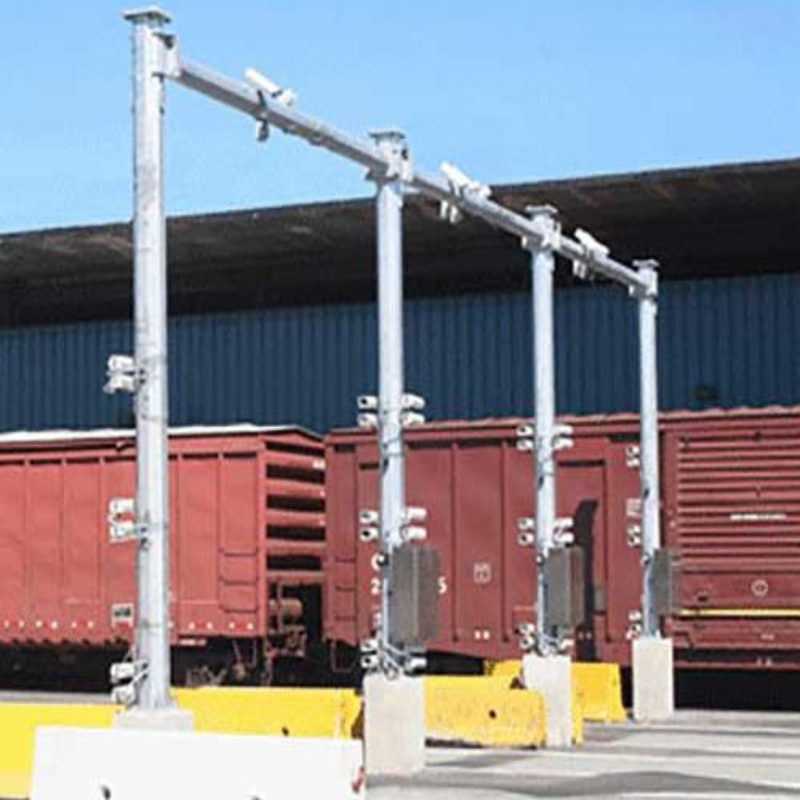
Suraj Informatics designs and installs rail OCR portals and integrates them with terminal and rail yard systems on the GATIVRA platform. See also railway OCR portal components and selection.
Rail OCR integration: common questions
What does a rail OCR portal send to the TOS?
A train record with wagon order, wagon numbers, container numbers, size or type codes and images.
What happens when the OCR list differs from the plan?
The difference goes to an exception queue where an operator checks the images and corrects it.
Can rail OCR work at night?
Yes, with suitable lighting and cameras. Test it on real trains.
Do we need to change our TOS?
Usually not. The portal connects through an interface, but check the fields your TOS needs.
Talk to our rail automation team
Tell us about your rail sidings, train volumes and systems, and we will suggest the right rail OCR setup.





