


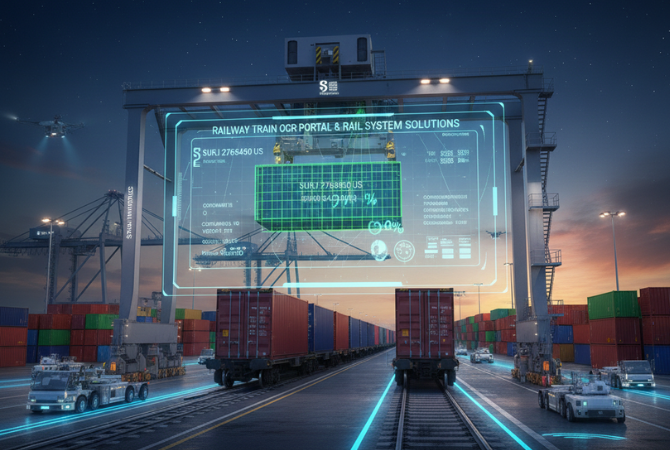

At many rail sidings and terminals, staff still walk along trains with a clipboard or handheld device, writing down wagon and container numbers. It is slow, risky and error-prone. Rail OCR does the same job automatically as the train passes. This guide compares manual train checking with rail OCR on time, accuracy, safety and cost.
Key takeaways
- Manual train checking is slow and puts staff close to moving trains.
- Rail OCR captures every wagon and container automatically as the train passes.
- Saved images allow any errors to be checked and corrected later.
- Validated data is sent straight to the rail, terminal or ERP system.
The problem with manual train checking
Recording train data by hand means staff must walk or stand beside the track, often at night or in bad weather. Numbers are copied by hand and typed in later, so mistakes and delays are common, and there is no image evidence if a dispute arises.
How rail OCR replaces manual checks
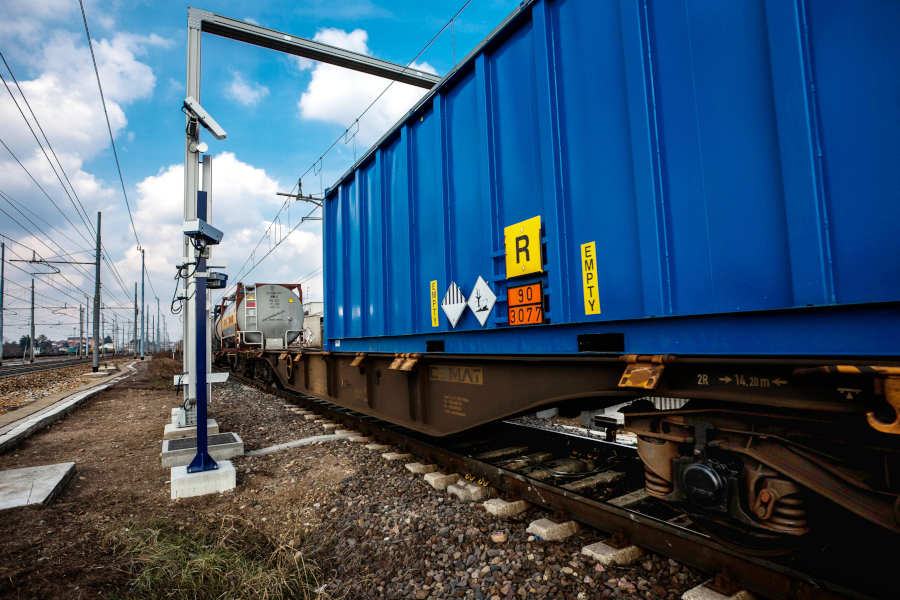
Rail OCR software lets operators process every train passage automatically. Cameras and trackside readers capture each wagon and container, and the software checks all data before passing it to the system. Saved images are used to correct any operational or input issues, creating a fast, accurate and secure rail handling process.
Manual checking vs rail OCR
| Manual checking | Rail OCR | |
|---|---|---|
| Speed | Slow, depends on staff | Captured as the train passes |
| Accuracy | Copying and typing errors | Automatic reading with verification |
| Safety | Staff near moving trains | Fewer people beside the track |
| Evidence | Notes only | Time-stamped images of every wagon |
| Data | Entered later | Sent to systems in near real time |
| Night and weather | Harder and riskier | Portals with their own lighting |
Moving from manual checks to rail OCR
- Measure the current process. How long each train takes and how many errors occur.
- Choose the location. Usually at the entry track of the terminal or siding.
- Define the data needed. Wagon numbers, container numbers, codes and images.
- Plan integration. Decide which systems receive the data.
- Run in parallel. Compare OCR with manual records before switching fully.
Read more about how rail OCR works and what is inside a rail OCR portal.
Rail OCR for ports, ICDs and plant sidings
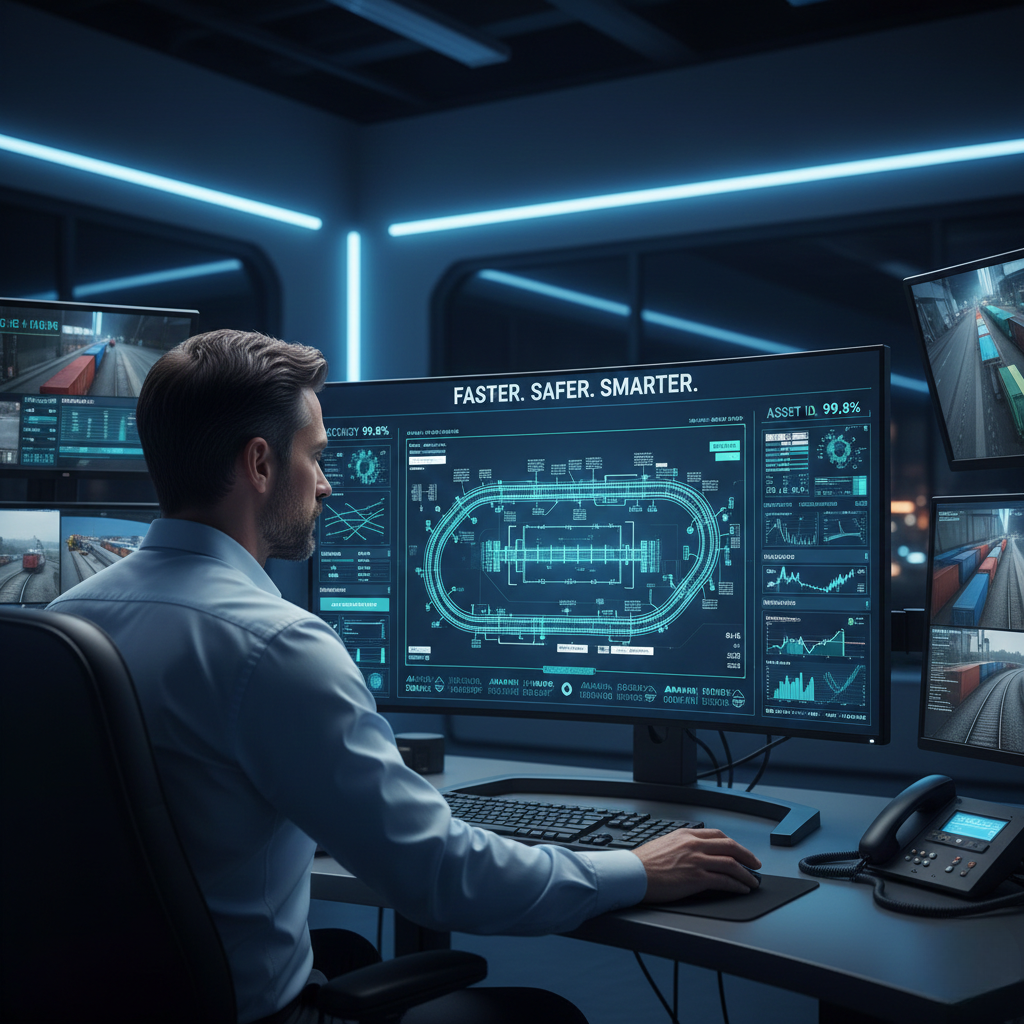
Suraj Informatics provides the railway train OCR portal for ports, ICDs and plant sidings in India, using proven automated methods to raise productivity and lower operating costs.
Manual checks vs rail OCR: common questions
Why replace manual train checking?
Rail OCR is faster, more accurate and safer, and it keeps image evidence of every wagon and container.
Can rail OCR read trains at night?
Yes. Rail OCR portals have their own lighting for day and night operation.
What happens if a number is unreadable?
The saved images are reviewed and the record is corrected before it is sent on.
Do we still need any staff?
Staff handle exceptions and supervision, but no longer need to walk every train.
Talk to our rail automation team
Tell us how you check trains today, and we will show how rail OCR would work at your site.





