


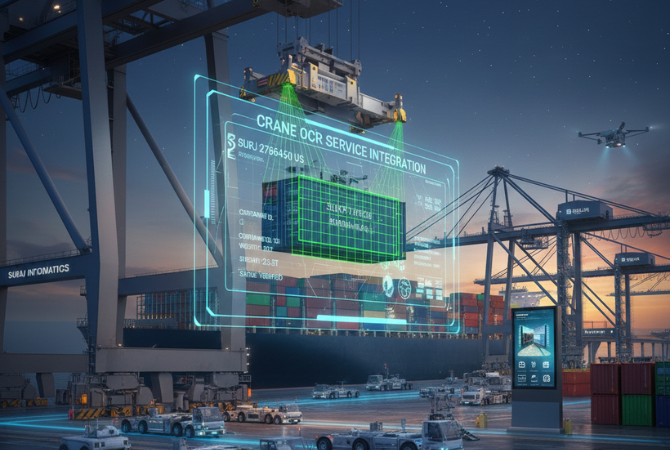

Crane OCR maintenance keeps the cameras on your cranes reading container numbers correctly in salt air, vibration and rain. A few regular checks on lenses, alignment, lighting and support prevent most read problems. This guide sets out what to check and how often.
Key takeaways
- Dirty lenses and shifted cameras are the most common reasons reads get worse.
- Marine sites need regular lens cleaning and sealed, dry connectors.
- Compare live views with the commissioning reference to catch drift.
- Agree spares, remote monitoring and support attendance before problems start.
Why crane cameras need routine care
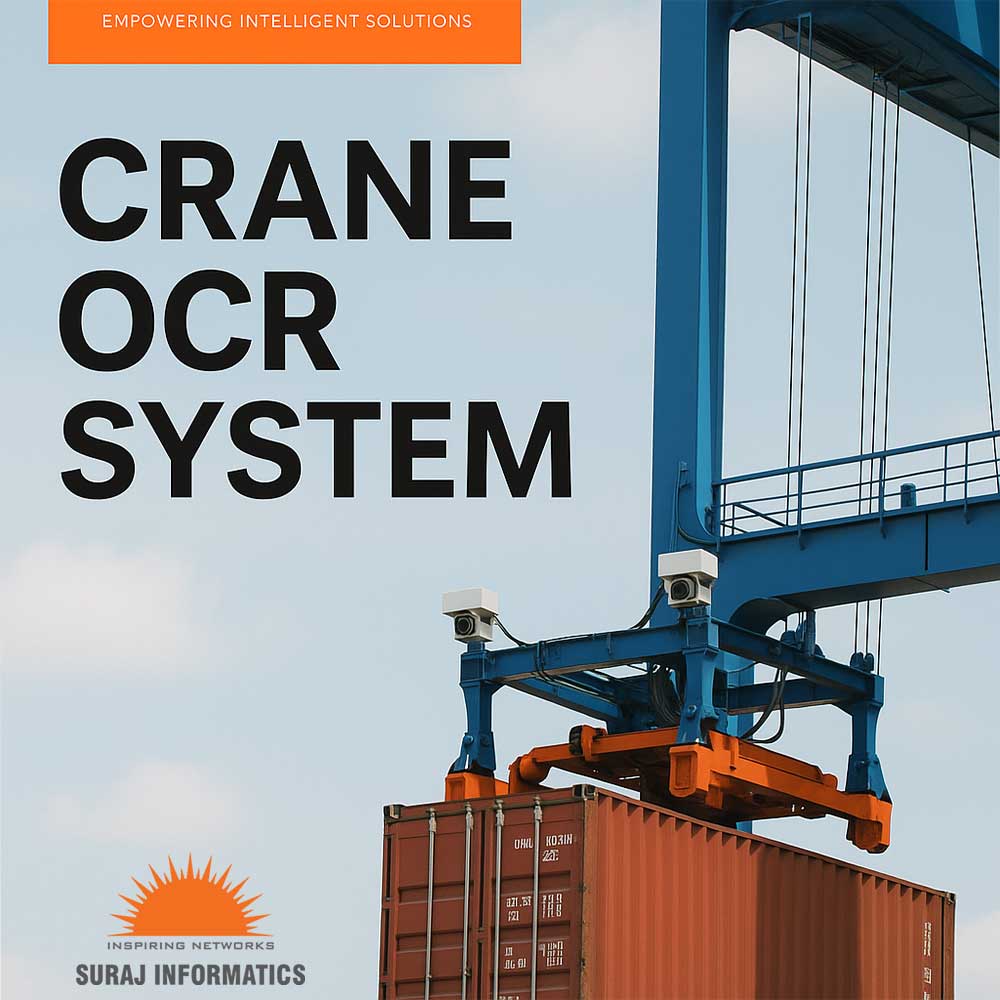
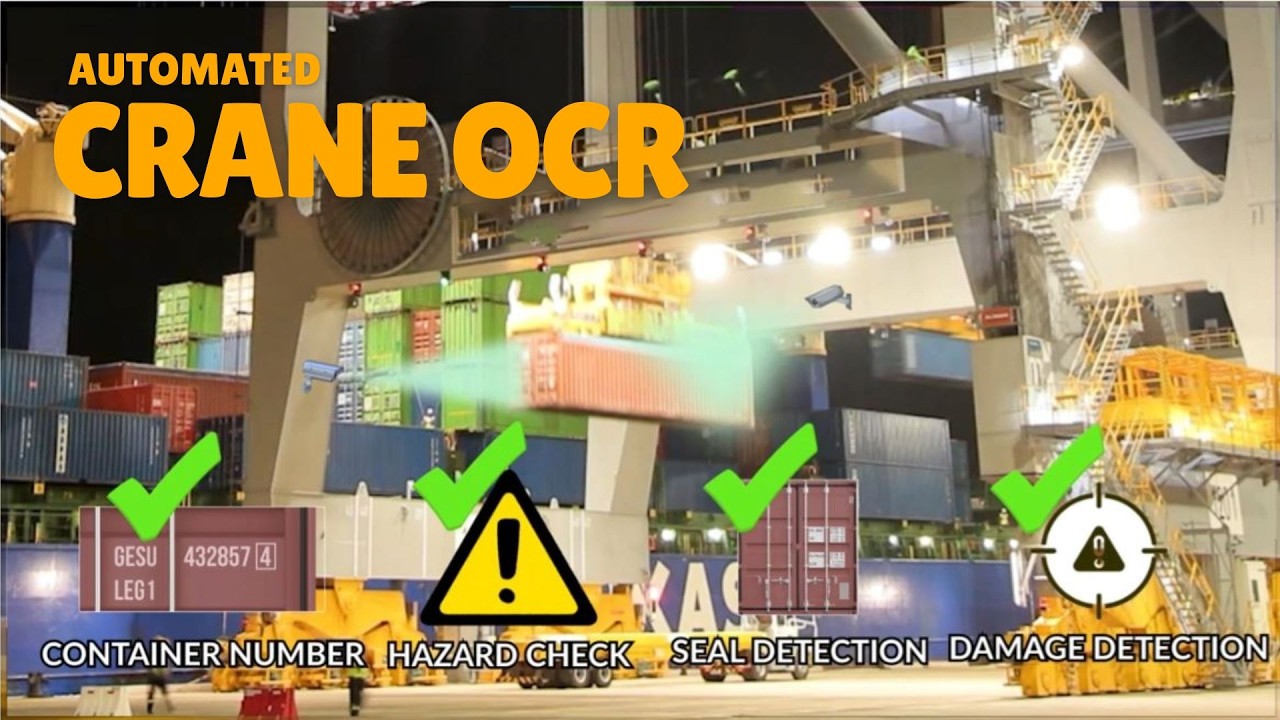
A crane OCR system reads container numbers, ISO codes and seals from a moving crane. Its cameras sit outdoors, on a structure that shakes, swings and works around the clock. Dirt on a lens or a slightly shifted camera can lower read quality long before anyone sees an alarm.
Planned maintenance keeps the readings steady, so the terminal system keeps receiving clean container data at every move.
Cleaning lenses and housings in salt air
Marine terminals bring salt spray, dust, bird droppings and diesel soot. Each leaves a film on the lens or the protective window. Cleaning needs the right cloth and cleaner, and it should be done when the crane is parked and safely isolated.
Check that seals, cable glands and lighting units are intact, as water entering a housing causes faults that are costly to trace.
Checking camera alignment after crane movement
Vibration, impacts and maintenance work on the crane can shift a camera by a small angle. At the crane, a small shift changes what the camera sees of the container face. Compare a current frame with the reference image taken at commissioning, and re-aim the camera if the view has drifted.
A simple crane OCR maintenance schedule
Agree the tasks with the crane maintenance team and fit them into existing stoppages.
| Task | What to check |
|---|---|
| Lens and window cleaning | Clear view, no film or salt build-up |
| Alignment check | Current view matches the commissioning reference |
| Lighting and cabling | Lights working, connectors dry and secure |
| On-crane computer | Disk space, clock and network link |
| Read review | Unread and corrected container numbers from recent moves |
Spares, remote monitoring and support
Keep spare cameras, lights and cables where the crane maintenance team can reach them. Remote monitoring can show camera status and read results from a control room, so a failing unit is found without a climb. Make sure the support contract states who attends, how fast and for which parts. Our guide to crane OCR hardware lists the parts involved, and crane OCR accuracy explains how to review read quality.
Planning crane OCR upkeep with Suraj Informatics
Suraj Informatics supports crane OCR services from survey to commissioning and ongoing support. Tell us about your cranes and we will propose a maintenance plan that suits your terminal.
Crane OCR maintenance: common questions
How often should crane OCR cameras be cleaned?
It depends on the site. Coastal terminals with salt and dust need it more often. Set the interval from what you see on the lenses and in the read results.
What are signs that a camera needs attention?
More unread containers, blurred frames, a changed view, or a camera that stops sending images. Review these in your regular reports.
Can maintenance be done while the crane works?
Work at height on a crane must follow your terminal safety rules. Most tasks are done when the crane is parked and isolated.
Who should own crane OCR maintenance?
Many terminals share it between the crane maintenance team and the OCR support provider. Agree the split in writing.
Talk to our crane OCR team
Tell us about your cranes and current upkeep routine, and we will suggest a support plan.





