



A container number is only useful if it is right. Crane OCR reads the number and the ISO code from each box as the crane lifts it, then checks the result before the terminal system relies on it. This guide explains how a crane OCR container number reading works, how it is validated and where mistakes are caught. It also covers the ISO size-type code that is read alongside the number.
Key takeaways
- Crane OCR reads the container number and the ISO size-type code during the lift.
- The check digit lets the system test whether a reading is plausible.
- Doubtful readings go to an exception queue instead of the terminal system.
- Verified data reaches the terminal system with the image as evidence.
What a container number contains
Every container carries an ISO 6346 identity. A separate size-type code sits beside it.
| Part | What it tells you |
|---|---|
| Owner code | Three letters that identify the owner or operator |
| Category letter | Usually U for freight containers |
| Serial number | Six digits unique to the owner |
| Check digit | One digit calculated from the other ten characters |
| Size-type code | Four characters describing length, height and type |
Reading codes from a moving lift
Cameras fixed to the crane capture the sides and ends of the box while the spreader lifts or lowers it. OCR software finds the text, even when it is split across rows or printed on a corrugated door. The pictures are stored with each reading, so staff can look at what the camera saw. Our guide to crane OCR accuracy, lighting and exceptions covers what shapes a good reading.
Checking the number before it is used
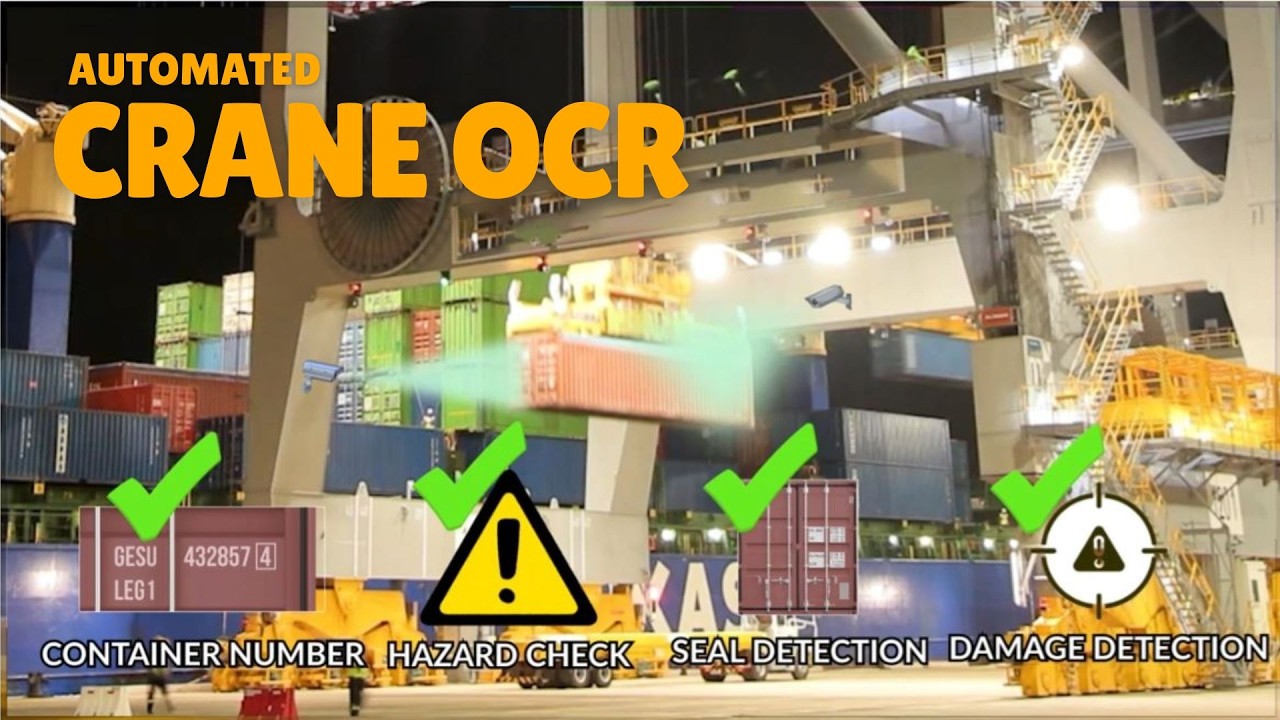
The last digit of a container number is calculated from the other characters. After reading, the software repeats the calculation. If the result differs, one character was probably misread, and the lift is marked for review. The reading can also be compared with the expected container for that move, such as the one on the vessel or gate record.
A person then looks at the saved images and confirms or corrects the number. Only the unclear cases need this step.
Sending verified codes onward
Once checked, the number and ISO code go to the terminal system together with the crane, time and image references. The crane controller link starts the capture at the right moment. See crane OCR integration with the terminal system for the data flow.

Planning container code reading with Suraj Informatics
Suraj Informatics supplies crane OCR services that read, validate and record container numbers and ISO codes on quay and yard cranes. Share your crane types and terminal system, and we will outline a setup.
Container number reading: common questions
Does crane OCR read the ISO size-type code too?
Yes. The size-type code is read from the same images and sent with the container number.
What happens when the check digit does not match?
The lift is flagged as an exception and shown to an operator with the saved images.
Can it read dirty or damaged markings?
Some can be read and some cannot. Unclear cases go to review rather than being guessed.
Where does the data go?
To the terminal operating system, with the images linked to each move.
Talk to our crane OCR team
Tell us about your cranes and how container numbers are recorded today, and we will suggest the right setup.





