


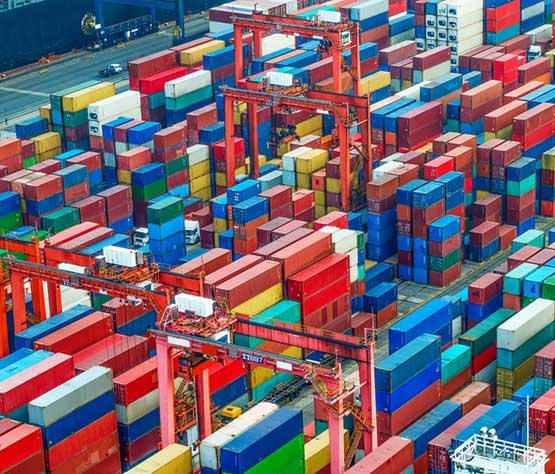

When a container arrives damaged, the first question is where the damage happened. If nobody recorded its condition at the quay, claims turn into arguments. Crane OCR systems capture images of every container as it is loaded or discharged, which gives the terminal a time-stamped record of condition. This guide explains how those records are made and used.
Key takeaways
- Crane OCR captures images of each container during every lift.
- Images are stored with the container ID, time and crane, giving a condition record for each move.
- The record helps settle damage claims with evidence rather than memory.
- Image quality, storage and access rules decide how useful the records are.
How crane OCR creates a condition record
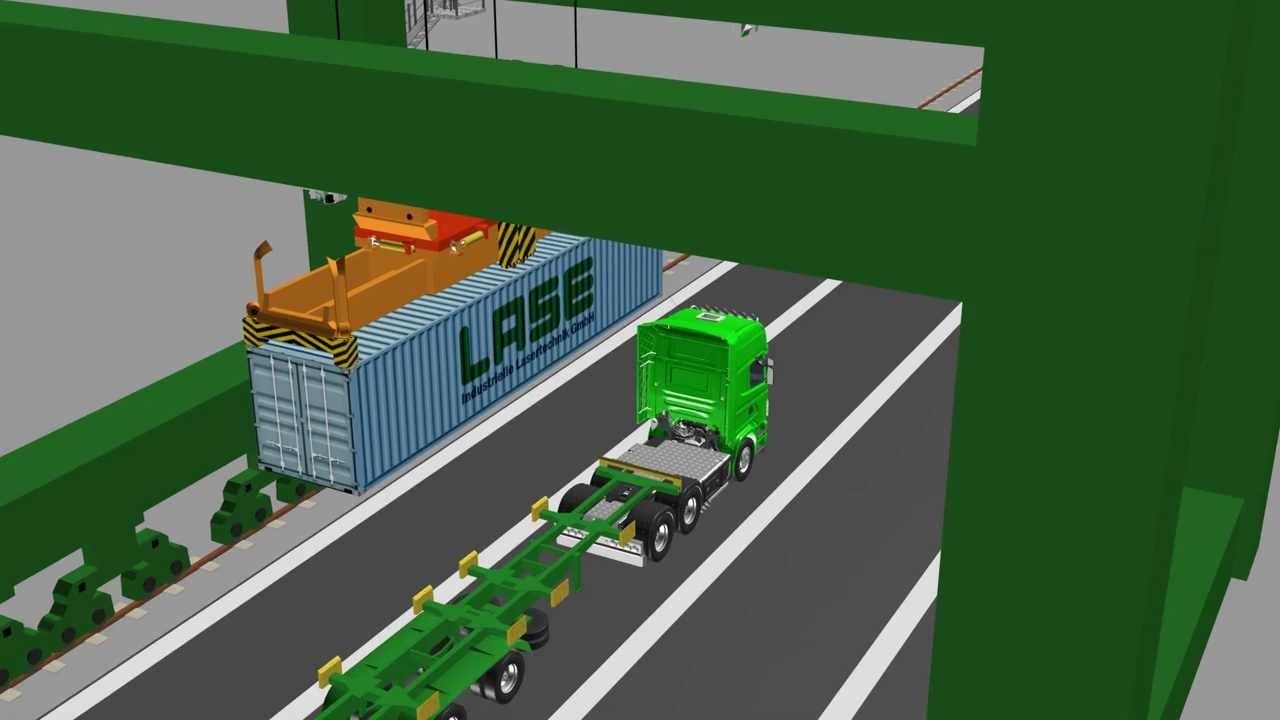
The crane OCR system works with the crane’s control system and is triggered as the container moves. Cameras on the crane capture images, the software reads the container ID and other markings, and the images and data are stored together. Each loading or discharge move therefore has a record of how the container looked at that moment.
What the images can and cannot show
The images show the visible sides of the container as it passes the cameras, so dents, holes or open doors may be seen. They do not show the inside of the box or damage hidden from the camera angles. Treat the record as strong evidence of visible condition, not of the cargo.
Using the record in a damage claim
- Find the move. Search by container ID and date.
- Compare images. Check the condition at discharge against the condition at loading or gate-in.
- Note the crane and time. This shows where in the chain the damage appeared.
- Share the evidence. Give the relevant images to the shipping line or insurer, following company policy.
Storing and protecting the images
Images take space, so decide how long to keep them, who may open them and how they are backed up. Match the retention period to your claim period and contracts. Access logs show who viewed an image, which helps if a record is questioned. Our guide to crane OCR accuracy, cameras and lighting explains how to get clear images in the first place.

Benefits beyond claims
- Fewer disputes with shipping lines and customers.
- Faster, evidence-based settlement when damage is found.
- A record that supports safety and quality reviews.
Crane OCR and image records from Suraj Informatics
Suraj Informatics provides crane OCR integration for terminals, linked to the TOS and the GATIVRA platform. Related reading: crane OCR integration with the TOS.
Crane OCR damage records: common questions
Can crane OCR detect container damage?
It records images of the visible sides of each container. People can use them to check condition, but the system’s main job is to identify the container and keep the record.
How do the images help with claims?
They show how the container looked at a specific move and time, so the terminal can compare condition between moves and show where damage appeared.
How long should images be kept?
Match the retention period to the claim period in your contracts and your company policy.
Does the record show damage inside the container?
No. The cameras see only the outside of the container.
Talk to our crane OCR team
Tell us about your cranes and current checking process, and we will suggest the right OCR setup.





