


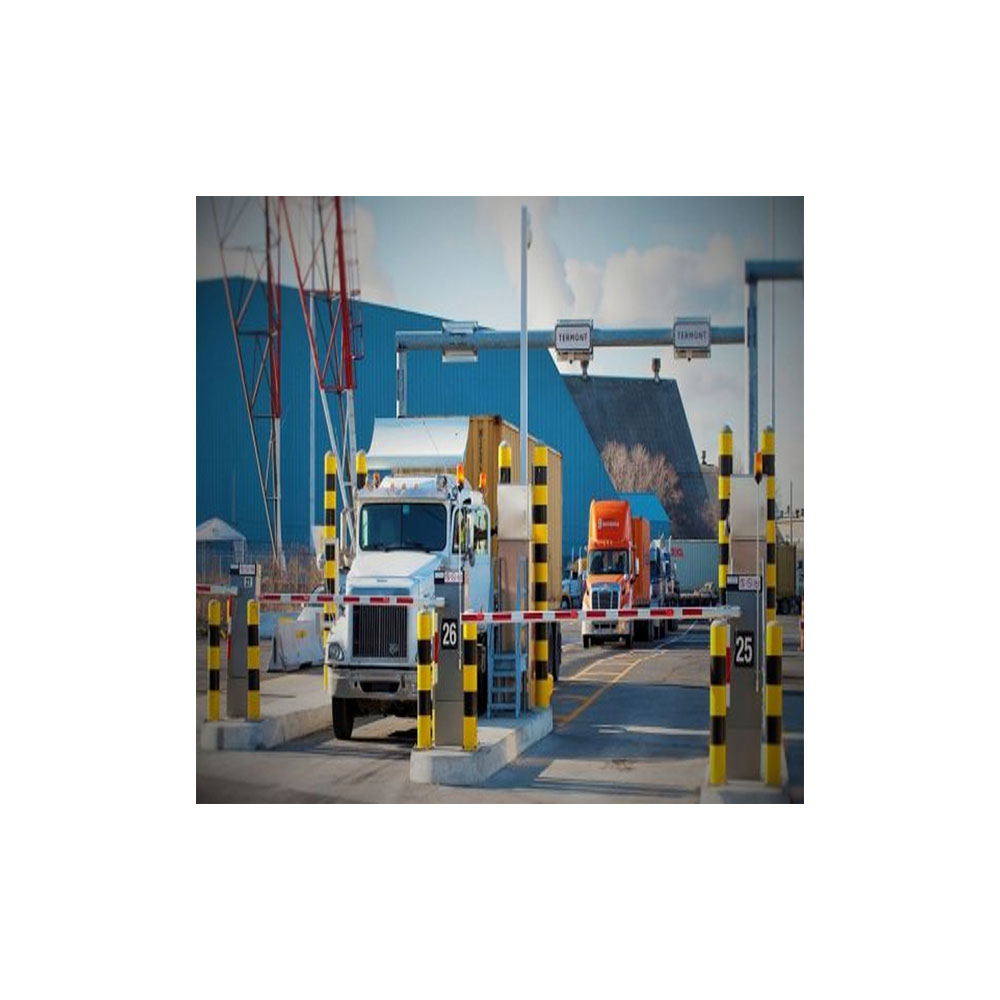

Gate OCR damage imaging takes pictures of a container as the truck enters the gate and stores them with the container number. If a dent or broken door is noticed later, the record shows what the container looked like at the gate. This guide covers what is captured, how hazard labels are handled and how teams use the records.
Key takeaways
- Cameras at the gate capture still and moving images of the container sides.
- The container code, ISO code and plate are read and stored with the images.
- A hazard label can be noted where the gate is set up to record it.
- Records help with claims, but the decision stays with the people involved.
Images and codes recorded as a container enters
As the truck passes the portal, cameras take still images and video of the container. The software reads the container number, checks the ISO code and reads the truck plate. All of this is stored as one gate record, which can be opened by container number later.
Where the site needs it, the portal can also record a hazard label seen on the container, so that the record notes dangerous goods markings.
Using gate images to settle condition disputes
A container that arrives damaged, or leaves damaged, can start a dispute between the terminal, the haulier and the line. The gate images give a dated record from both directions. Staff can search by container number and open the images in seconds. Our article on crane OCR damage records as evidence for claims shows how the same idea works at the quay.

What makes damage images usable as evidence
Images need steady lighting, a clear view of each side and a trigger that matches truck speed. Good lighting at night matters as much as camera quality. Ask for sample images from a site like yours, in daylight and at night, and check that each image carries the time and lane.
Storing and sharing gate damage records
Decide how long records are kept and who may see them. Claims staff, security and customer service often need access, but not all need the same view. Link the records to the container history in your yard or terminal system so they are found from one place. For the gate layout behind this, read gate OCR portal camera layout and lane hardware explained.
Setting up gate damage imaging with Suraj Informatics
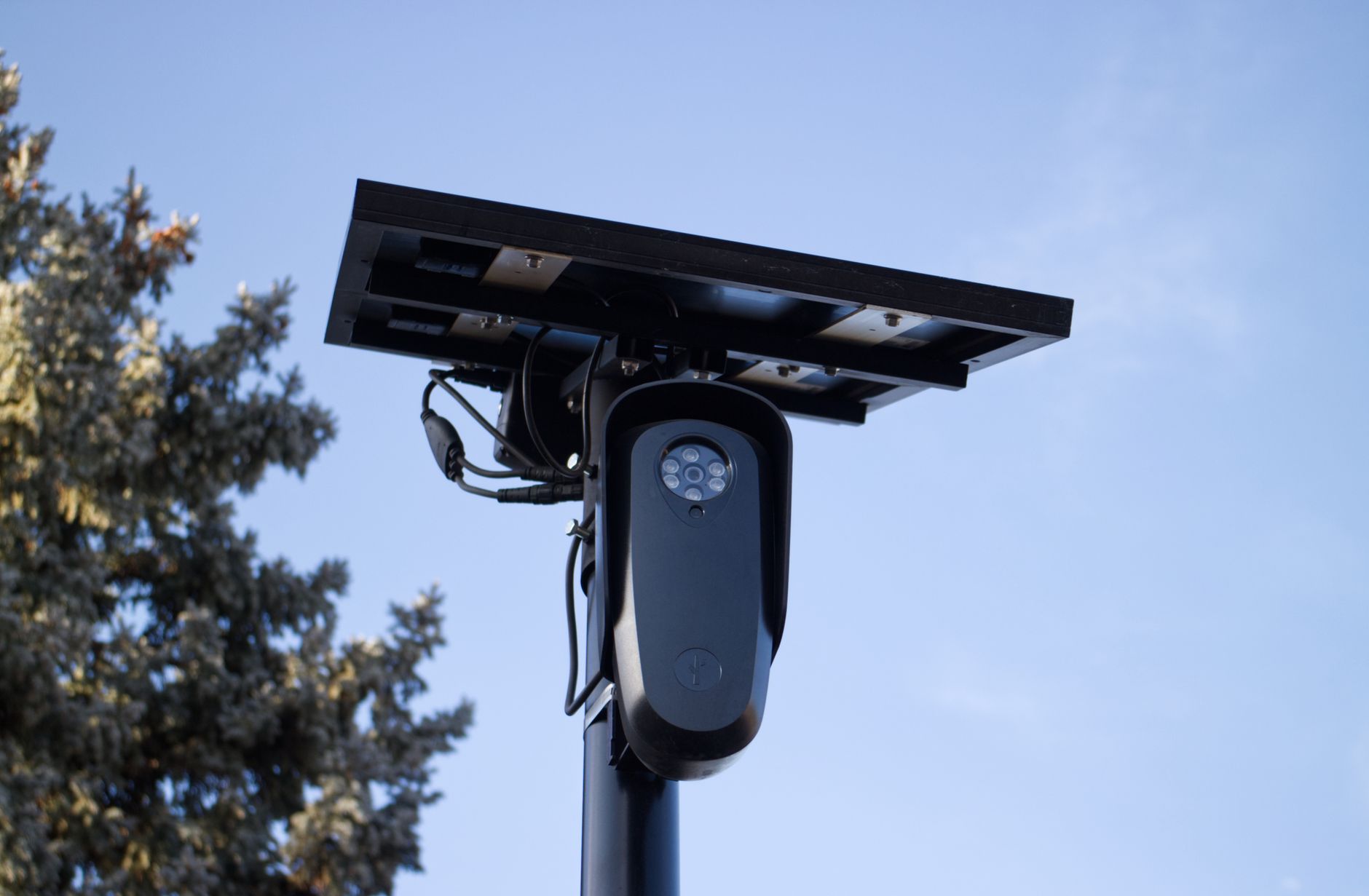
Suraj Informatics supplies a gate OCR portal that reads container and ISO codes and stores condition images for every entry. Tell us about your gate and your claim process, and we will propose a setup.
Gate OCR damage imaging: common questions
Does gate OCR record container damage?
It records images of the container sides, which staff can review for damage.
Can it read ISO codes?
Yes. The software reads the container number and checks the ISO code.
Can it note hazard labels?
Where the site is set up for it, a hazard label can be noted in the record.
Do the images work at night?
They can, with suitable lighting. Ask for night samples.
Talk to our gate OCR team
Tell us about your gate lanes and paperwork, and we will suggest the right OCR setup.





