




Gate OCR and truck appointments work well together. Appointments spread arrivals into time slots, and gate OCR checks each truck against its slot as it enters. This article explains how matching works, what to decide for early and late trucks and how gate records help improve the slot plan.
Key takeaways
- Arrivals bunch up around cut-offs and shift changes, and queues follow.
- Gate OCR reads the plate or container number and checks it against the booking.
- Management sets the rules for early, late and unbooked trucks.
- Time stamps from the gate show which slots need more or less capacity.
Why trucks bunch up at the gate
Trucks rarely arrive evenly. Vessel cut-offs, shift changes and the end of a free-time period can send a crowd of drivers to the gate within the same hour, and the queue grows even when the gate itself is working well. Many terminals and depots use truck appointments to spread arrivals into time slots.
An appointment only helps if the gate can check it quickly. That is where gate OCR fits in.
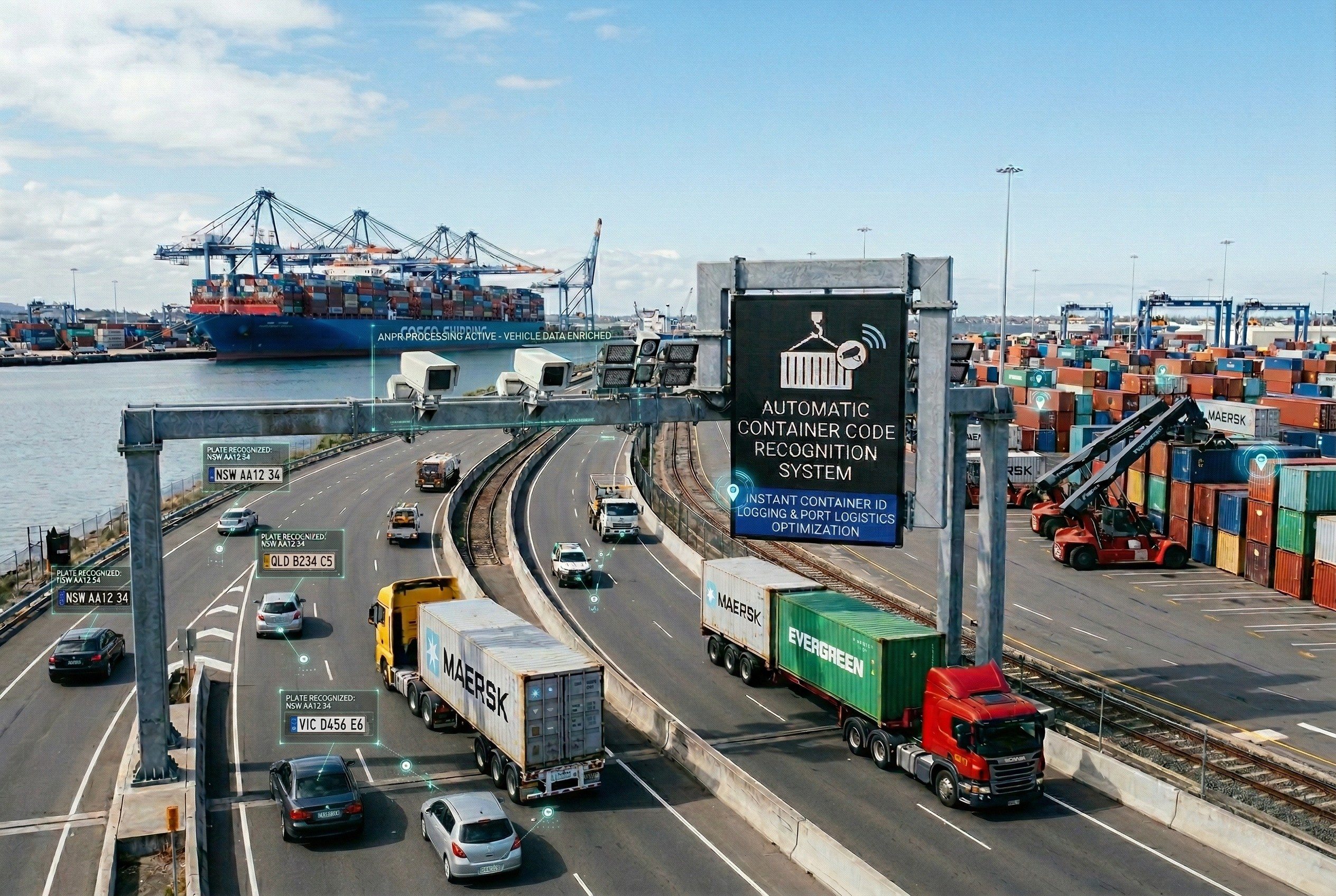
How gate OCR checks a truck against its slot
As the truck enters the lane, cameras read the licence plate and, where relevant, the container number. The gate software compares the read with the booking list and shows whether the truck is early, on time, late or has no appointment. The gate agent sees the result on screen instead of asking the driver for papers.
| Arrival status | What the gate can do |
|---|---|
| On time | Admit at once and print or send the gate pass |
| Early or late | Admit, hold or redirect according to your own rule |
| No matching booking | Send to the help lane for a check by the agent |
The booking data itself comes from your appointment or terminal system. See gate OCR pre-advice matching for how bookings reach the gate.
Deciding what happens to early and late trucks
The technology does not decide the policy. Terminal management sets the rules: how many minutes of grace a truck gets, whether late trucks are rebooked or admitted when there is room, and who may override. Write them down, share them with transport companies and set the gate software to follow them.

Using gate records to improve the slots
Every read leaves a time stamp. Compare actual arrival times with booked slots to see which slots are over-subscribed and which are rarely used, then adjust capacity accordingly. Share the results with transport companies so they can plan better. For how the gate fits into the wider journey of a truck, read a truck journey through a gate OCR system.
Planning gate OCR with appointments with Suraj Informatics
Suraj Informatics provides gate automation and gate OCR that can be linked to your booking system. Share how trucks book and arrive today and we will suggest a way to connect the two.
Gate OCR and appointments: common questions
Do I need appointments to use gate OCR?
No. Gate OCR works without them, but with appointments it can also confirm that a truck has a booking and show whether it is on time.
What happens to a truck with no booking?
The gate can send it to a help lane where an agent checks the details and decides what to do, following your rules.
Where does the booking data come from?
From your appointment system or terminal operating system, linked to the gate software through an interface agreed at design stage.
Can the gate handle early and late trucks?
Yes, according to rules you set, such as grace periods and who can approve an exception.
Talk to our gate automation team
Tell us how trucks book and arrive at your gate, and we will suggest how gate OCR can check them against their slots.





