




Gate OCR reads a truck plate and container number at the lane. Pre-advice matching checks those readings against a booking that was sent earlier, so the gate clears expected trucks quickly and flags the rest for a person to review. This article explains how the match works.
Key takeaways
- Pre-advice is the booking, plate and container data sent before the truck arrives.
- Gate OCR compares what it reads with that record at the lane.
- Mismatches go to an exception queue with images for an officer to review.
- The match is only as good as the pre-advice data you supply.
What pre-advice is and why the gate needs it
Pre-advice is information sent before a truck arrives: the truck plate, the driver, the booking or delivery order and, for terminals, the container number. It tells the gate what to expect, so the check at the lane is a comparison and not a data entry job.
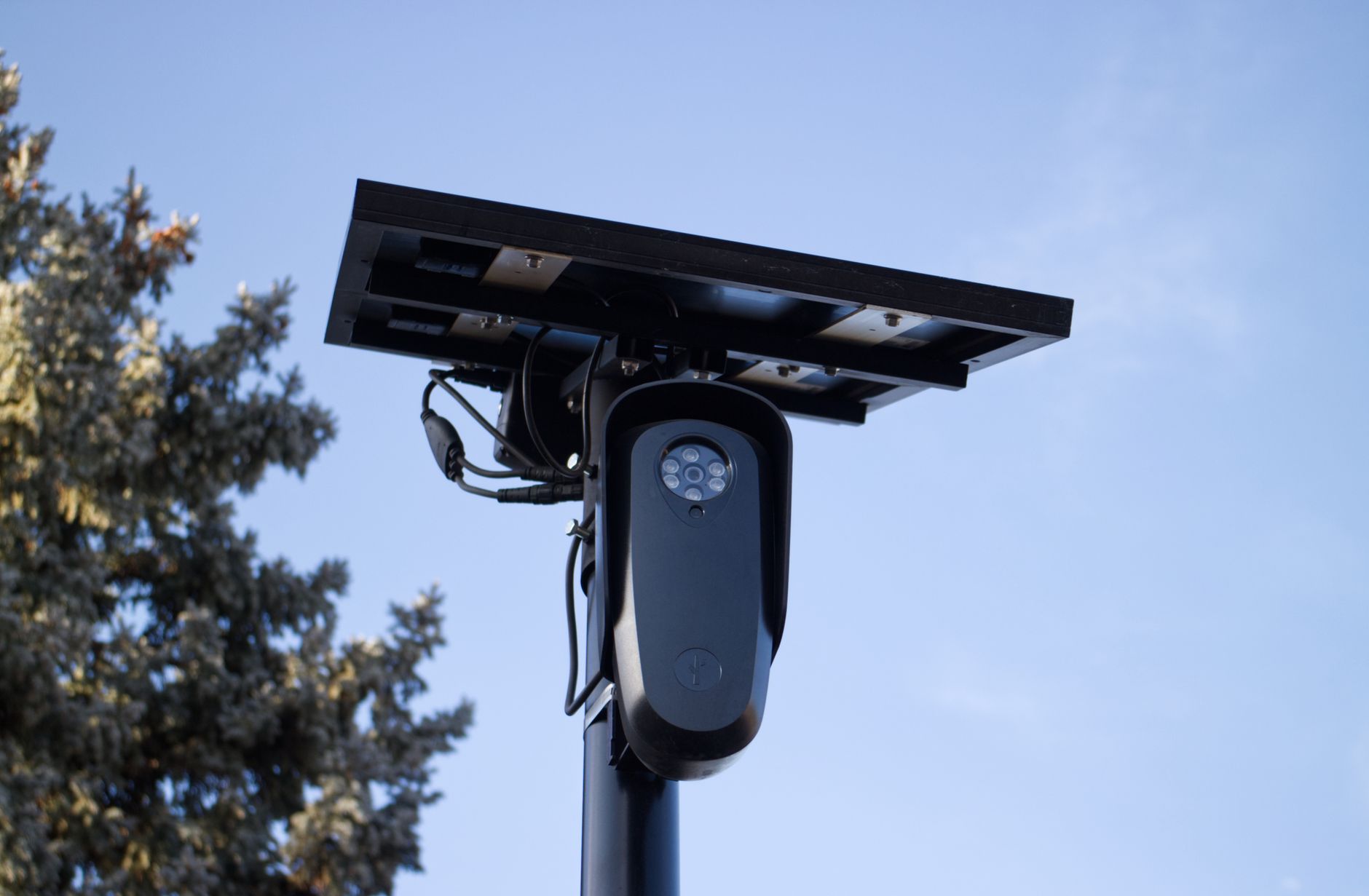
Gate OCR supplies the other half. Cameras read the number plate and container number as the truck enters, and the system compares them with the pre-advice record.
How the gate matches readings to the booking
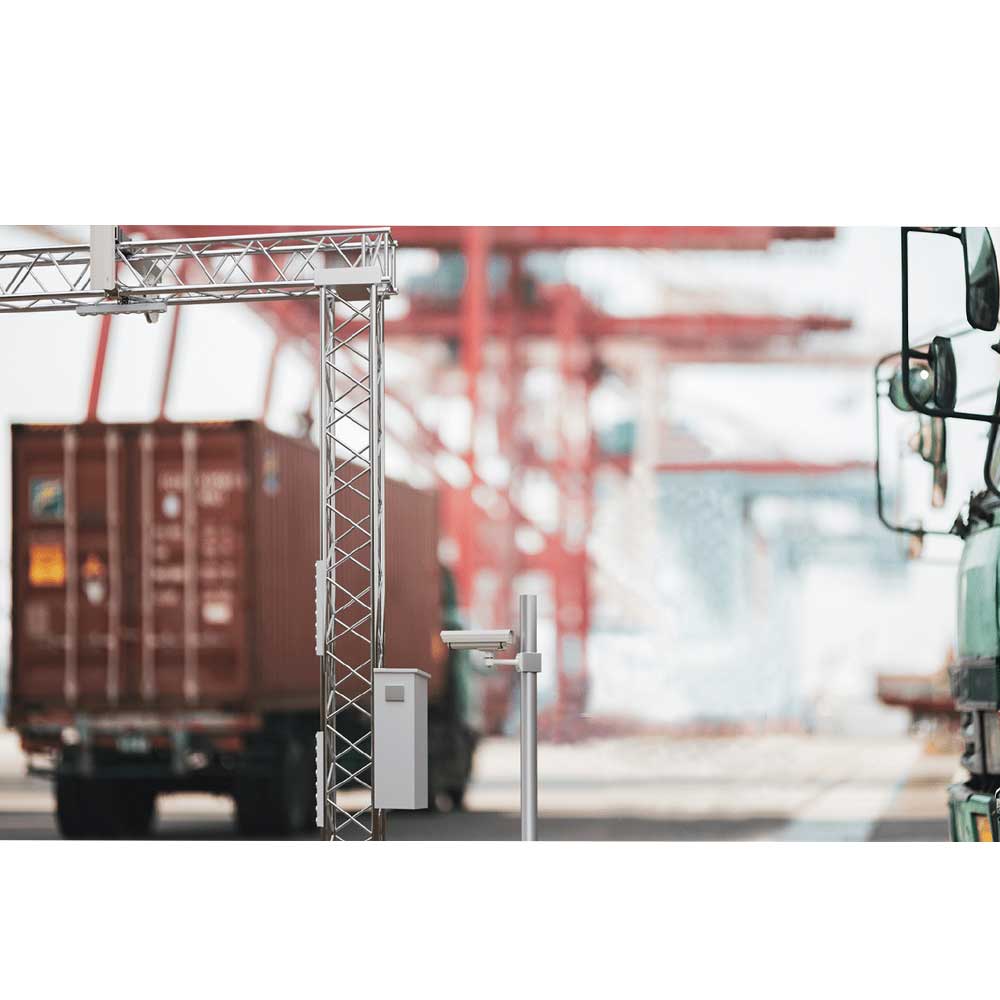
- The truck arrives and cameras capture the plate and, where relevant, the container number.
- The OCR engine converts the images to text.
- The gate system looks for a matching pre-advice or booking.
- If the details agree, the truck is cleared and the record is stamped with time and images.
- If not, the truck is sent to an exception queue.
What happens when there is no match
A mismatch does not always mean a wrong truck. The plate may be dirty, the booking may have changed, or the pre-advice may not have arrived. A good gate shows the officer the captured images beside the booking, lets them correct or confirm the reading, and records who decided. Our article on gate OCR accuracy covers how to test difficult cases.
Data the gate system needs from you
| Data | Why it matters |
|---|---|
| Truck plate number | Links the arriving truck to a booking |
| Booking or delivery order | Confirms the visit is expected |
| Container number | Checks the right unit is moving |
| Time window | Flags early or late arrivals |
| Driver details | Supports access checks |
Agree who sends this data and how early. The gate can only match what it receives. See a truck journey through a gate OCR system for the full flow.
Planning pre-advice checks with Suraj Informatics
Suraj Informatics provides gate automation with OCR that connects to your booking and terminal systems. Tell us how pre-advice reaches your gate today and we will outline a matching setup.
Gate OCR pre-advice matching: common questions
What is pre-advice in gate operations?
Information sent in advance about a truck, its driver and its booking or container, so the gate can check arrivals against expectations.
Does gate OCR work without pre-advice?
It still reads and records plates and containers, but without pre-advice there is nothing to compare them with.
What if the truck is not on the list?
It goes to an exception queue, where an officer reviews the images and decides. The decision is logged.
Can pre-advice come from our existing system?
Often yes. Gate OCR can take bookings from your terminal, yard or ERP software through an integration.
Talk to our gate automation team
Tell us about your gate lanes and booking process, and we will suggest the right OCR setup.





