


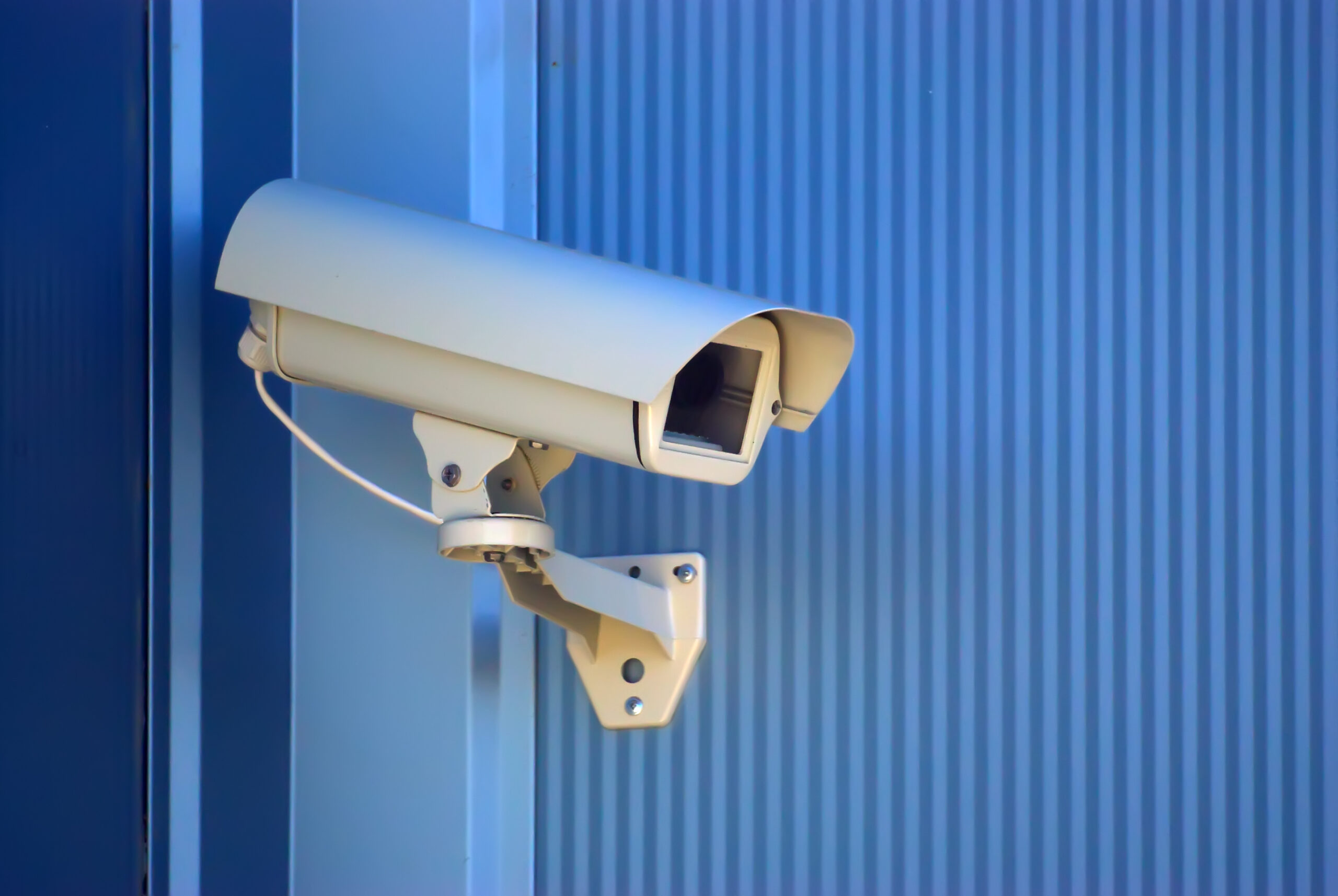

A camera is only as reliable as the cable and switch behind it. Most intermittent picture problems trace back to a poor cable run, an overloaded switch or a power budget that nobody checked. Video surveillance cabling is simple to get right if you plan it before the cameras go up.
Key takeaways
- Most IP cameras use one network cable for both data and power through PoE.
- Standard Ethernet runs have a length limit, so plan switch locations around it.
- Add up the power each camera needs and size the PoE switch with spare capacity.
- Use outdoor-rated cable and proper glands where cables are exposed.
- Label both ends of every cable and keep a record of the runs.
How PoE powers a camera
Power over Ethernet carries electricity and data on the same cable, so a camera needs no separate power point. The switch supplies a set amount of power to each port and a total across the switch. Cameras with heaters, motors or infrared lights need more power than simple fixed cameras, so check the maker’s figures rather than assuming.

Cable lengths, switches and where to put them
Standard Ethernet cable works over a limited distance, commonly around one hundred metres, so cameras far from the recorder need an intermediate switch or a fibre link. Place switches in protected cabinets with ventilation and a clean power supply. Keep cable away from heavy power lines, and leave a service loop at each camera for later adjustment.
Outdoor cabling and weather protection
Use cable rated for outdoor use and seal the entry points where it meets the camera housing. Add surge protection on long outdoor runs and ensure the equipment is earthed. A cable that is wet, nipped or pulled tight is a common source of failures after the first monsoon. Our camera placement guide shows how to choose positions before you run cable.
Labelling, testing and record-keeping
Label each cable at both ends and record it against a camera name. Test every run with a cable tester before handover and record the result. When a camera fails years later, the labels and test sheet save hours. Plan storage as well, since many cameras on one network create heavy traffic. See how to size video storage and, for places where cable is hard to run, wireless links for IP cameras.
Planning camera cabling with Suraj Informatics
Suraj Informatics designs and installs intelligent video surveillance with tested cabling, PoE power and clear records. Contact us for a site survey.
Video surveillance cabling: common questions
Do all cameras use PoE?
Many do, but some need separate power or a higher PoE class. Check the specification.
What if the cable is too long?
Add a switch part-way, use fibre, or consider a wireless link.
Can I reuse old coax cable?
Sometimes with adapters, but new network cable usually gives better results.
Who should test the cables?
The installer, with the results kept as part of the handover records.
Plan the cabling for your cameras
Send us your camera list and floor or site plan, and we will suggest a cabling and power layout.





