



Cameras fail quietly. A lens fogs, a cable loosens or a disk fills, and nobody notices until footage is needed. Video surveillance maintenance is the habit of checking the system before an incident, not after. This checklist covers what to inspect, how often and who should do it.
Key takeaways
- Check that every camera is live, in focus and pointing where it should.
- Look at recorders, disks, power and network links, not only cameras.
- Keep camera clocks correct so footage matches other records.
- Set a schedule, give it an owner and keep a simple log.
Cameras: clean, aligned and in view
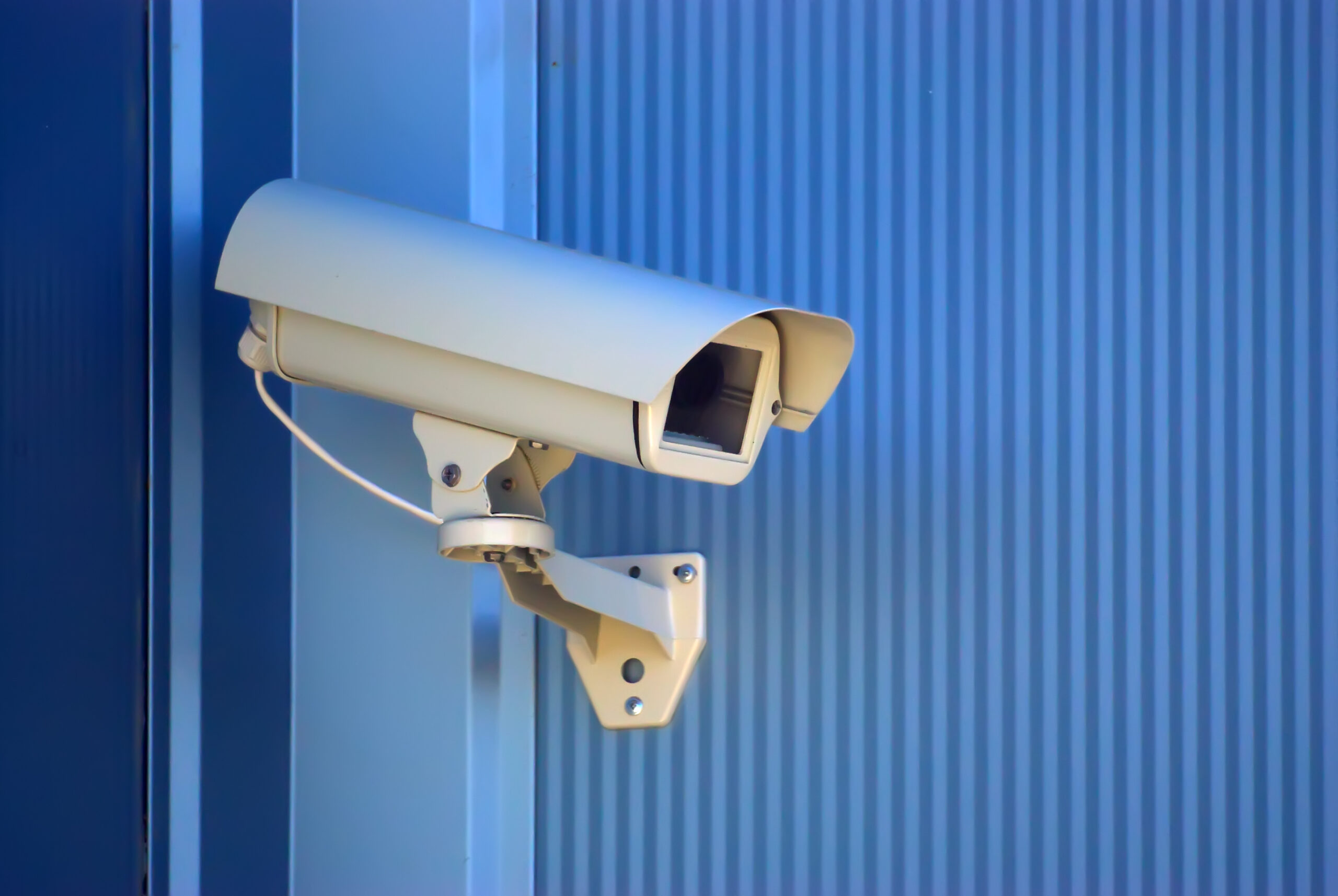
Dust, insect nests, spider webs and water spots on a lens or dome blur the picture. Wipe the lens with a suitable cloth, and check that the housing is sealed and the bracket is firm. Wind, vibration and passing vehicles can slowly turn a camera, so compare the live view with the original saved view.
Recorders, storage and the network
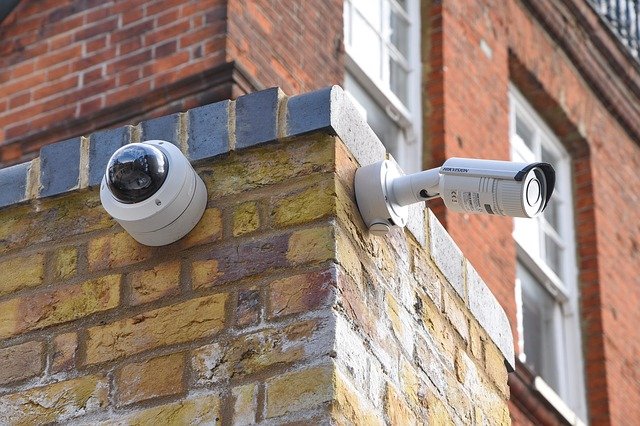
Open the recorder and confirm that each camera is recording, that disks report healthy and that free space is as expected. Look for dropped streams and error logs. Check switch ports and cable ends on the network, because many faults start there. Our note on design, installation and support services explains how support can cover these checks.
A simple checklist and schedule
| Check | What to look for | How often |
|---|---|---|
| Live view of each camera | Clear picture, correct angle | Daily or by remote monitoring |
| Recording test | Play back a recent clip from each camera | Weekly |
| Lens and housing | Dirt, damage, loose bracket | Monthly or as the site needs |
| Disks and logs | Health status, free space | Monthly |
| Clock and time sync | Same time on all devices | Monthly |
Alerts, spares and who owns the job
Where possible, let the system tell you when a camera goes offline, a disk fails or a stream drops. Keep a few spare parts for the items that fail most. Name one person to own the checks, and record what was done. When you plan upgrades, our business security camera buyer guide lists what to look for.
Planning video surveillance maintenance with Suraj Informatics
Suraj Informatics provides intelligent video surveillance with support and health checks for cameras, recorders and networks. Contact us to set up a maintenance routine for your site.
Video surveillance maintenance: common questions
How often should CCTV cameras be checked?
Check live views often, test recordings weekly and inspect hardware on a regular schedule that suits the site.
Why do cameras stop recording?
Common causes are full or failed disks, network faults, power loss and settings that were changed.
Should I test playback?
Yes. A live view proves little, while a played-back clip proves recording works.
Can this be done remotely?
Many checks can, such as camera status and disk health. Lens cleaning and alignment need a visit.
Talk to our video surveillance team
Tell us about your cameras and recorders and we will suggest a maintenance routine.





