


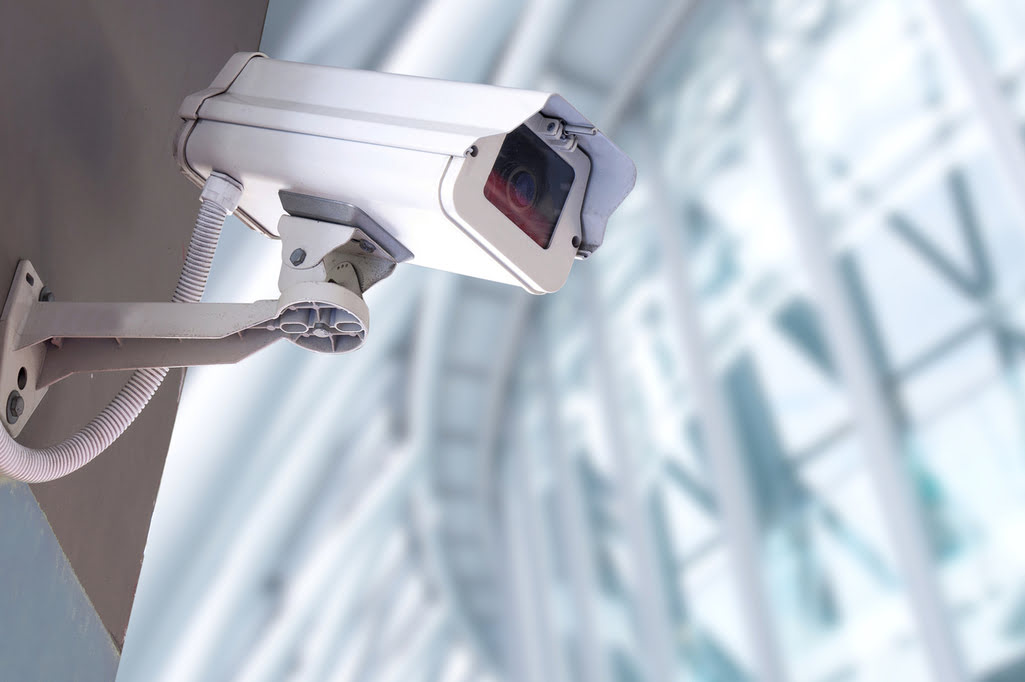

The right security camera protects your people, property and stock, and gives you evidence if something goes wrong. But with so many types on the market, choosing the best video surveillance camera for a business can be confusing. This guide explains the main camera types, the features that matter and how to plan a system for an office, shop, plant or warehouse.
Key takeaways
- Different areas need different camera types: dome, bullet, PTZ, ANPR or thermal.
- Resolution, night vision, weather rating and storage matter more than brand names.
- AI analytics turn cameras into an active security tool with real-time alerts.
- Follow local data-protection rules and tell people where cameras are in use.
Why businesses need video surveillance
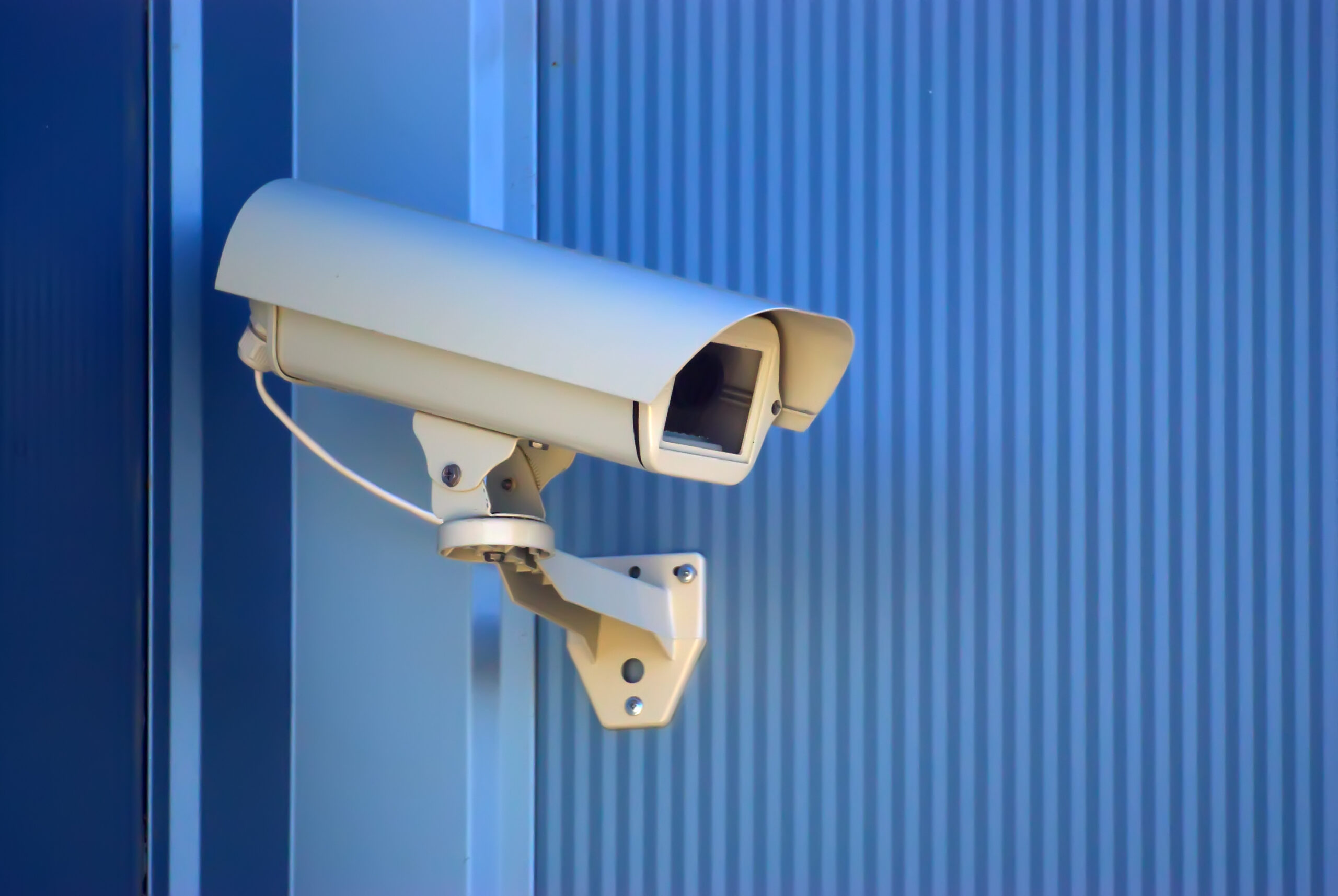
Video surveillance helps keep staff, visitors and property safe, deters theft and vandalism, and provides evidence when incidents happen. Whether you run a small shop, an office or a large plant, cameras let you see what is happening during and after working hours. At the same time, surveillance must respect privacy and data-protection rules.
Types of business security cameras
| Camera type | Best for |
|---|---|
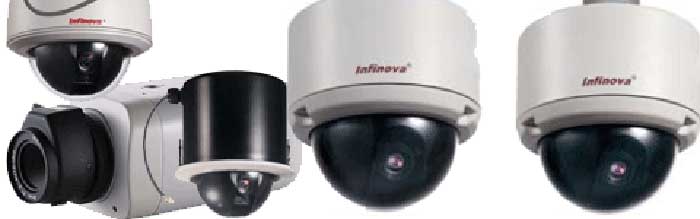
| Dome camera | Indoor areas such as offices, shops and corridors; discreet and vandal-resistant |
| Bullet camera | Outdoor walls, car parks and perimeters; visible deterrent with long range |
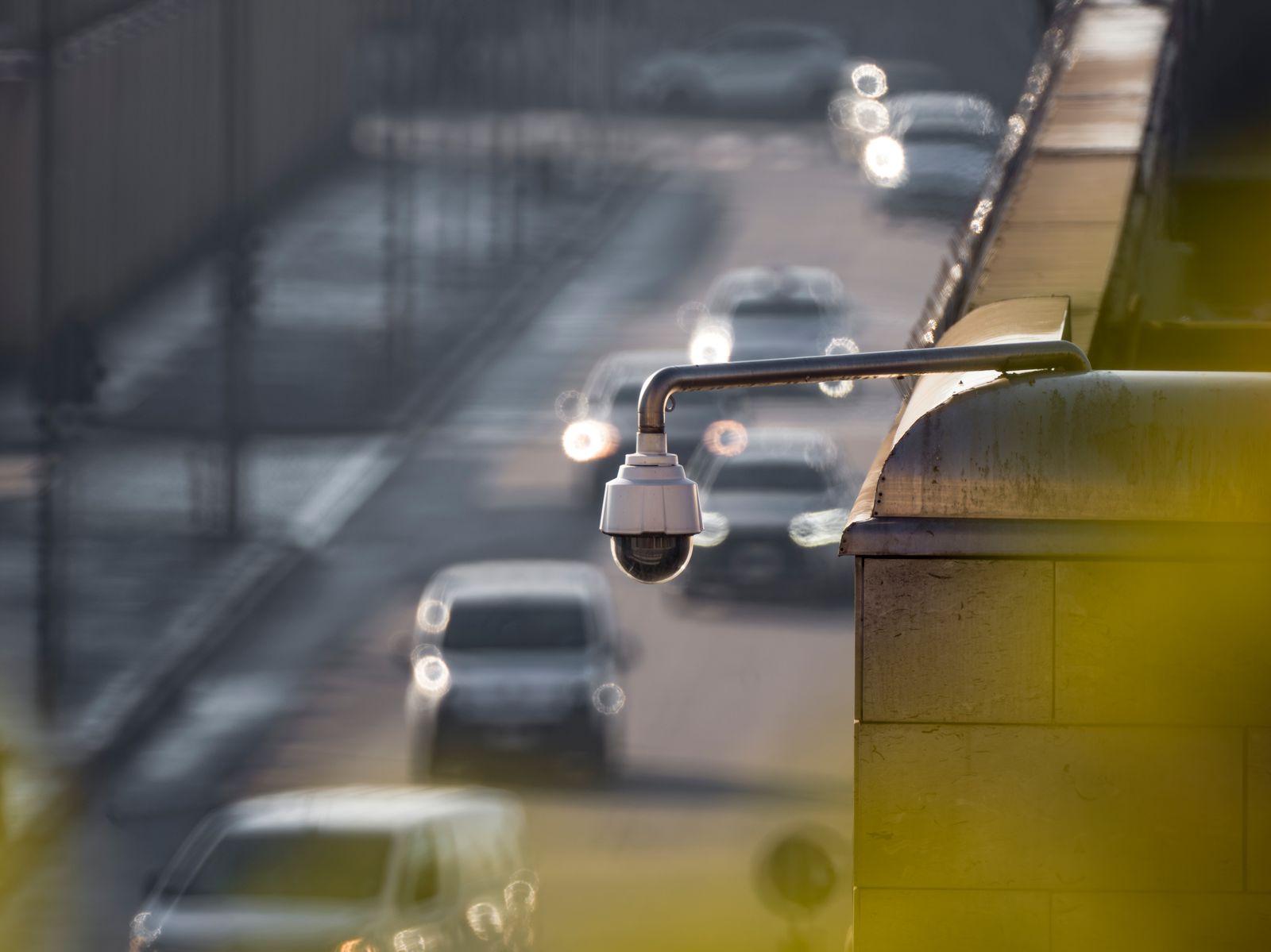
| PTZ camera | Large areas; can pan, tilt and zoom to follow activity |
| ANPR camera | Gates and car parks; reads number plates |
| Thermal camera | Perimeters in darkness, fog or smoke |
Features that matter most
- Resolution: enough detail to identify faces and number plates where needed.
- Night vision: infrared or low-light performance for 24/7 coverage.
- Weather rating: outdoor cameras need protection against rain and dust.
- Storage and remote viewing: reliable recording and secure mobile or web access.
- AI analytics: intrusion, loitering and line-crossing alerts.
How to plan a business camera system
- List the areas to cover. Entrances, exits, cash points, stock rooms, car parks and perimeters.
- Choose the camera for each area. Match type, lens and resolution to the distance and lighting.
- Plan recording and storage. Decide how long footage is kept and where.
- Add analytics where needed. Use AI alerts for high-risk areas.
- Check compliance. Put up signs and follow data-protection rules.
Business surveillance from Suraj Informatics
Suraj Informatics designs and installs AI-powered CCTV surveillance for offices, retail, plants, warehouses and ports in India, including intelligent video surveillance and integration with access control.
Business security cameras: common questions
What is the best security camera for a business?
There is no single best camera. Most businesses use domes indoors, bullets outdoors and PTZ cameras for large areas, chosen by distance and lighting.
How many cameras does a business need?
It depends on the layout. Start with entrances, exits, cash and stock areas and the perimeter.
Can I watch cameras on my phone?
Yes. Most modern systems offer secure remote viewing on mobile and web.
Are there rules for workplace cameras?
Yes. Follow local data-protection laws, display signs and limit who can view recordings.
Talk to our surveillance team
Tell us about your premises and what you need to protect, and we will suggest the right cameras.





