



The best printer for mobile work depends on where the printing happens. If staff print at a counter or desk, a compact desktop printer may be enough. If they print at a customer door, a bedside or a loading bay, a portable printer is the better choice. This guide helps you decide between the two and check the points that matter.
Key takeaways
- Choose by the job: where, how often and what is printed.
- Portable printers move with the worker, desktop printers stay put.
- Check connectivity, battery and paper type before you compare models.
- Test a sample in the real working environment.
Start with the job, not the printer
Write down what must be printed (receipts, tickets, labels or documents), where, and by whom. A courier printing a delivery proof at the door has different needs from a clerk printing shelf labels in a back office. The job decides the printer.
Portable printers versus desktop printers
Both can print from mobile devices. The difference is mainly where the printer sits.
| Question | Portable printer | Desktop printer |
|---|---|---|
| Moves with the worker | Yes | No |
| Runs on battery | Yes | Usually mains power |
| Suited to field work | Yes | Rarely |
| Suited to a fixed counter | Possible | Yes |
| Typical print job | Receipts, tags, small labels | Labels and documents at one place |
Connectivity and battery questions
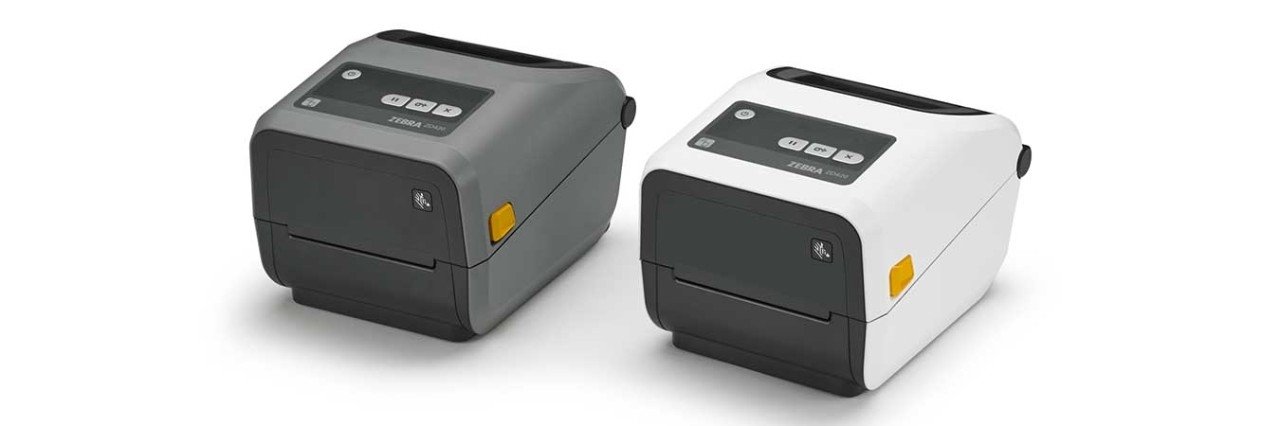
Portable printers often link to a phone or handheld by Bluetooth or Wi-Fi, and some printers can print without a network at all. Check which operating systems and apps are supported. Then ask how long a charge lasts across a full shift, how fast a spare battery can be swapped, and how a charge is shown. Our Zebra ZQ mobile printers compared guide lists model families to consider.
Paper, labels and print quality
Mobile printers normally use thermal paper or labels, so there is no ink to refill. Choose a media size that fits your receipts or tags and check that barcodes print clearly enough to scan. Weather, dust and handling matter too, so look at how tough the case is and how it is carried.
Choosing a mobile printer with Suraj Informatics
Suraj Informatics supplies and integrates mobile printers as part of mobility solutions, together with handhelds and apps. Tell us what you print and where, and we will help you shortlist.
Choosing a printer for mobile work: questions
What is the best printer for mobile use?
The one that fits your job: where you print, what you print and how long it must run.
Can a mobile printer print without Wi-Fi?
Many can connect directly to a phone or handheld, without a network.
Do mobile printers need ink?
Most use thermal paper or labels, so no ink is needed.
Should I test before buying?
Yes. Run a sample in the real place of use for a full shift.
Talk to our mobility team
Tell us what you print and where, and we will recommend suitable mobile printers.