


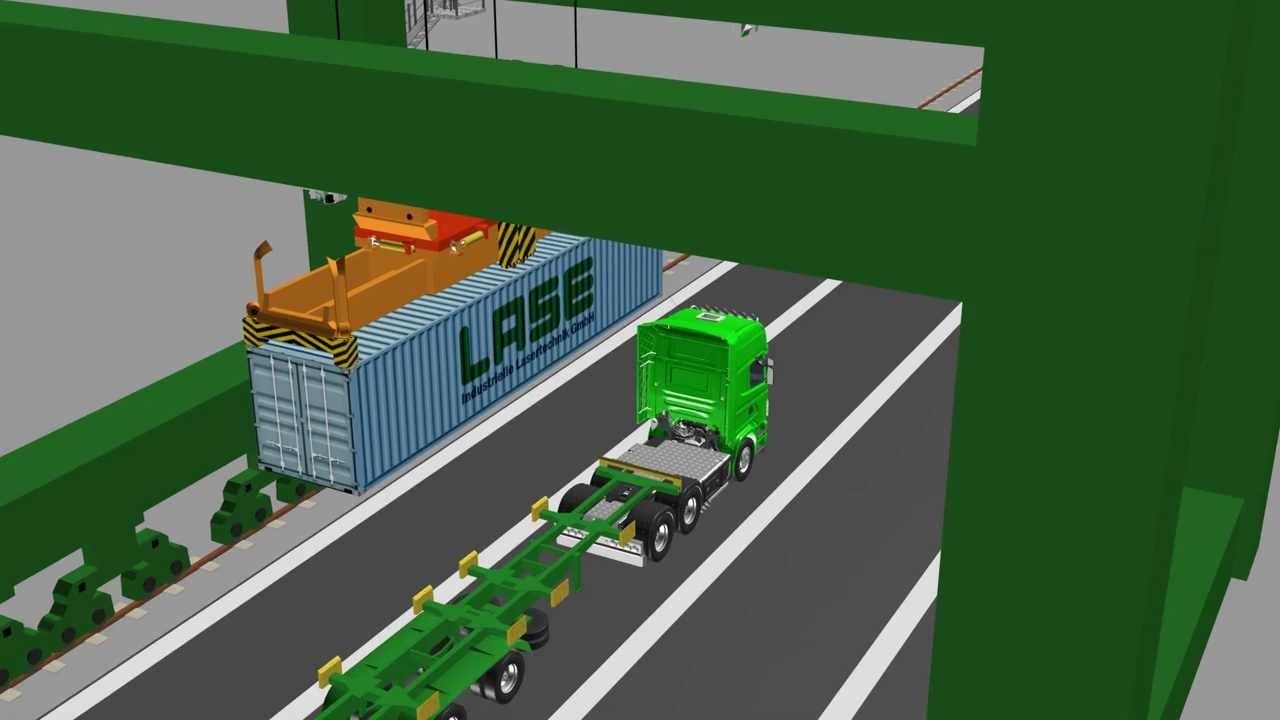

Crane OCR management means cameras and recognition software on the quay crane that identify each container as it is lifted, then pass the details to the terminal operating system (TOS). The value lies in what is captured: not only the container number, but several pieces of data that used to be noted by hand under the crane. This guide lists those data points and what each one is used for.
Key takeaways
- A full crane OCR record covers the container ID, ISO type code, IMDG label, seal presence and door direction.
- The data is sent to the TOS as the container moves, so there is no manual data entry under the crane.
- Only exceptions, such as an unreadable number, need a person to step in.
- Fewer people under the crane improves safety.
What a crane OCR system reads on each container
As a container is lifted or landed, the cameras capture images from several angles and the software reads the markings. A complete crane OCR record covers the following.
| Data point | What it tells the terminal | Used for |
|---|---|---|
| Container ID | The unique owner code and number | Matching the lift to the TOS work order |
| ISO type code | Container size and type | Checking the container against the plan |
| IMDG label | Dangerous-goods marking, where present | Flagging cargo that needs special handling |
| Seal presence | Whether a seal is fitted | Spotting missing seals at the berth |
| Door direction | Which way the doors face | Loading and yard planning |
How the data reaches the terminal system
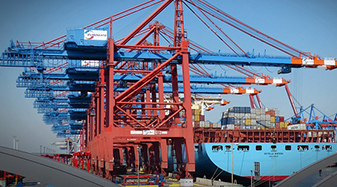
The crane OCR software connects to the TOS so that each read is matched with the planned move. When the read agrees with the work order, the move is confirmed automatically. When it does not, the system raises an exception for a person to check, often from a remote desk. Our guide to crane OCR integration with the TOS explains the data flow in detail.
Safer work at the quay
Manual checkers have to stand near moving containers and crane gear to note numbers. With crane OCR, those checks are done by cameras, so fewer people work under the crane. See crane OCR and terminal safety for how checkers move to a safe location.
Handling unreadable containers
No camera system is perfect: dirt, damage, glare or a hidden marking can make a number unreadable. Good systems show the image and the best read so an operator can confirm or correct it quickly. The aim is to reduce manual work to the exceptions, not remove the human check completely. Camera placement and lighting matter, as covered in crane OCR accuracy.
Benefits terminals report from crane OCR
- Fewer data entry errors, because the system reads the markings instead of a person typing them.
- Faster confirmation of loading and discharge events in the TOS.
- A record with images for each container move.
- Remote exception handling instead of staff under the crane.
Crane OCR management for terminals in India
Suraj Informatics provides crane OCR and crane management solutions for container terminals, with integration to the TOS and the rest of the GATIVRA platform.
Crane OCR management: common questions
What does crane OCR management do?
It identifies each container on the crane using cameras and recognition software and sends the data to the terminal operating system, so loading and discharge are recorded automatically.
What data does crane OCR capture?
The container ID, the ISO type code, the IMDG label where present, whether a seal is fitted and the door direction.
Does it replace checkers completely?
It replaces routine number checking under the crane. People still handle exceptions, usually from a safe location.
Does it work with manual terminals?
Yes. Terminals that are not fully automated can use crane OCR to remove manual data entry and improve safety.
Talk to our crane OCR team
Tell us about your cranes and current checking process, and we will suggest the right OCR setup.





