


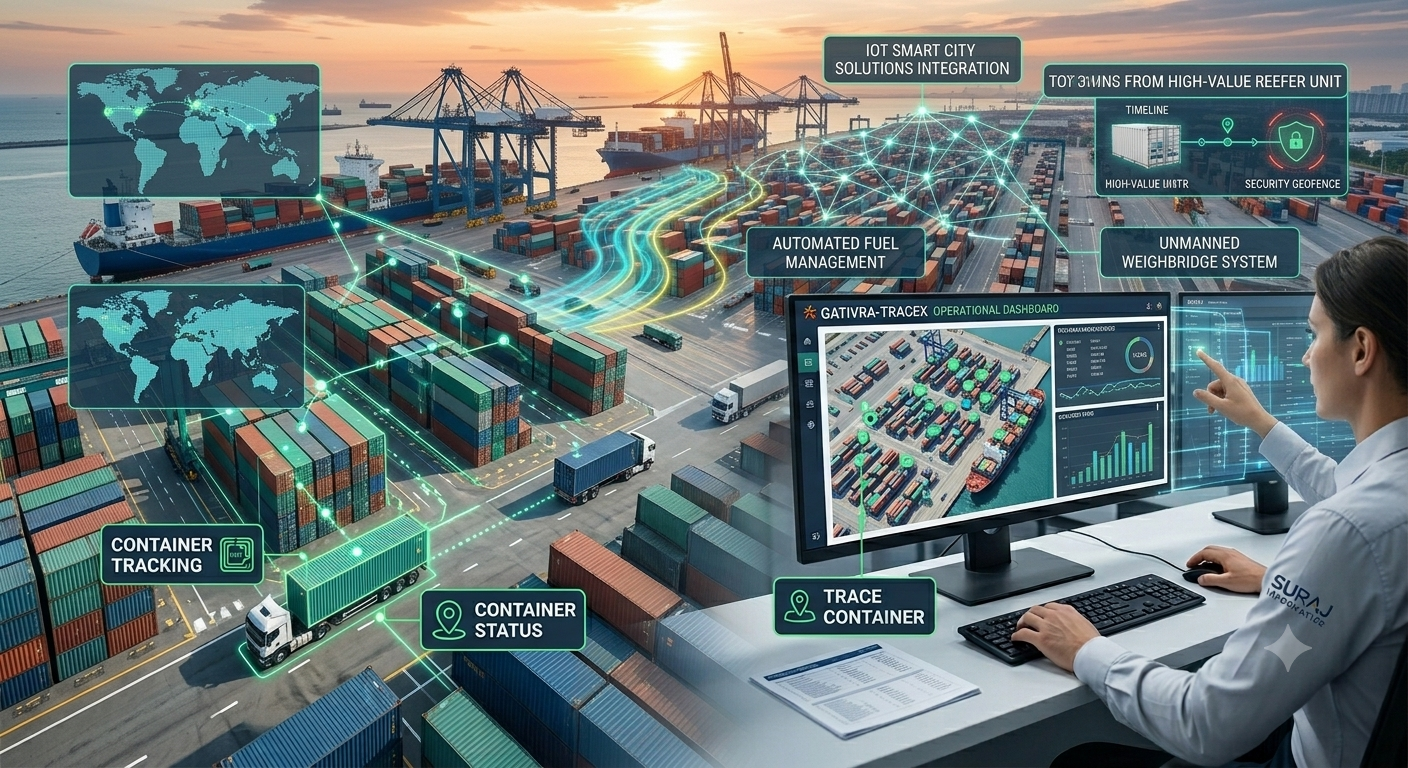

Supply chain track and trace records where goods are at each handover and alerts your team when something goes off plan. This article shows how to choose checkpoints, capture events with barcodes and RFID, and turn the data into alerts that people can act on.
Key takeaways
- Choose checkpoints at the handovers where information is most often lost.
- Barcodes suit scanned labels, and RFID suits gates, dock doors and returnable assets.
- Compare each event with the plan so delays and misroutes raise alerts.
- Share identifiers with ERP, warehouse and transport systems.
Where a supply chain needs visibility
Goods pass through suppliers, plants, warehouses, carriers and customers, and each handover is a place where information can be lost. A track and trace system records where an item or consignment is and what has happened to it, so questions about status or history can be answered from data and not phone calls.
Choosing checkpoints along the route
A checkpoint is a place where the item is identified and logged. Start with the handovers that matter most.
| Checkpoint | Typical event recorded |
|---|---|
| Packing or production | Item labelled and linked to a batch or order |
| Warehouse dispatch | Consignment loaded and released |
| Plant or terminal gate | Vehicle enters or leaves |
| Customer delivery | Goods received and confirmed |
More checkpoints give more detail, but each one needs a person or device to capture the event, so add them in steps.
Capturing events with barcodes and RFID
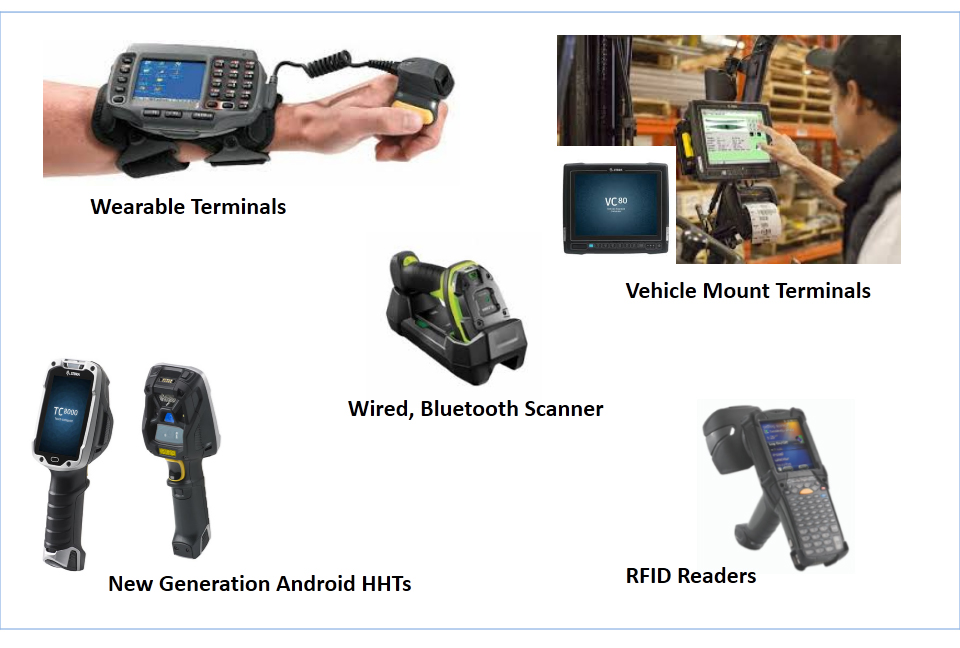
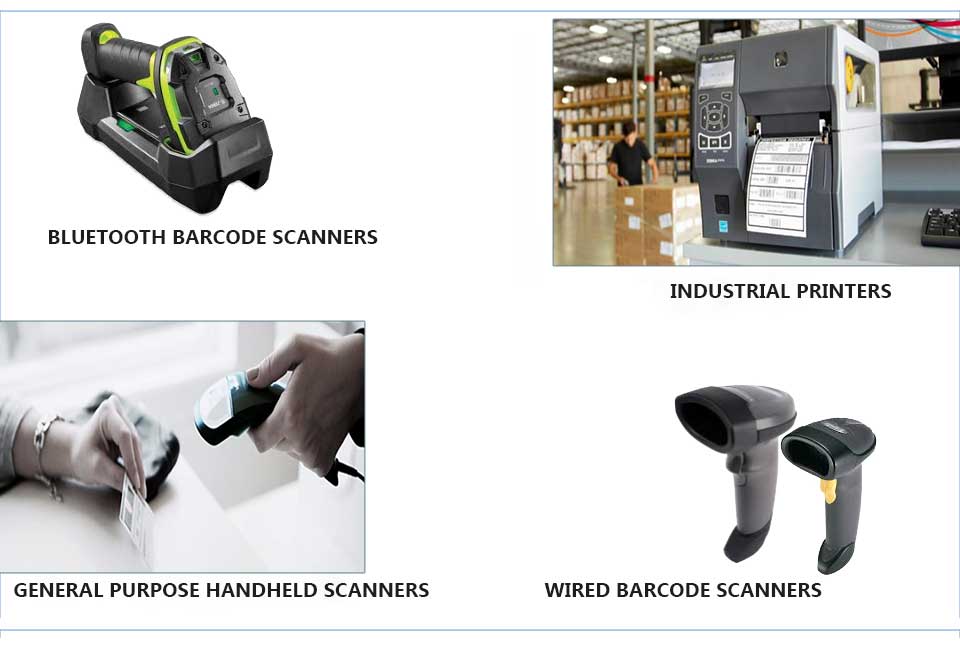
Barcodes are inexpensive and work well where an operator can scan each label. RFID can read tags without line of sight, which suits gates, dock doors and returnable assets. Many sites use both. Read how RFID asset tracking software compares, and how handheld devices fit in.
Turning events into alerts and exceptions
Events become useful when the system compares them with a plan. If a consignment misses a checkpoint, stays too long in one place or arrives at the wrong site, the system can alert the right person. Dashboards then show open exceptions, so the team deals with problems first and routine movements need no attention.
Linking tracking data to your other systems
Tracking data is most valuable when it reaches the systems people already use, such as ERP, warehouse and transport software. Plan the identifiers up front, such as order, batch and vehicle numbers, so the data matches across systems. Our guides to how a track and trace system works and track and trace applications by industry give more background.
Planning supply chain tracing with Suraj Informatics
Suraj Informatics provides a track and trace system that combines barcode, RFID and software. Tell us about your route and checkpoints and we will outline a practical design.
Supply chain track and trace: common questions
What is the difference between tracking and tracing?
Tracking follows an item as it moves now. Tracing looks back through its recorded history.
Do I need RFID for track and trace?
No. Barcodes are enough at many checkpoints. RFID helps where scanning each item by hand is slow or not practical.
How many checkpoints should I start with?
Start with the handovers where problems occur most often, then add more once the process works.
Can track and trace connect to our ERP?
Usually yes, through an integration that shares identifiers such as order, batch and vehicle numbers.
Talk to our track and trace team
Tell us how goods move through your supply chain, and we will suggest where to place checkpoints.





