


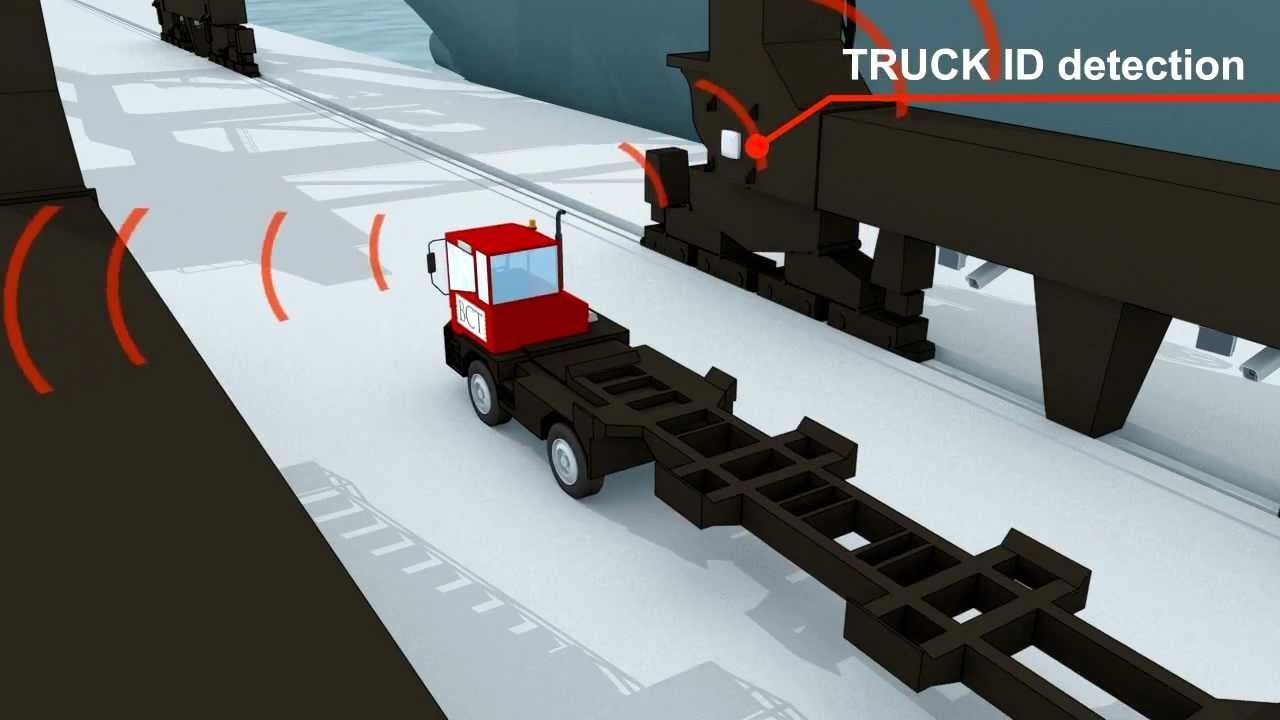

Checking containers under a quay crane is one of the most dangerous jobs in a marine terminal. Crane OCR reads container details automatically as the crane moves them, so checkers can work from a safe control room instead of the quay. This article explains how crane OCR improves terminal safety and what changes in daily operations.
Key takeaways
- Manual container checking under cranes exposes staff to moving loads and vehicles.
- Crane OCR captures container numbers and ISO codes during every lift.
- Checkers move to a control room and handle only exceptions.
- Data goes straight to the TOS, which also improves accuracy and speed.
Why checking under the crane is risky
During loading and discharge, checkers traditionally stand near the crane legs to read container numbers, seals and positions. They work close to suspended loads, moving trucks and straddle carriers, often at night and in bad weather. Any error also means someone has to go back into the area to correct it.
How crane OCR captures container data
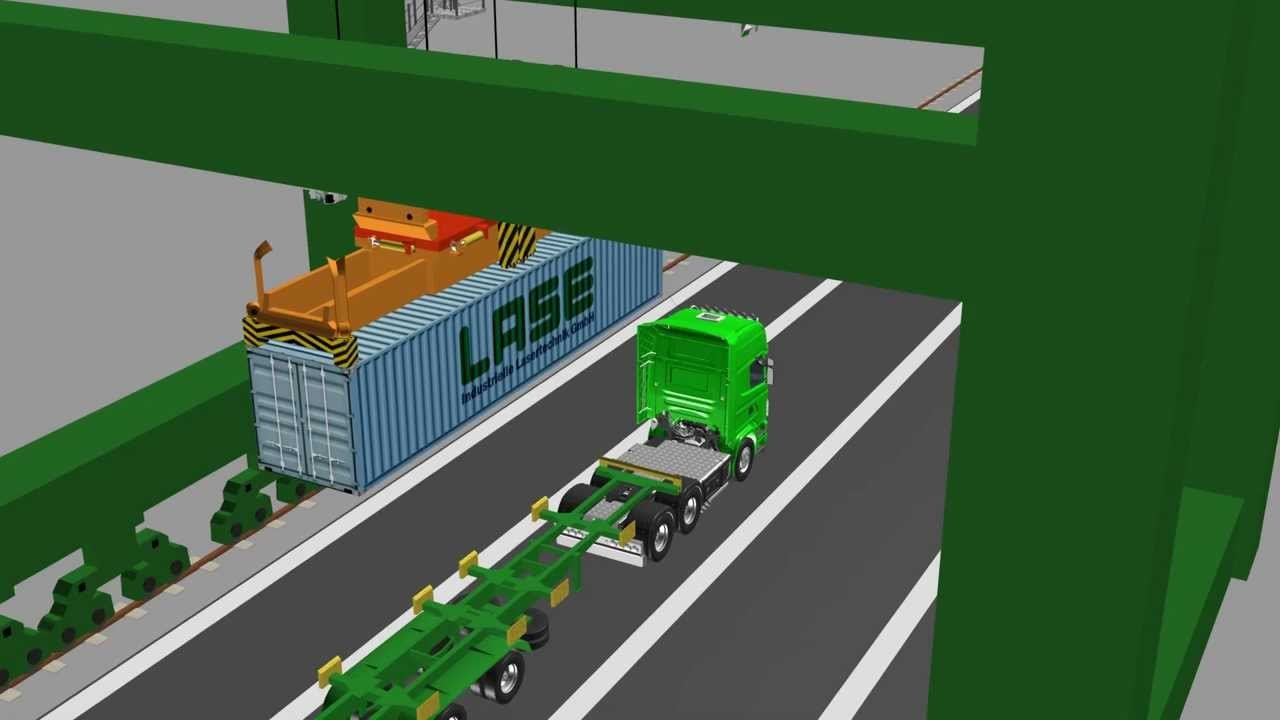
Cameras and lighting are mounted on the crane. The OCR system connects to the crane PLC, so it knows when a container is lifted or set down. It reads the container number and ISO code, links them to the move and the truck or vessel position, and sends the result to the terminal operating system (TOS).
From the quay to the control room
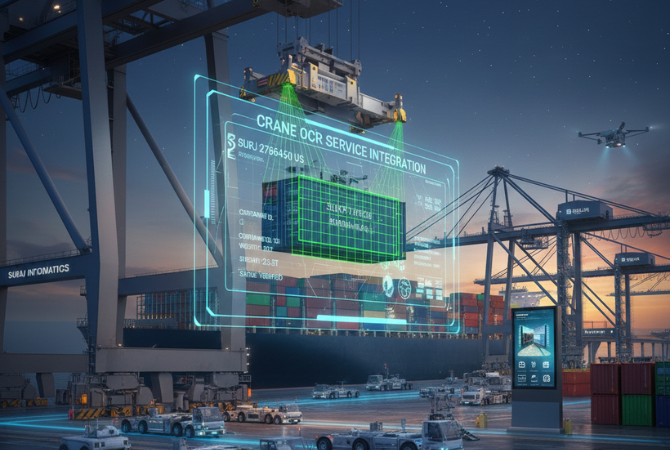
Because most containers are recognised automatically, checkers no longer need to stand on the quay. They work from a control room or office and only review exceptions, such as a damaged or hidden number, using the images captured by the crane cameras.
| Before crane OCR | After crane OCR |
|---|---|
| Checkers on the quay under the crane | Checkers in a control room |
| Numbers written or typed by hand | Numbers captured automatically with images |
| Errors corrected on the quay | Exceptions corrected remotely |
| Several checkers per crane | Fewer staff covering more cranes |
Other benefits for the terminal
- Accuracy: fewer typing errors and better container inventory.
- Speed: no waiting for manual confirmation on each move.
- Evidence: images of every container for damage and dispute checks.
- Central control: one team can manage several cranes.
For more on crane OCR, read crane OCR features and benefits, quay crane OCR at the berth and crane OCR integration with the TOS. Explore our crane OCR services.
Crane OCR and safety: common questions
How does crane OCR improve safety?
It reads container data automatically on the crane, so checkers no longer need to work under moving loads.
What happens when OCR cannot read a container?
The move is flagged as an exception and a remote checker confirms it using the captured images.
Does crane OCR connect to the TOS?
Yes. Results are sent to the terminal operating system in real time.
Which cranes can use OCR?
Ship-to-shore quay cranes as well as RTG and RMG yard cranes.
Talk to our crane OCR team
Tell us about your cranes and current checking process, and we will suggest the right OCR setup.





