




When Wi-Fi misbehaves, people often blame the access point and replace it. A better approach to wireless networking troubleshooting starts with the symptom, finds the likely cause and checks one thing at a time. This guide gives a short routine for dead spots, interference and roaming drops.
Key takeaways
- Begin with what users see: slow, no signal, or dropped sessions.
- Walk the area with a survey tool before changing hardware.
- Crowded channels and moving devices cause many intermittent drops.
- Record each change so a fix does not create a new fault.
Start with the symptom
The symptom narrows the cause quickly. Use the table below as a first filter.
| Symptom | Likely cause | First check |
|---|---|---|
| No signal in one area | Coverage gap or blocked path | Signal strength on a walk-through |
| Slow everywhere | Too many devices or heavy traffic | Access point load and uplink speed |
| Slow at certain hours | Interference or congestion | Channel use at that time |
| Drops while moving | Poor roaming between access points | Overlap and roaming settings |
Dead spots and weak signal
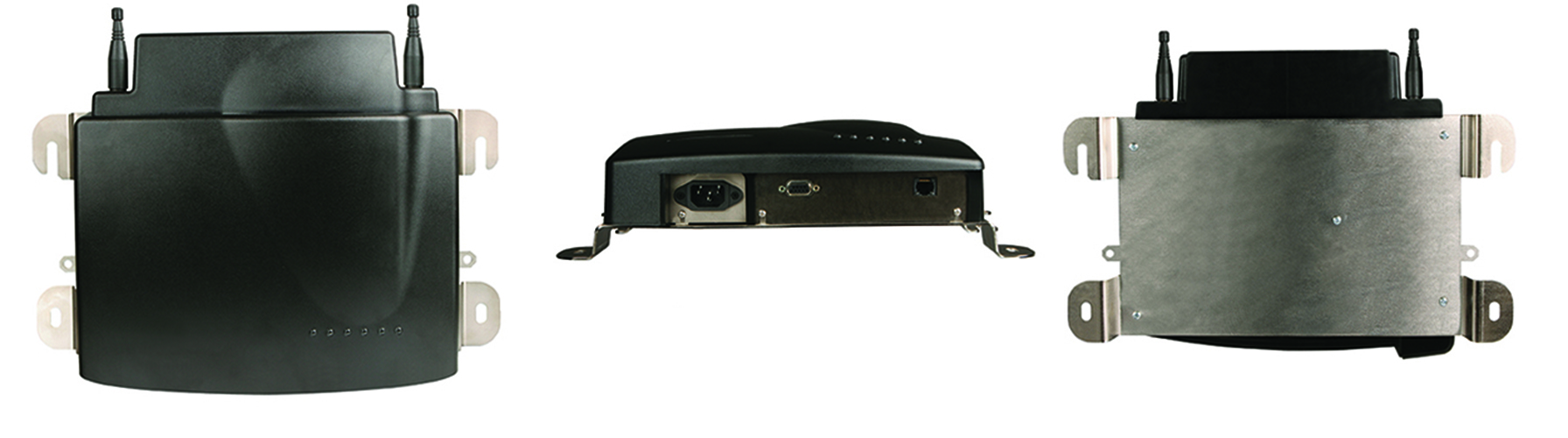
Racks, metal shelving, machines and thick walls absorb radio signals. Walk the area with a handheld survey tool or phone app and mark where the signal falls. Moving an access point, adding one or changing its antenna usually fixes this. Our guide to wireless coverage and roaming in plants and warehouses explains how to plan coverage.
Interference and crowded channels
Neighbouring networks, microwave ovens, cordless devices and other equipment share the same radio space. Use the access point controller to see which channels are busy, then move your access points to quieter ones. Where the 5 GHz band is available, move modern devices there. For band choices on longer links, see licensed and unlicensed wireless bands.
Roaming drops on moving devices
Handheld scanners and forklift terminals move through coverage areas all day. If sessions drop as they move, check that neighbouring access points overlap enough and use the same network name and security settings. Update device drivers and access point firmware, then test while walking the route.

Fixing wireless networking problems with Suraj Informatics
Suraj Informatics provides mobility and wireless networking services including site surveys, tuning and monitoring. If your Wi-Fi has recurring drops or dead spots, we can survey the site and recommend practical fixes.
Wi-Fi problems: questions and answers
Should I replace the access point first?
Not usually. Check coverage, channels and settings before buying hardware.
What tool shows dead spots?
A survey app or tool that records signal strength as you walk the area.
Why does Wi-Fi drop only on handhelds?
Often because of weak overlap between access points or old device drivers.
How can I prevent repeat problems?
Keep a record of changes and monitor access point load and signal levels.
Talk to our wireless networking team
Describe the symptom and the area, and we will suggest where to look first.





