


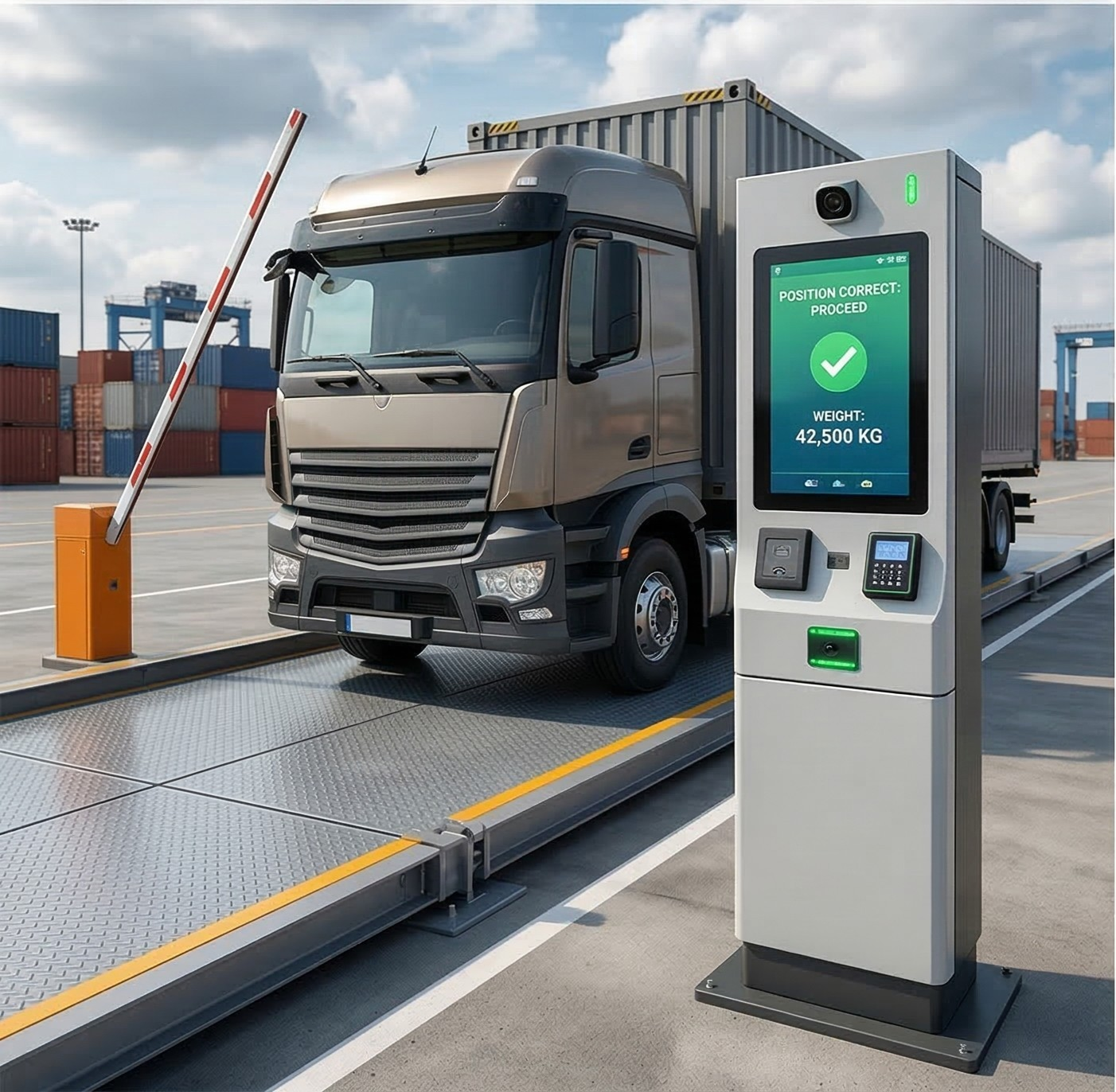

The first minutes of a truck’s visit set the pace for the whole yard. A yard management system replaces paper slips and radio calls with driver check-in and a digital gate pass. This guide explains how check-in works and how it feeds dock assignment.
Key takeaways
- Check-in captures who is arriving, for which order and at what time.
- A digital gate pass replaces paper slips and gives guards one record to verify.
- Check-in can happen at a kiosk, by mobile or at the gate by a guard.
- Clean arrival data lets the system assign docks and parking without radio calls.
What driver check-in replaces
Without a system, drivers hand over papers at the gate, a guard writes the time and someone calls the dock to ask if a bay is free. Details get lost, entries are copied by hand and nobody has a shared view of who is waiting. Digital check-in captures the same facts once and shares them with everyone who needs them.
How a digital gate pass works
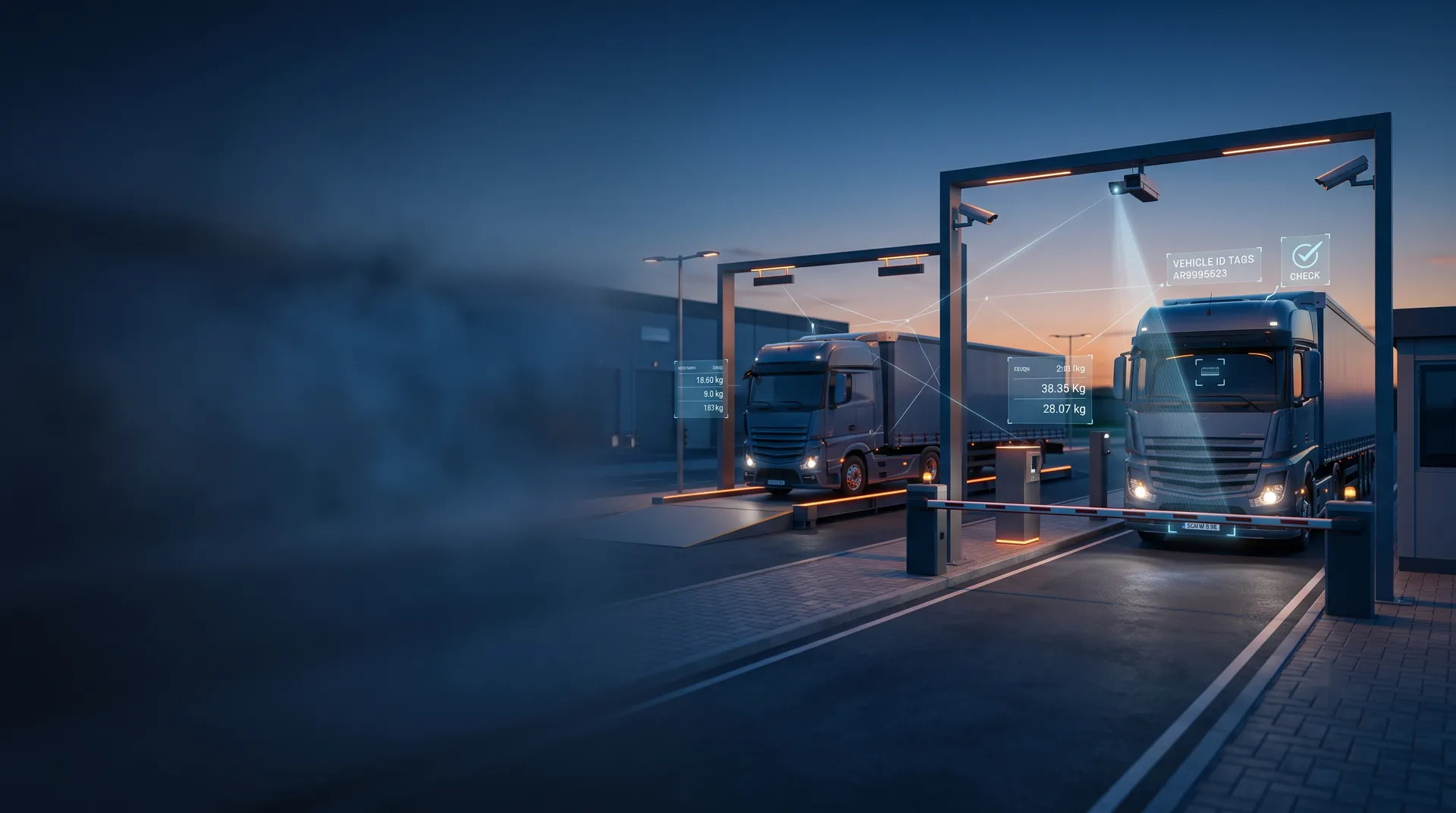
When a truck is expected, the appointment or order creates a pass. On arrival, the guard or driver confirms the vehicle, and the system checks it against the expected list. The pass then follows the truck through the gate, the yard and the dock. Our guide to yard management system features shows where the pass fits in the wider feature set.
- An appointment or order creates an expected arrival.
- The driver is identified at the gate by RFID, plate or booking code.
- The system matches the truck to its order and issues the pass.
- The pass shows the parking area or dock to go to.
- Gate-out closes the pass and records the visit duration.
Self-service kiosk and mobile check-in
A kiosk lets drivers confirm their details and receive instructions on a screen, so the guard handles only exceptions. Mobile check-in lets a driver confirm arrival from the cab and get a bay message by phone. Both need clear wording in the languages your drivers use, large buttons and a fall-back path for drivers without a phone.
From check-in to dock assignment
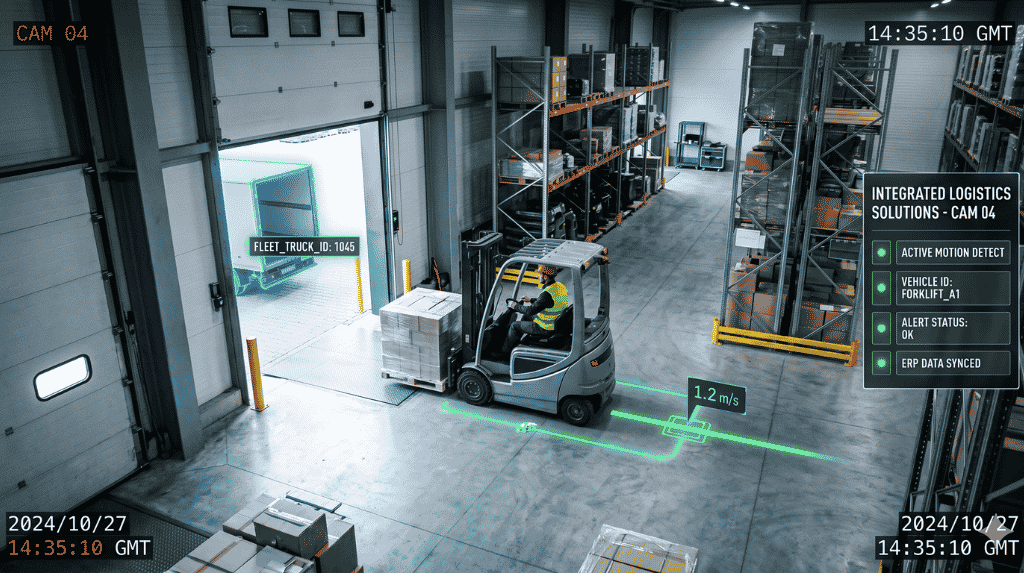
Once the arrival is on record, the system sees which docks are free and which loads are urgent. It proposes a bay or a waiting area and alerts the dock team. Camera views at the dock confirm the truck has arrived and the bay is in use. Track the results with the measures in yard management KPIs for dwell time, turn time and dock use.
Handling exceptions at the yard gate
Not every truck arrives as planned. Early, late and unbooked vehicles need clear rules: hold in a waiting area, send to a default bay or refer to a supervisor. The system should record the reason and the person who approved the decision, so patterns of late arrivals can be reviewed with carriers.
Planning yard check-in with Suraj Informatics
Suraj Informatics builds yard management systems with gate identification, digital passes and dock assignment. Describe how trucks arrive at your site and we will suggest a check-in flow that fits your gate and your drivers.
Driver check-in: common questions
What is a digital gate pass?
It is an electronic record that replaces the paper slip, tying the truck, driver and order to a visit.
Do all drivers need a smartphone?
No. A kiosk or guard-assisted check-in works for drivers who prefer not to use a phone.
Can check-in work with appointments?
Yes. The appointment creates the expected arrival, and check-in confirms it.
What happens when a truck arrives without a booking?
The system follows your rule, such as waiting area, default bay or supervisor approval, and records the decision.
Talk to our yard management team
Tell us about your gate and dock process, and we will suggest the right check-in setup.





