


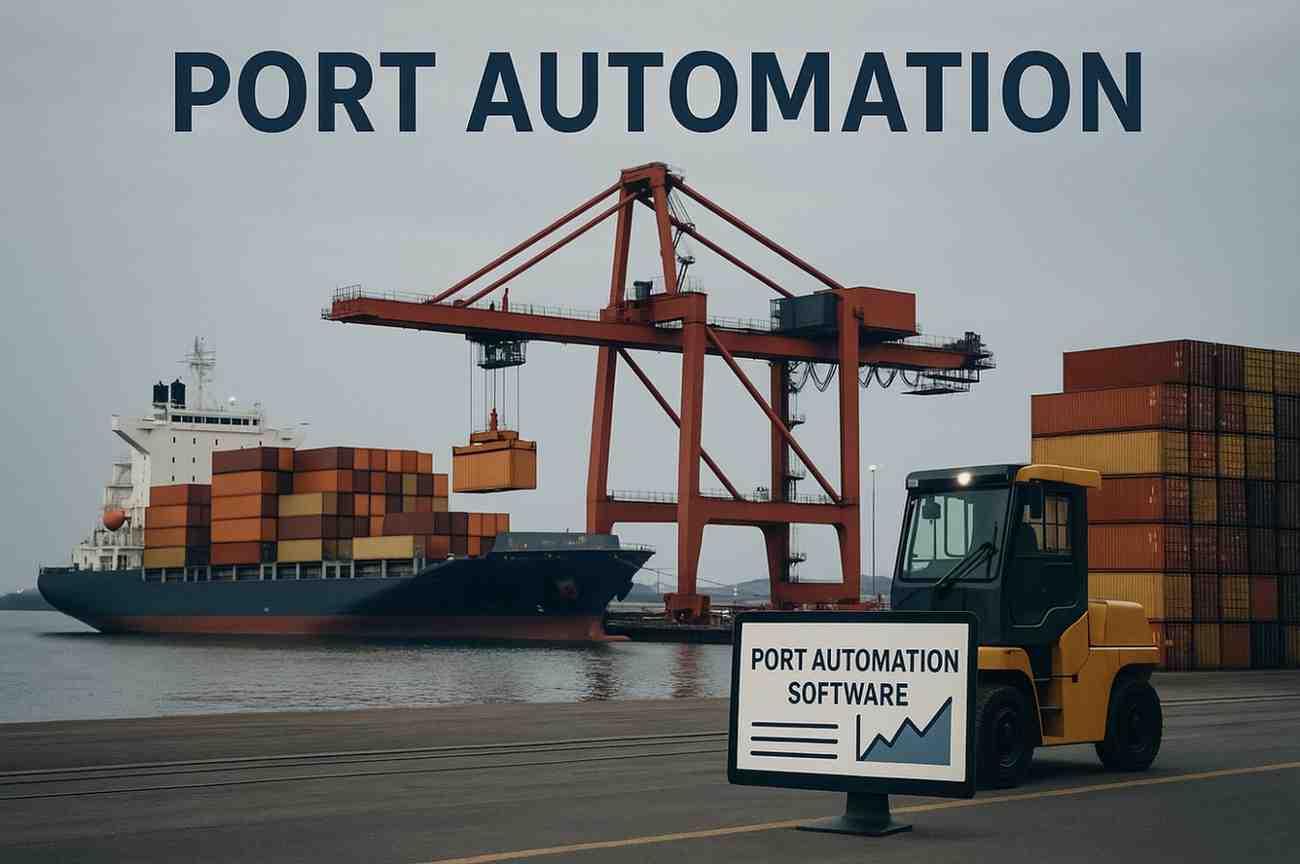

What is port automation? It means using connected technology so that ship, cargo and vehicle information is captured once and shared with everyone who needs it. This guide follows a single cargo record through a port, from the ship’s arrival to the truck leaving the gate, to show what is automated and why it matters.
Key takeaways
- Port automation is about capturing data once and sharing it across the port.
- A cargo record starts at ship arrival and ends at gate-out.
- Gates, quay cranes and the stack are the main places where data is created.
- Most ports automate in stages, starting where paper and re-typing cause delay.
Port automation in plain words
A port is a chain of handovers: ship to berth, crane to yard, yard to gate, gate to road or rail. Each handover used to involve paper, radio calls or re-typing. Port automation replaces those steps with systems that read, record and pass on information automatically, usually through software that links cameras, readers, sensors and the terminal operating system.
It is not one product. It is a set of connected pieces, and a port can adopt them one area at a time. For a wider view of how the pieces fit, see smart port technologies explained.
From ship call to gate-out: where data is created
Follow one container and you see the same pattern at every stage: something is identified, the record is updated and the next team sees it straight away.
| Stage | What is captured | Typical method |
|---|---|---|
| Ship arrival | Vessel details, cargo lists, berth plan | Digital ship records and shared planning screens |
| Quay | Container number and seal condition | Camera reading on the crane |
| Stack | Block, bay and row of each container | Handheld or vehicle terminal and location data |
| Gate | Truck, driver, container and weight | Camera reading, RFID and automatic weighing |
| Exit | Final check against the release | Gate system matched to the terminal record |
Gates, security and checks
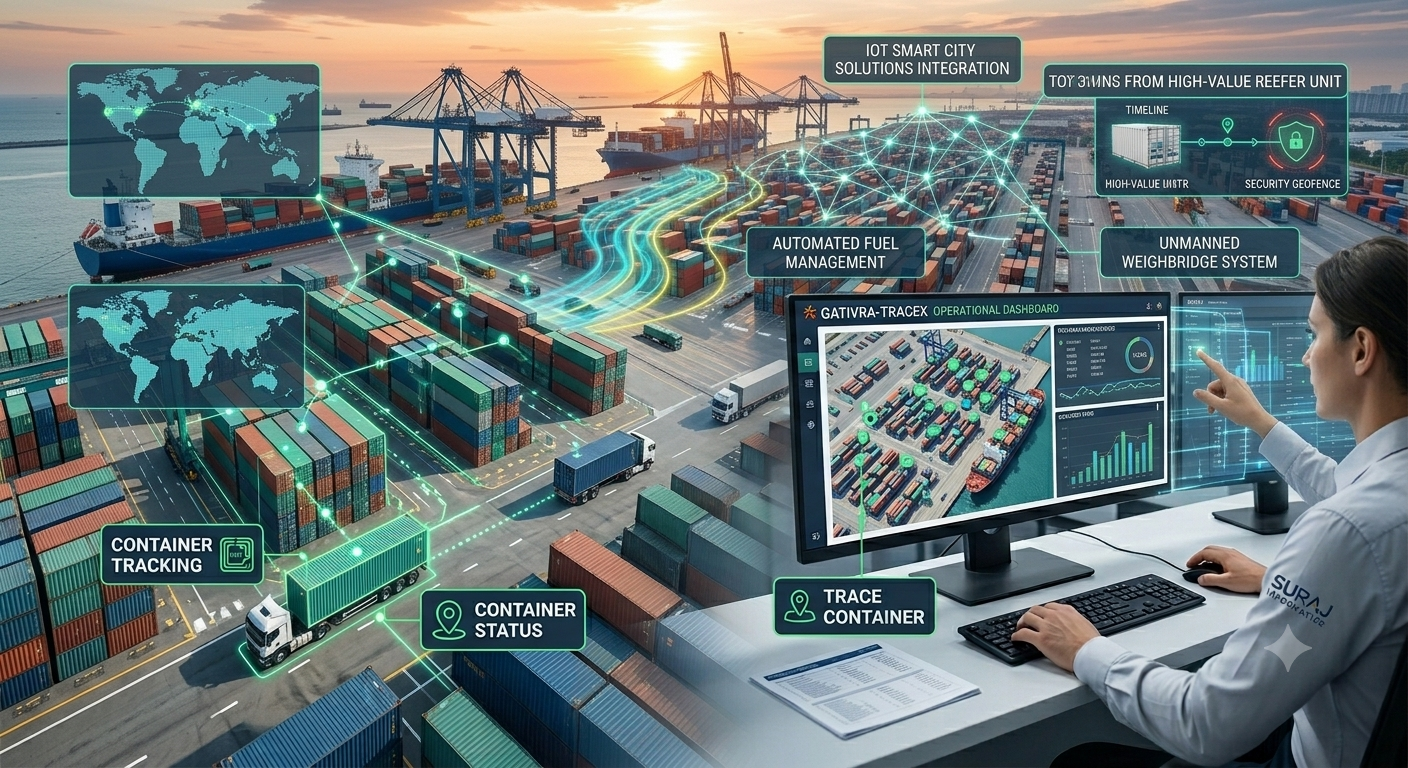
The port gate identifies every person and vehicle entering or leaving, so it is where security checks, customs and cargo records meet. Cameras and readers capture the vehicle and container numbers and the system compares them with the booking or release, leaving staff to handle only the exceptions. See how gate, yard and quay work as one workflow.
What to automate first
Start where manual steps cause the most delay or error. Many ports begin at the gate, then move to cranes and the yard once the data flows cleanly. Check that each new system can pass data to the others; a system that cannot is a new island of paper in digital form.
Planning port automation with Suraj Informatics
Suraj Informatics provides port automation solutions that cover gate, crane, yard and monitoring needs, built around the way your port already works. Contact us to talk through a first stage.
Port automation basics: common questions
Is port automation only for large container ports?
No. The same ideas apply to smaller ports and inland terminals. The scope is set by the cargo, the layout and the problems you want to solve.
Does port automation mean no people?
No. People handle exceptions, planning and supervision. Automation removes repeated data entry and checking.
Where does a port start?
Usually where manual work causes delay, often the gate or the crane identification step.
What links all the parts together?
Software that takes data from readers, cameras and sensors and updates the terminal operating system.
Talk to our port automation team
Tell us about your port or terminal and what you want to improve, and we will suggest where to start.





