



Container OCR integration connects the crane cameras that read container numbers to the systems that use the data. Reading the number is only half the job; the result must reach the right system, in the right format, at the right time. This guide covers the interfaces, the testing and the fallback steps that make the link dependable.
Key takeaways
- Container OCR integration moves reads from the crane to the terminal and yard systems.
- Choose the interface each system supports before you design the data format.
- Test with real lifts, including poor reads, before go-live.
- Plan what happens when the link drops or a read arrives late.
What container OCR integration connects
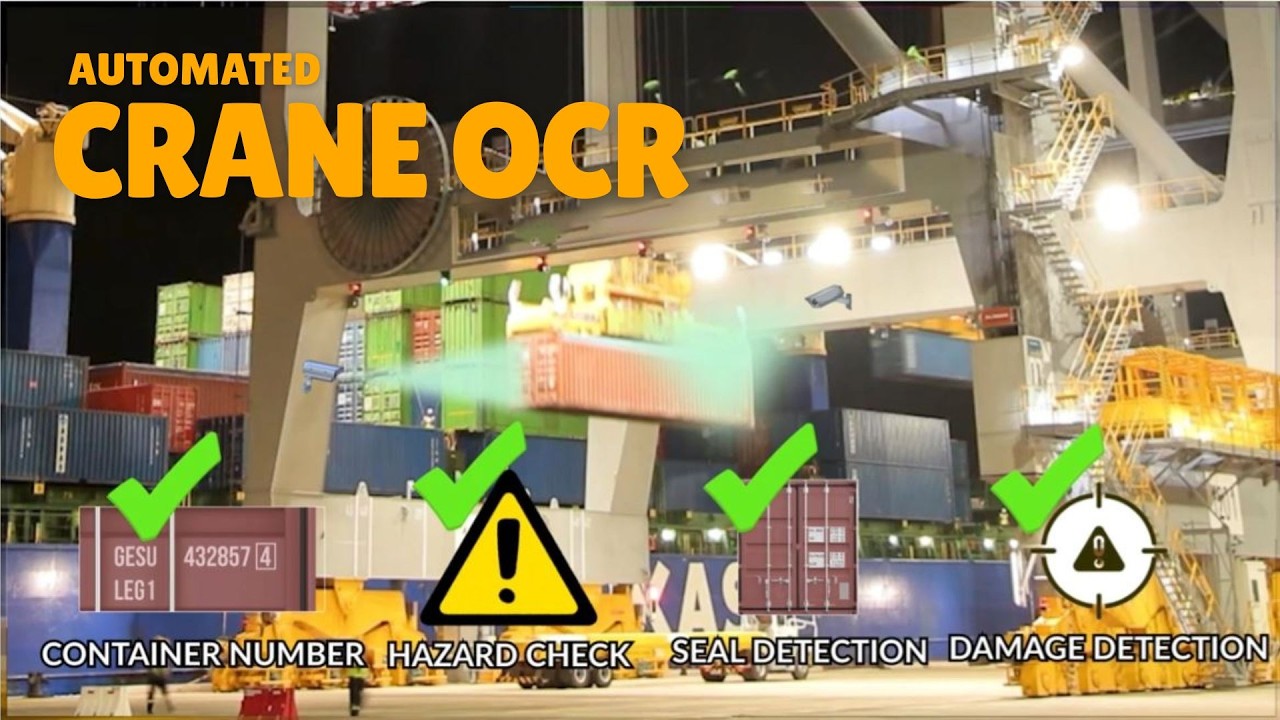
At the crane, cameras capture the container as it is lifted, and OCR software reads the number and related codes. Integration passes the result to the systems that depend on it: the crane control system, the terminal operating system and, where needed, yard and reporting tools.
For the crane-side equipment, see crane OCR hardware: cameras, sensors and the crane PLC.
Choosing the interface for each system
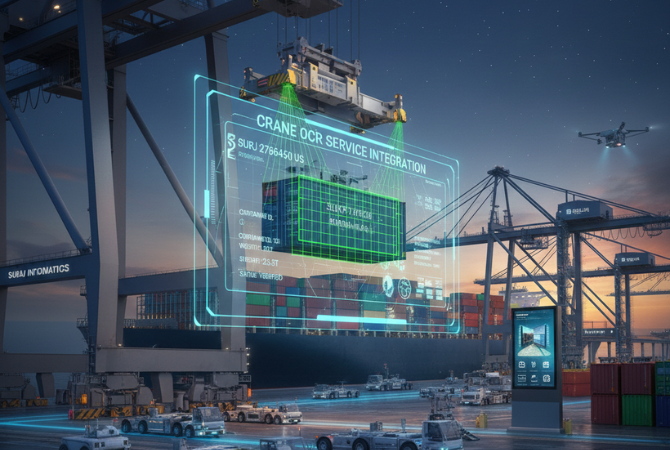
Every system you connect has its own ways to receive data. Common options are messages sent over the network, shared database tables, file drops and web interfaces. Ask each system owner what they support, then agree one format for the fields you will send.
| Item | Agree in advance |
|---|---|
| Fields | Container number, time, crane, move type, image link |
| Method | How each message is sent and acknowledged |
| Timing | When the read is sent relative to the lift |
| Ownership | Who fixes a fault on each side |
Testing with real lifts before go-live
Sample files prove the format; real lifts prove the link. Test with live moves, including dirty, damaged and partly hidden numbers.
- Send test messages and confirm each system receives them.
- Run live lifts in a shadow mode, without acting on the data.
- Compare the OCR results with the terminal record.
- Fix mismatches in the format or the reads.
- Go live crane by crane.
Handling link failures and late data
Networks drop and systems restart. Decide in advance what the crane side does when the terminal system cannot be reached: it should keep reads in a queue and resend them in order when the link returns. Alerts should tell staff when the queue grows, so a quiet fault does not become a lost container record.
Our guide to crane OCR integration with the TOS covers the data flow in more detail.
Planning container OCR integration with Suraj Informatics
Suraj Informatics provides crane OCR and integration services, from the camera layout to the link with your terminal systems and the support that follows.
Container OCR integration: common questions
What does integration involve?
Agreeing what data is sent, how it is sent and how each side confirms receipt, then building and testing it.
Which systems connect?
Usually the crane control system and the terminal operating system, and sometimes the yard, gate and reporting tools.
What if a read fails?
Failed or doubtful reads are flagged and sent to an operator to confirm, so the data stays trustworthy.
How long does testing take?
It depends on the number of cranes and systems. Plan for testing on real lifts, not just sample files.
Talk to our crane OCR team
Tell us which systems need container data, and we will plan the integration with you.





