




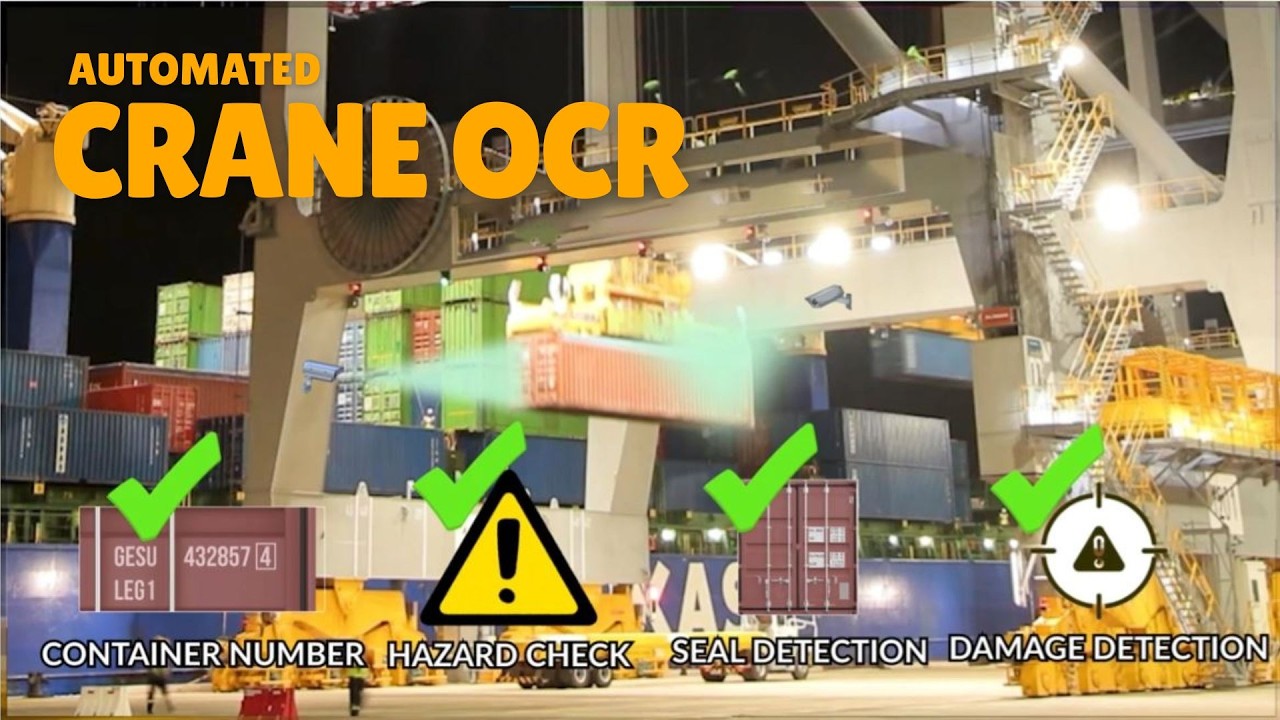
Crane OCR reads container numbers automatically, but people still run the operation around it. Operators confirm exceptions, checkers watch the screen and supervisors read the reports. Crane OCR operator training teaches each of these groups what the system does, what its alerts mean and what to do when a read is not clean.
Key takeaways
- Different roles need different training: operators, checkers, supervisors and maintenance.
- Staff should be able to read the screen and understand each status at a glance.
- Alerts need a clear action for each type, written down and practised.
- A short daily routine keeps cameras clean and problems visible early.
- Refresher sessions and a quick guide help new joiners.
Who needs training on crane OCR
A crane OCR system touches several jobs. Crane operators need to know what the system does while they lift and what they should report. Checkers or exception staff, often in a control room, confirm reads that the system flags. Supervisors read the daily summary and decide on follow-up. Maintenance staff look after cameras and cables.
Each group needs a short session pitched at its own work. A single long class for everyone tends to cover too much for some and too little for others. Our guide to crane OCR reporting and the audit trail shows what supervisors will see.
Reading the crane OCR screen
The screen is where staff spend their time, so teach it first. Show the live view, the container number the system read and the status beside it. Explain what each status colour means, such as confirmed, needs review and not read, and where the images for that lift are stored.

Let trainees practise on recorded lifts first, then on live ones with a trainer beside them.
Handling alerts and exceptions step by step
An exception is a lift where the system is unsure. Staff should follow the same short routine each time.
- Open the alert and look at the saved images for that lift.
- Read the container number from the images and compare it with the system read.
- Correct or confirm the number and add a short reason.
- Escalate to the supervisor if the images are unclear or the container is damaged.
- Note repeated alerts from one crane, as they often point to a dirty lens or a shifted camera.
Daily checks for crane staff
A few minutes at the start of a shift prevent many alerts. Check that the live feed shows on every camera, that the images are bright and sharp and that the system shows no link errors. Report dirty or misaligned cameras to maintenance at once. Our guide on keeping people out from under the crane explains why a reliable read also protects staff.
Refreshers and onboarding for new joiners
Keep a one-page quick guide at each desk and repeat a short session after any software update. Pair new joiners with an experienced colleague for their first shifts. Review a few real exceptions each month in a team huddle so that everyone learns from them.
Planning crane OCR training with Suraj Informatics
Suraj Informatics provides crane OCR services with training for operators, checkers and supervisors as part of the rollout. Tell us about your teams and shifts, and we will plan sessions that fit your operation.
Crane OCR operator training: common questions
How long does crane OCR training take?
Role-based sessions are short. The length depends on your team and the system scope.
Do crane operators need special skills?
No special skills. They need to know what the system does and what to report.
Who handles unclear reads?
A checker or exception desk reviews the saved images and confirms the number.
Is refresher training needed?
Yes. A short refresher after updates and for new joiners keeps results consistent.
Talk to our crane OCR team
Tell us about your crane teams and shifts, and we will suggest a training plan.





