


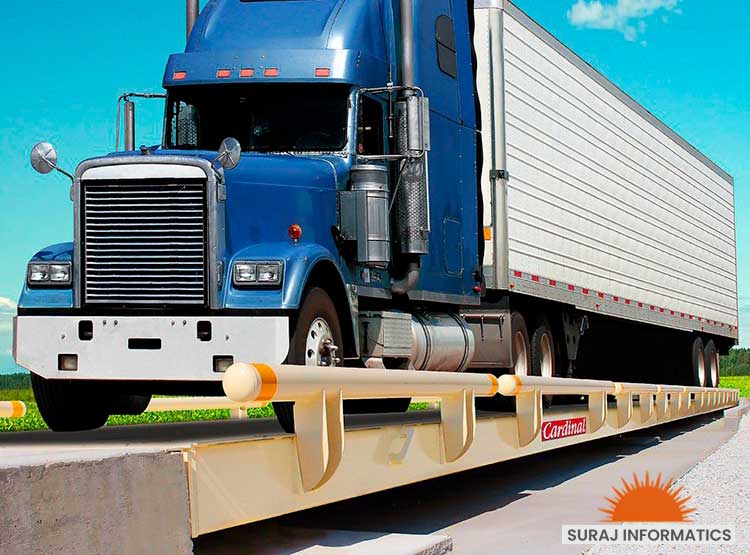

Every truck that waits at a weighbridge is a truck that is not loading, unloading or earning. When weighing is manual, the queue grows at peak times and drivers, plants and customers all feel it. Weighbridge automation systems attack the delay at its source by weighing, identifying and documenting each truck without waiting for an operator. This guide shows where the time goes and how to win it back.
Key takeaways
- Truck turnaround time includes waiting, weighing, paperwork and gate checks, and the weighbridge touches all four.
- Automation removes the operator step: identification, weight capture and ticket printing happen together.
- Fewer manual entries also means fewer disputes over weights and vehicle numbers.
- Measure time per truck before and after, so the gain is visible.
Where the minutes go at a manual weighbridge
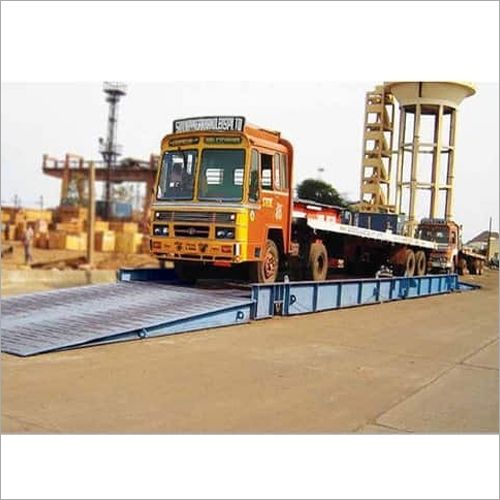
At a manual weighbridge each truck waits for the one ahead, then the operator checks the vehicle, reads the weight, writes or prints the slip and sends the driver on. If the truck must be weighed twice, once loaded and once empty, the delay doubles. Small delays repeated across many trucks create the queues seen at gates and yards.
What automation changes in each step
| Step | Manual | Automated |
|---|---|---|
| Arrival and identification | Driver shows papers or states the number | RFID, card or number-plate camera identifies the truck |
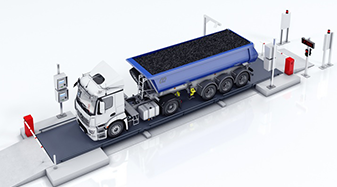
| Positioning | Operator waves the truck forward | Sensors and lights show when the truck is in place |
| Weight capture | Operator reads the indicator | Software takes the stable weight |
| Ticket | Written or printed by the operator | Printed or sent automatically |
| Data entry | Typed in later | Posted to the ERP or gate system |
See how an unmanned weighbridge works, step by step for the full sequence.
Linking the weighbridge to the gate and yard
The biggest time savings come when the weighbridge is part of a wider flow. If the gate has already identified the truck and checked its order, the weighbridge can take the weight at once. After weighing, the truck can be directed to a bay or yard slot. For the cost side, read how to work out weighbridge automation payback.
How to measure the improvement
- Time 50 trucks from arrival to exit before the change.
- Repeat after go-live at similar traffic levels.
- Track exceptions, such as unreadable plates, so you can fix the causes.
- Report the result to operations and customers.
Reducing queues with Suraj Informatics weighbridge automation
Suraj Informatics supplies weighbridge automation systems that connect to gate, yard and ERP systems on the GATIVRA platform, so a truck can be identified, weighed and released with less waiting.
Calibration note: automation does not replace legal metrology. The weighbridge, load cells and indicator must still be calibrated, stamped and verified at the intervals required by the Legal Metrology authorities, and after any repair or relocation.
Weighbridge automation and turnaround time: common questions
Does weighbridge automation really cut waiting time?
It removes the operator step from each weighment, so trucks move through faster. The gain depends on your traffic and process, so measure it before and after.
Is automation useful for a single lane?
Yes, especially where queues form at peak times or weights are disputed.
What happens if a truck cannot be identified?
The system flags an exception and a supervisor or remote operator handles it.
Does automation affect calibration rules?
No. The weighing equipment must still be calibrated and verified as the law requires.
Talk to our weighbridge team
Tell us about your weighbridge and vehicle types, and we will suggest the right sensors and guidance devices.





