




Gate OCR document capture means the gate system reads the vehicle and the paperwork that comes with it, then checks both against the booking. Instead of a guard copying numbers from a pass or delivery paper, the system matches them and records the result. This guide shows what can be captured, what is checked and where people still step in.
Key takeaways
- The gate system can read the plate, container code and the code or number on a pass or order.
- Each read is matched to a booking, so the gate decision comes from your own records.
- Unclear papers go to a guard with the images on screen, not to a free-text note.
- Capture rules depend on your document formats, so test with real samples first.
Plates, containers and gate passes in one pass
At a typical gate lane, cameras read the vehicle plate and, for container trucks, the container number. If the driver carries a printed or digital pass, a scanner or camera can read the barcode, QR code or pass number. The system joins these reads into one gate transaction.
What can be read from a document depends on its layout. Codes and printed numbers are the easiest. Handwriting is the hardest, so many sites ask for a printed or e-pass to keep reads reliable.
Matching the paperwork to the booking
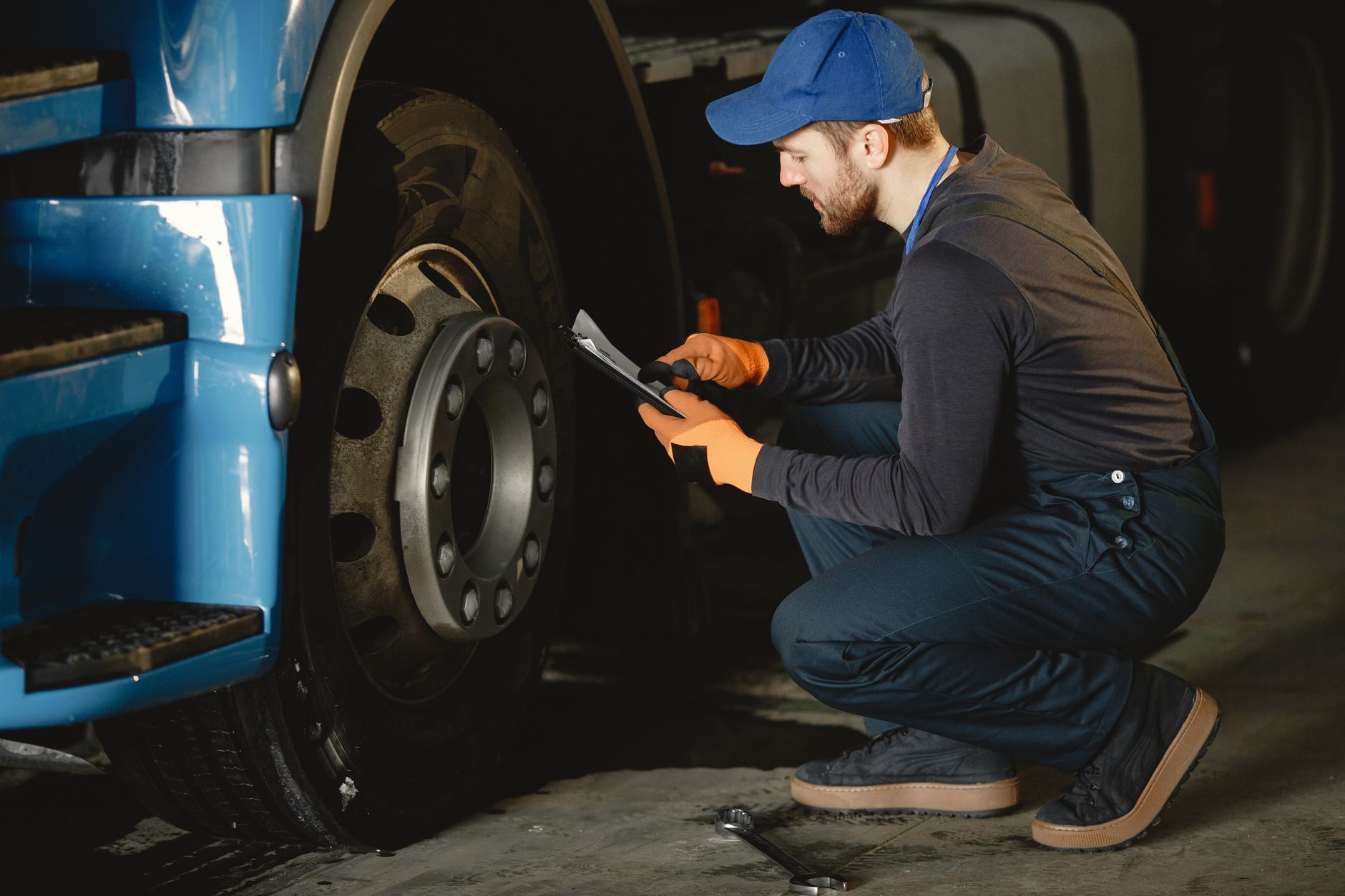
Reading a number is only half the job. The system compares what it read with the appointment, delivery order or work order in your yard or plant system. A match opens the lane. A mismatch, such as a plate that is not booked, goes to a guard.
| Item read | Checked against |
|---|---|
| Vehicle plate | Booking or approved vehicle list |
| Container number | Delivery or release order |
| Pass code | Valid pass for that visit |
Where the guard steps in on unreadable papers
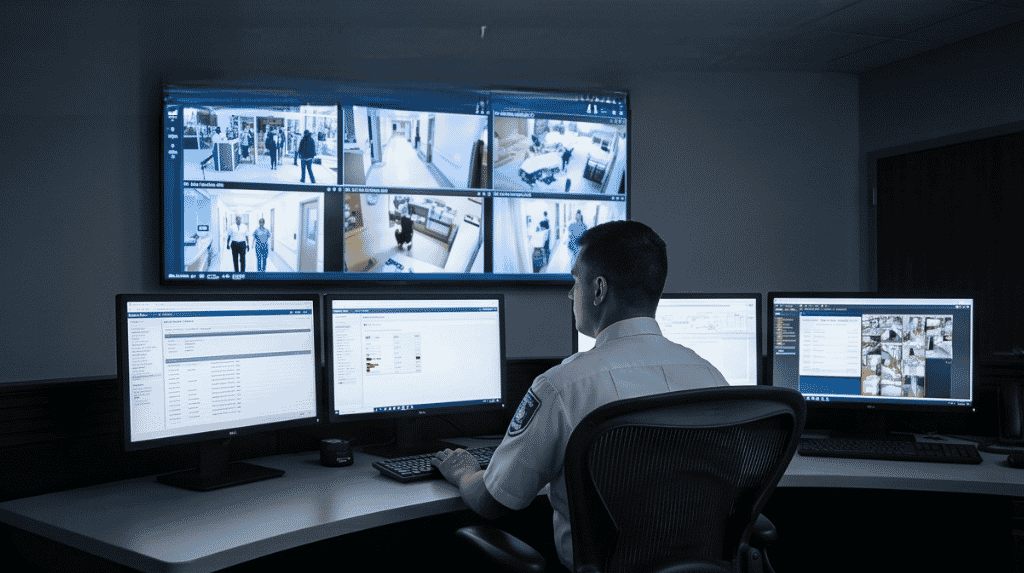
A guard still has a role when a paper is torn, wet or in an unusual layout. The system shows the camera image next to the booking, and the guard confirms or corrects it. The correction is saved with the record, which keeps an audit trail. Our guide to gate OCR accuracy at night, in rain and with dirty containers covers how to test reads in poor conditions.
Planning document capture at your gate
Start by collecting the documents your drivers really carry, in all their formats. Test reads with those samples, not with clean examples. Then decide which fields must match before a lane opens, and which ones only need to be stored. Moving to e-passes with a code makes capture more reliable than relying on paper copies. For the wider picture, see a truck journey through a gate OCR system, arrival to exit.
Setting up gate document capture with Suraj Informatics
Suraj Informatics builds gate OCR and automation systems that read plates, container numbers and passes and match them to your bookings. Share your document samples and gate layout, and we will propose a capture plan.
Gate OCR document capture: common questions
Can gate OCR read paperwork?
It can read printed codes, numbers and text in known layouts. Handwriting is less reliable and is usually avoided.
Does a guard still need to be at the gate?
Often yes for exceptions. The system handles routine reads and the guard handles unclear cases.
What happens when a pass does not match?
The lane stays closed and the guard sees the images and the booking to decide.
Do we need e-passes?
They are not required, but codes on e-passes are easier to read than free text.
Talk to our gate OCR team
Tell us about your gate lanes and paperwork, and we will suggest the right OCR setup.





