


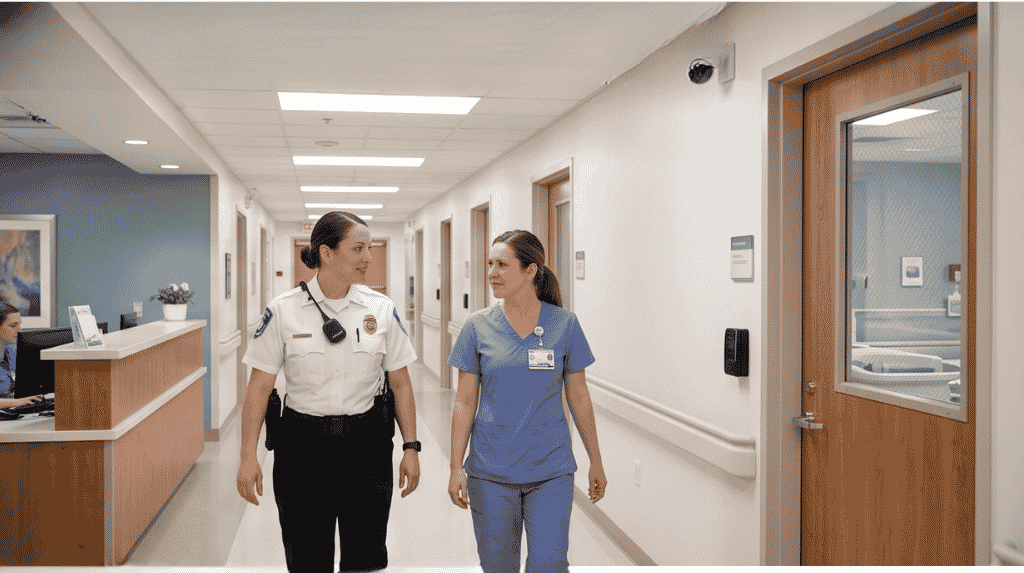

Analog to IP video surveillance is the upgrade many sites face as old recorders and cameras age. IP systems send video over a network, so they bring higher image detail, remote viewing and room for analytics. This guide explains what changes and how to plan the move in stages.
Key takeaways
- IP cameras send digital video over the network to a network video recorder (NVR).
- Existing cabling and some cameras can often be reused during a staged move.
- Image quality, remote access and analytics are the main reasons to upgrade.
- Plan bandwidth, storage and network security before you replace cameras.
Why older analog CCTV starts to limit you
Analog systems send a video signal over coaxial cable to a digital video recorder (DVR). Image detail is limited, adding cameras means adding recorder channels, and viewing from outside the site is often awkward. Faults can also be harder to spot because the system does not report its own health.
What an IP camera and NVR setup changes
An IP camera encodes the video itself and sends it over the network. A network video recorder stores it, and any authorised screen on the network can view it.
| Area | Analog and DVR | IP and NVR |
|---|---|---|
| Video path | Coax to recorder | Network cable or fibre |
| Image detail | Limited by the format | Higher resolution options |
| Remote viewing | Often limited | Built in, with access control |
| Analytics | Hard to add | Supported on camera or server |
Reusing cabling and cameras during the move
You do not always have to replace everything at once. Some sites use encoders to bring existing analog cameras onto the network while new IP cameras are added at the most important points. Replace the weakest areas first, then phase out old equipment as budgets allow. Our overview of design, installation and support services shows how a staged project is delivered.
Where analytics and remote viewing fit in
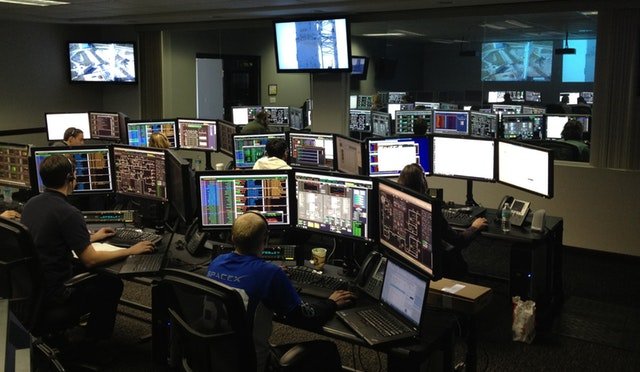
Once video is on the network, security staff can check live views from a tablet or phone, and software can watch for events such as intrusion. See how intelligent video surveillance differs from CCTV for the difference this makes. Keep the network secure with strong passwords, separate VLANs and regular firmware updates.
Planning an IP surveillance upgrade with Suraj Informatics
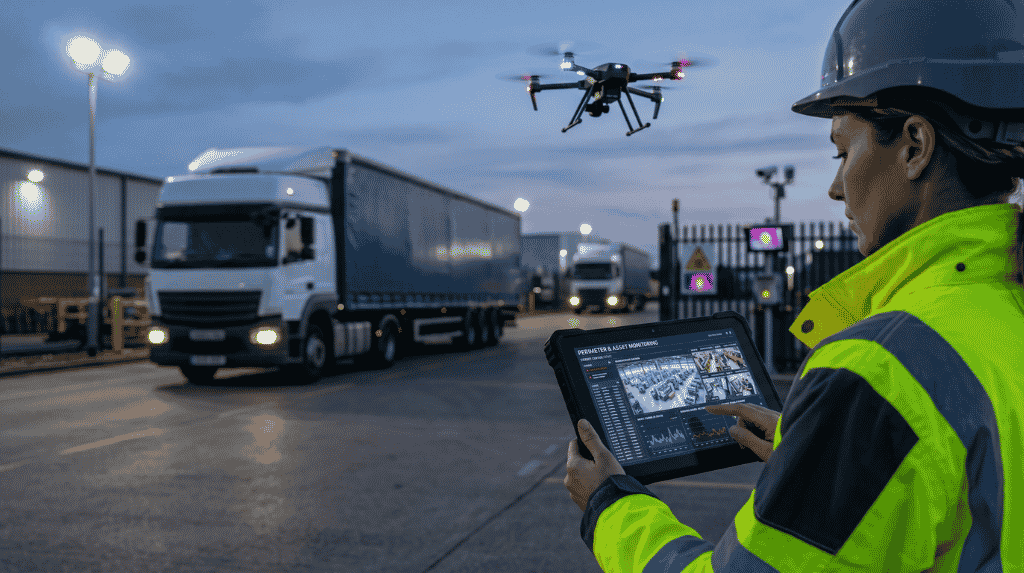
Suraj Informatics reviews your existing cameras, cabling and recorders, then plans a staged move to intelligent video surveillance that keeps what still works. We handle design, installation, network setup and support. Contact us for an assessment of your current system.
Analog to IP upgrade: common questions
Can I keep my existing analog cameras?
Often yes for a time, using encoders, but new IP cameras give better detail and features at key points.
Do I need new cables?
Not always. Some sites reuse existing coax with converters, but a full IP system normally uses network cabling.
Will an IP system need more bandwidth?
Yes, video travels over the network, so plan bandwidth and storage during design.
Is remote viewing secure?
It can be, with strong passwords, user roles, separate networks and regular updates.
Talk to our video surveillance team
Share your current camera and recorder details, and we will suggest a staged upgrade plan.