


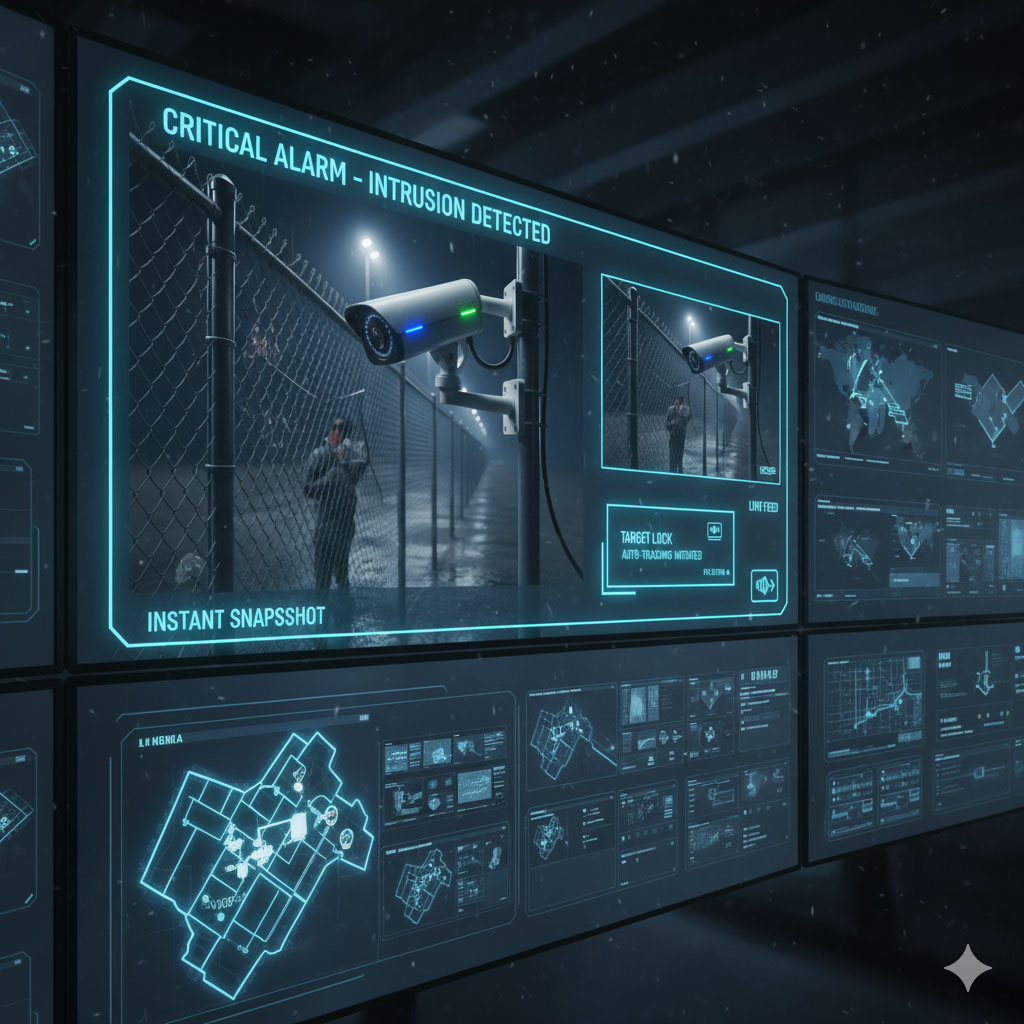

A wall of screens does not make a control room. The people who sit in front of it can only watch a handful of views at once, and attention fades quickly. A good video surveillance control room is designed around alerts, simple screens and a clear routine for what the operator does next.
Key takeaways
- Design around alerts and events, not around watching every camera.
- Keep the video wall simple: priority views, a site map and an alarm list.
- Give operators a written response routine for each alert type.
- Plan shifts, breaks and handover so attention stays high.
- Keep ergonomics, lighting and noise in mind for long shifts.
Screens, layout and what to put on the wall
Put the alarm list and a site map where the operator can see them at a glance. Use the large wall for shared priority views, and leave individual monitors for the operator to open cameras on demand. Avoid tiling dozens of small pictures; nobody can scan them. Lighting should reduce glare on screens, and desks should allow the operator to sit comfortably for a long shift.

Alerts that lead the operator to the right camera
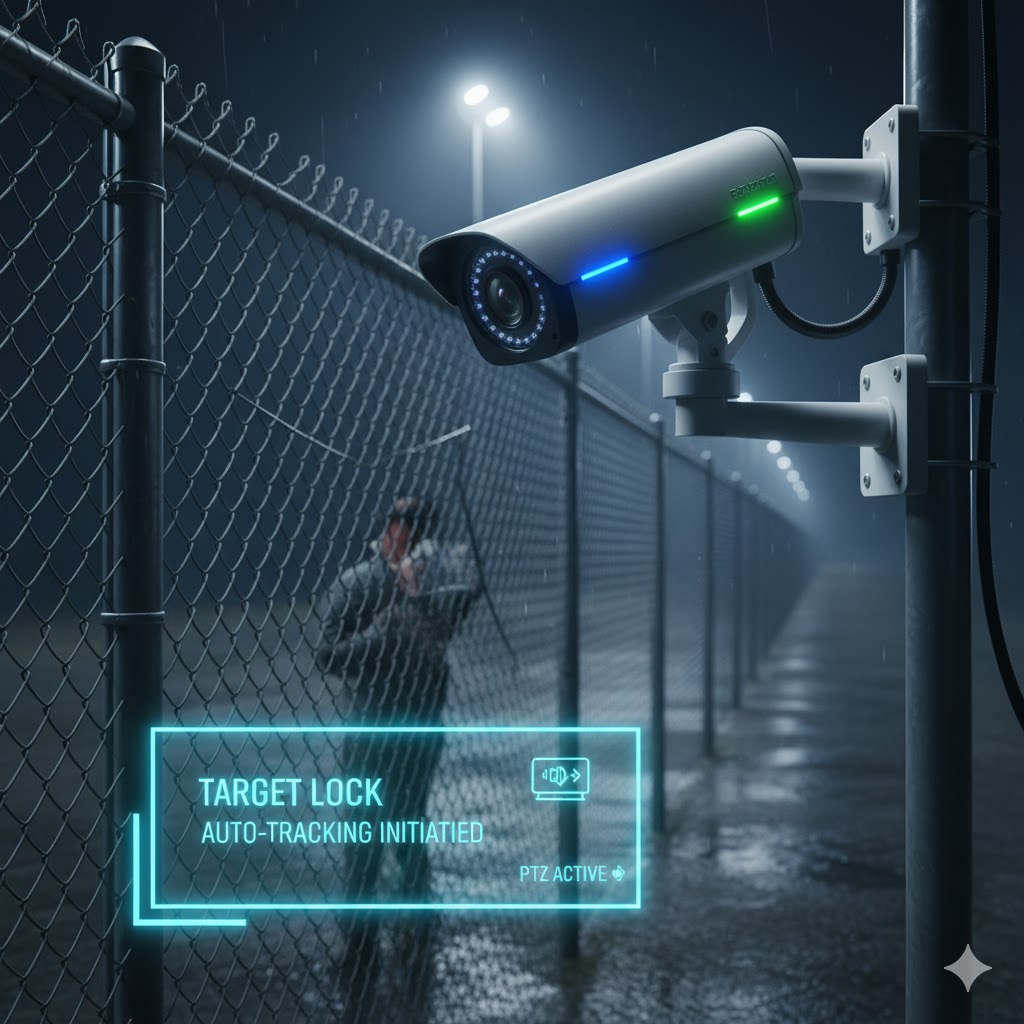
When an alert fires, the system should bring the related camera view and a short clip to the screen. The operator then confirms whether it is real, tells the right responder and records the outcome. Fewer, better alerts keep the team alert. See the guide to loitering, intrusion and breach alerts for common alert types.
A response routine for each alert type
Write short steps for the common cases: a person in a restricted zone, a door held open, a camera that has gone offline. Each routine says who the operator calls, what to record and when to escalate. Practise them. New staff should be able to follow the card without asking.
Shifts, handover and records
Long shifts and quiet nights reduce attention. Rotate tasks, schedule breaks and hand over with a short written log of open issues. Keep records of alerts, confirmed events and camera faults so you can review patterns. The guide to video surveillance management across many sites explains how the software supports multiple rooms.
Designing your control room with Suraj Informatics
Suraj Informatics designs intelligent video surveillance with alert-led screens and response workflows. Contact us to plan your control room.
Video control room: common questions
How many screens does a control room need?
As few as the operator can use well. Plan around the tasks, not the camera count.
Should the operator watch every camera?
No. Use alerts and a small set of priority views, and open other cameras when needed.
Can the control room be remote?
Yes, with a secure network and clear responsibility. Many sites combine on-site and remote monitoring.
What records should we keep?
Alerts received, actions taken, camera faults and handover notes.
Plan your video control room
Tell us about your cameras, shifts and responders, and we will suggest a layout.





