


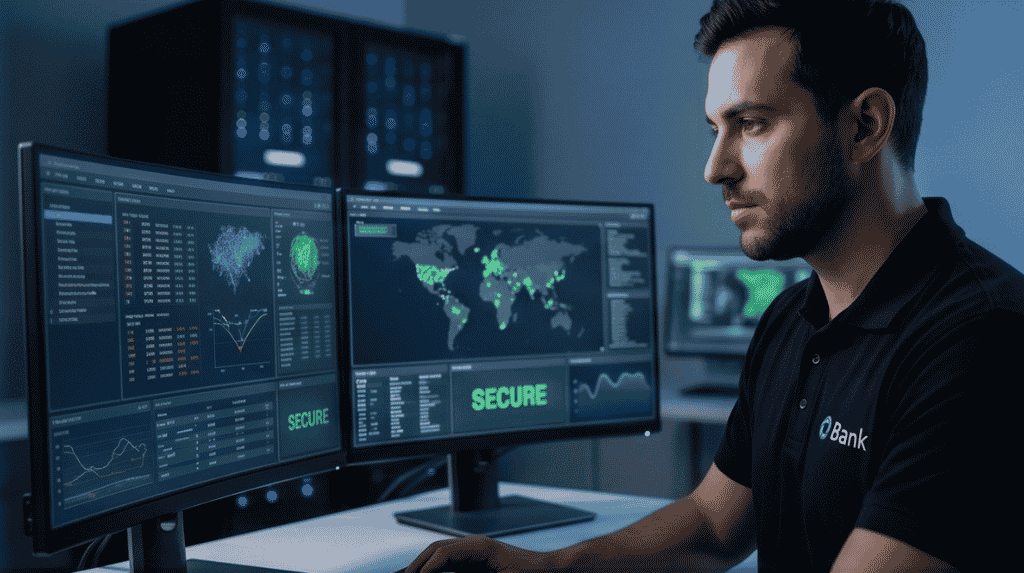

Video surveillance management is the work of bringing many cameras, recorders and users into one controlled view. As a business adds sites and cameras, separate recorders become hard to watch and hard to maintain. Video management software joins them, so that one team can see, search and manage everything from one place.
Key takeaways
- Video management software gives one view of cameras across many sites.
- Users, permissions and activity logs control who can see and export footage.
- Support for your camera brands and protocols matters more than a long feature list.
- Roll out in phases, site by site, and test viewing and search at each step.
What video management software does
The software connects to cameras and recorders, shows live views, plays back recordings and lets staff search by time, camera and event. It also records system health, so that a camera that has gone offline is noticed quickly. This is the layer that turns separate devices into one managed system, and it is where most day-to-day work with the cameras happens. Good software also keeps a record of changes, so you can see when a setting was altered.
One screen for many sites and cameras
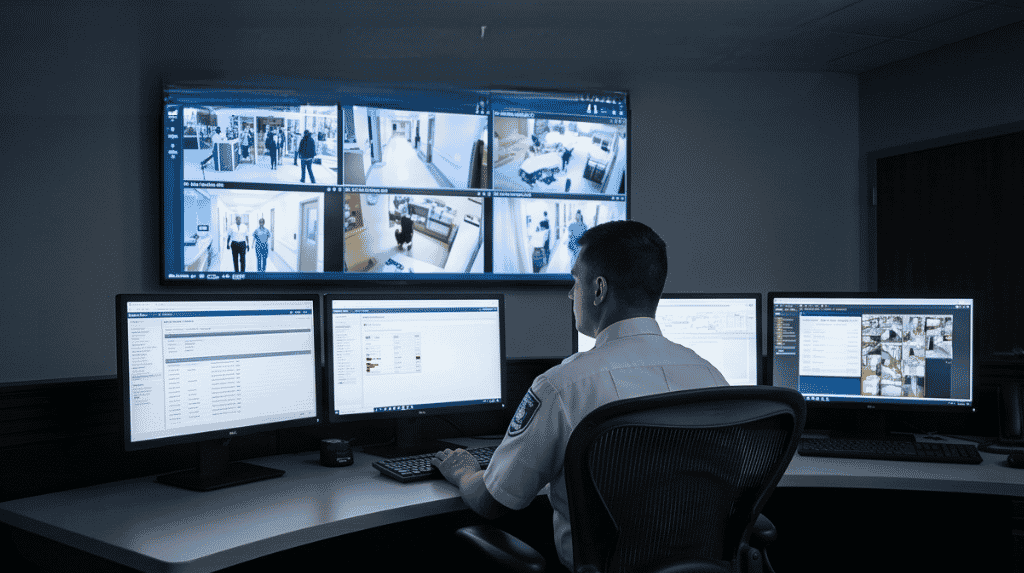
Instead of logging into a different recorder at each site, an operator opens one view and picks the site or camera. Layouts, maps and saved views help staff find the right camera fast. Central viewing is especially useful for ports, plants and warehouse groups. See how it works at scale in port surveillance for terminals.
Users, permissions and audit trails
| Control | Why it matters |
|---|---|
| Roles and permissions | Each person sees only the cameras they need |
| Export rules | Only named staff can save or share footage |
| Activity log | Records who viewed or exported what |
| Site groups | Managers see their own site; head office sees all |
Choosing a platform that supports your cameras
List the camera brands and recorders you already have and ask whether the platform supports them. Check how it handles different network speeds between sites, how it is updated and how much training operators need. Open interfaces make it easier to connect other systems later.
Planning video management with Suraj Informatics
Suraj Informatics builds central viewing and management for video surveillance across plants, ports and warehouses. We survey your cameras and network and bring sites into the platform in stages.
Video surveillance management: common questions
Can one platform manage different camera brands?
Often yes, if the platform supports their protocols. Confirm each brand before you commit.
Do I need a fast link to every site?
Not always. Sites can record locally and send views or clips as the network allows.
How do I limit who sees footage?
Use roles and permissions, and review the activity log regularly.
Can I add sites later?
Yes. A good platform is designed to grow site by site.
Talk to our video surveillance team
Tell us how many sites and cameras you manage and we will outline a central view.





