




Gate automation controls who enters and leaves business, industrial and commercial premises. Behind the software sit a few pieces of hardware that you can see and touch at the lane. Knowing what each one does helps you specify, compare and maintain them.
Key takeaways
- A barrier controls the lane, but cameras and readers decide when it should open.
- Driver kiosks and intercoms handle the cases that automatic reads cannot.
- Hardware must suit the weather, dust and vehicle height on your site.
- Choose parts that the gate software supports and your team can service.
Barriers and lane control
Boom barriers, sliding gates and bollards physically control the lane. Pick the type by lane width, vehicle height and how often the gate cycles. Add loops or sensors so the barrier never lowers on a vehicle, and keep a manual release for power cuts. Lane lights and traffic signals tell the driver when to move.

Kiosks and intercoms for drivers
A kiosk lets a driver scan a pass, enter a number or confirm a delivery without leaving the cab. An intercom links the driver to a control room when something does not match. Mount both at cab height for the vehicles you receive, with a sunshade for the screen.
Cameras and readers at the lane
Number plate cameras, container readers and RFID antennas turn a passing vehicle into a record. Lighting, mounting height and angle matter as much as the camera itself; see camera layout and lane hardware for a gate OCR portal for typical positions. Gate staff still check cases the system flags.
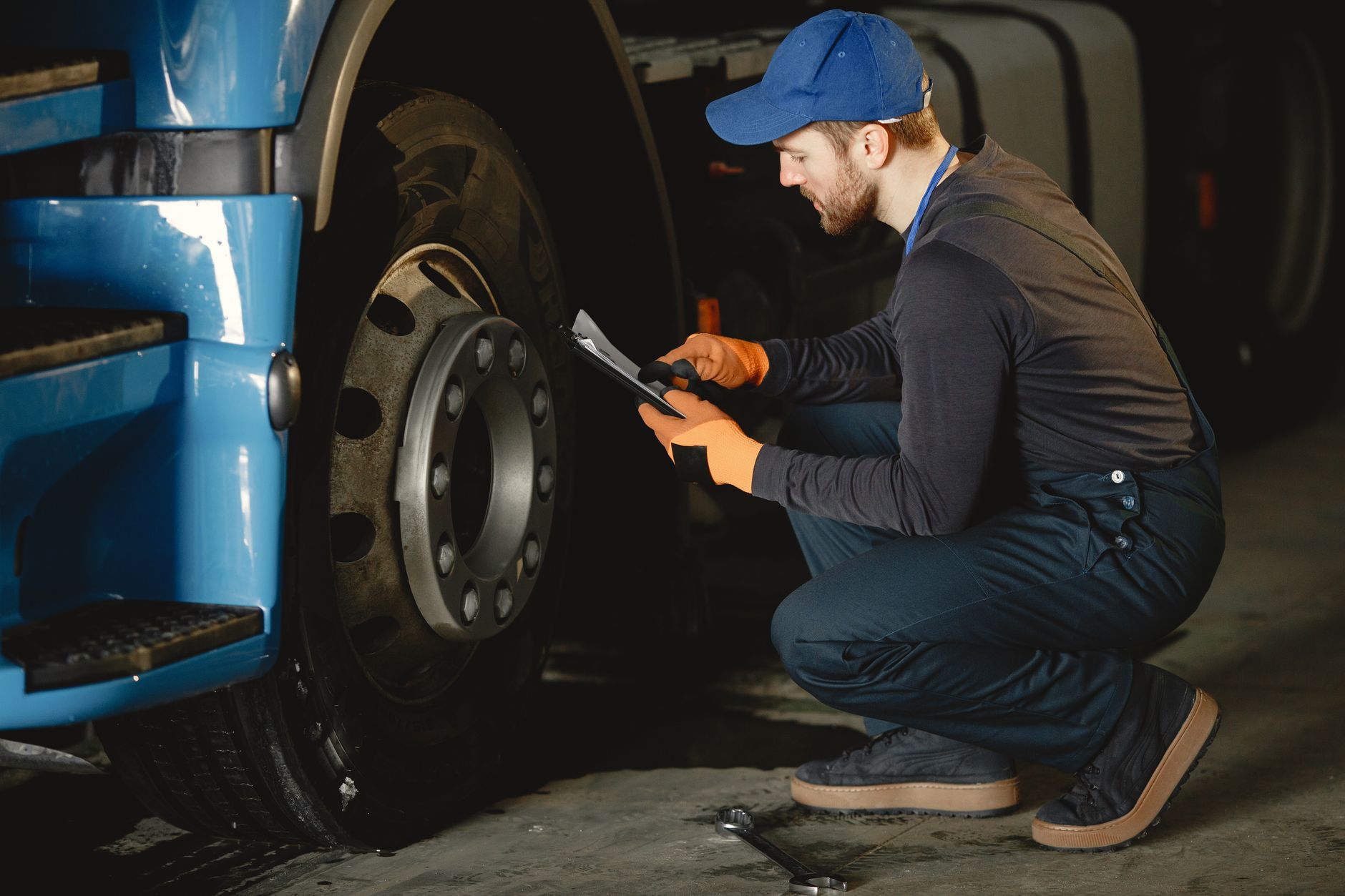
Choosing hardware for your site
List the vehicle types, weather and lane width, then ask each supplier how its parts connect to the software and who services them. Also check spares and replacement time for parts that wear, such as barrier motors. Read gate OCR integration with weighbridge and yard software before fixing the layout.
Gate hardware planning with Suraj Informatics
Suraj Informatics supplies gate automation hardware and software as one system, from barriers and kiosks to cameras and readers. Share your lane details and we will list the parts you need.
Gate hardware: common questions
Which barrier type is best?
It depends on lane width, vehicle height and cycle rate. Your site survey decides.
Do I need a kiosk and an intercom?
Many sites use both: the kiosk for routine steps and the intercom for exceptions.
Can old barriers be reused?
Often, if they can accept a control signal from the gate system.
How often should hardware be serviced?
Follow the supplier schedule, and inspect moving parts and lenses regularly.
Talk to our gate automation team
Send us your lane drawing and vehicle types and we will suggest the hardware.





