



RFID printers print a label and write data into the chip inside it in one pass. The result is a smart label that people can read and readers can scan. This guide explains how RFID printers work, how each tag is verified, how bad labels are caught and what to check when choosing a printer.
Key takeaways
- An RFID printer prints text or barcodes and encodes the tag chip in the same run.
- The printer verifies each tag and marks failures so bad labels are not used.
- Desktop models suit low volumes; industrial models suit continuous work.
- Label stock, tag position and frequency must match the printer.
What an RFID printer does in one pass
As the label stock feeds through, the printer encodes the chip, prints the visible content and ejects the finished label. The visible part can be a human-readable code, a barcode or a logo. The chip stores a unique ID that matches a record in your system, much as a barcode does but readable by radio.
Encoding, verifying and voiding bad labels
After writing, the printer reads the tag back to confirm the data. If the check fails, it can print a void mark across the label so no one applies it. This keeps faulty tags out of use. Ask your supplier how the printer handles failures and how many retries it makes before voiding.
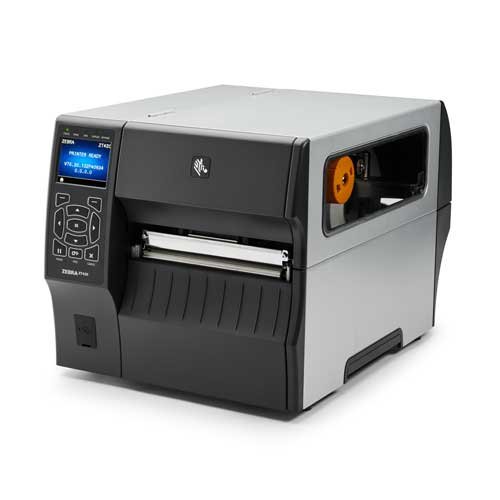
Desktop or industrial RFID printer?
The right size depends on volume and environment.
| Choice | Suits | Typical setting |
|---|---|---|
| Desktop | Small batches and light use | Offices, labs, small stores |
| Industrial | Long runs and daily use | Warehouses, plants, dispatch |
| Print engine | Built into a packing line | Automated labelling stations |
Label stock, inlay type and tag position
The label contains an inlay with the chip and antenna. Choose the inlay to suit the frequency you use and the surface the label will go on. Position matters: the tag must sit where the printer’s antenna can write to it. A misaligned inlay is a common cause of failed encoding. Read RFID tag types, readers and how to choose before you select inlays.
Common setup problems
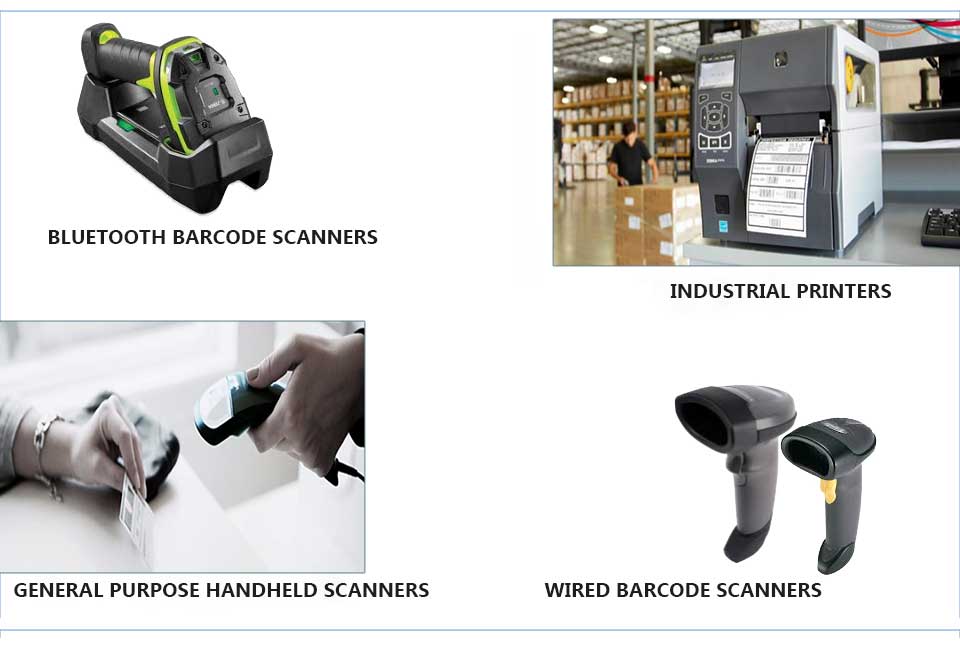
Typical problems are the wrong media setting, the wrong frequency for the inlay, tags that sit outside the encoding zone, and unreadable labels after application on metal or liquids. Test a sample of labels from print to final reading. For the wider system, see what an RFID asset tracking system includes.
Planning RFID label printing with Suraj Informatics
Suraj Informatics provides RFID solutions including labels, printers and readers. Contact us to plan label printing for your stock or assets.
RFID printer questions answered
What does an RFID printer do?
It prints on a label and encodes the chip inside it in the same pass.
What happens to a label that fails encoding?
Most printers read the tag back and can print a void mark so the label is not used.
Can an RFID printer also print barcodes?
Yes. Many labels carry a barcode and an RFID chip together.
Do I need a special label?
Yes. You need RFID inlay stock that matches the printer and the tag frequency.
Talk to our RFID team
Tell us what you label and how many, and we will suggest printers and stock.