


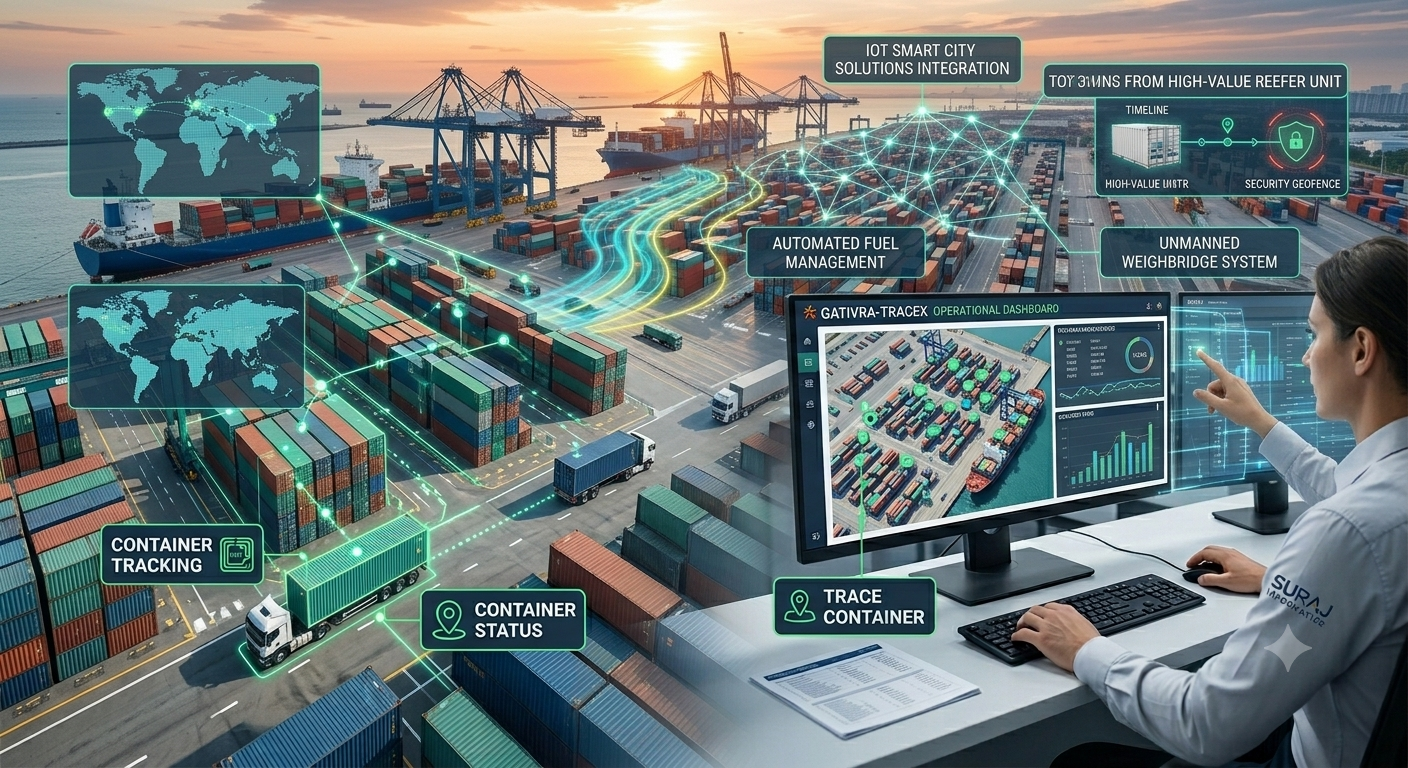

For the people running a terminal shift, port automation shows up as fewer calls, fewer re-typed records and a live screen instead of a clipboard. This guide looks at the day from the operations team’s side: what changes, what stays with people, and how to keep the shift record clean.
Key takeaways
- Automation takes over repeated entry and checking, not supervision.
- Alerts tell the team what needs attention instead of everyone watching everything.
- Shift handover improves when the record is live and shared.
- Operators need training on the new screens and exception steps.
A terminal shift before and after automation
| Shift task | Manual approach | With port automation |
|---|---|---|
| Identifying vehicles and containers | Read, write and radio in | Cameras and readers capture and record |
| Knowing where cargo is | Ask the yard, check a list | Live location on a shared screen |
| Spotting a problem | Someone notices, then calls | Alert sent to the right person |
| Shift handover | Verbal notes and paper | Shared log and live status |
The terminal still needs experienced people. What changes is how much of the shift goes on copying information.
Tasks the system takes over
Identification, time-stamping and passing data to the terminal system are the first tasks to move. This frees checkers and gate staff for work that needs judgement, such as inspecting a damaged seal or resolving a mismatch. See how this works in practice in live monitoring for port and terminal control.
Alerts and exceptions that people still handle
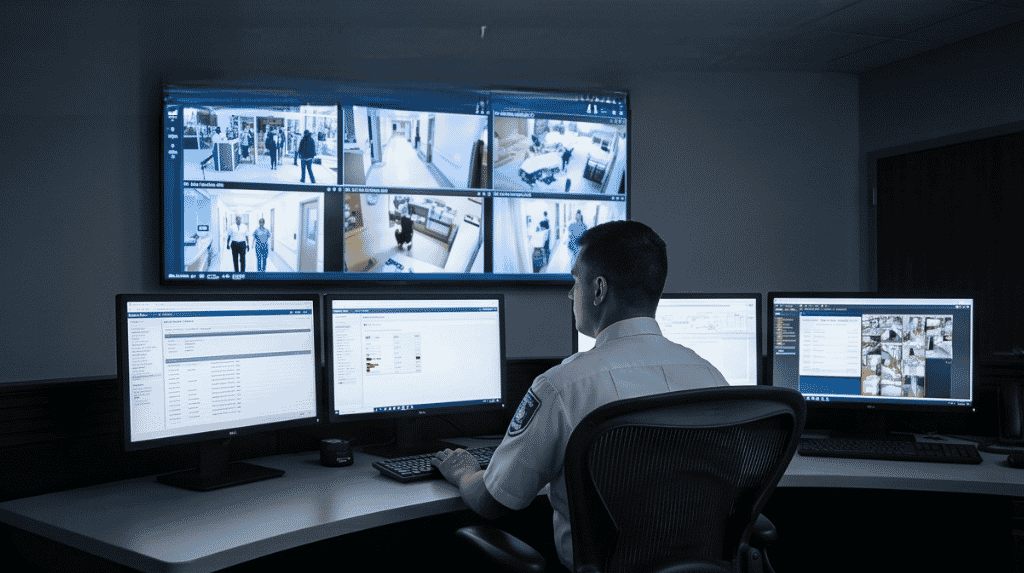
Automation is good at routine cases and flags the rest. Typical exceptions include a container number that does not match the booking, a vehicle at the wrong gate or a camera that has lost its view. A clear rule for who handles each type, written before go-live, keeps the shift calm.
Training and handover habits
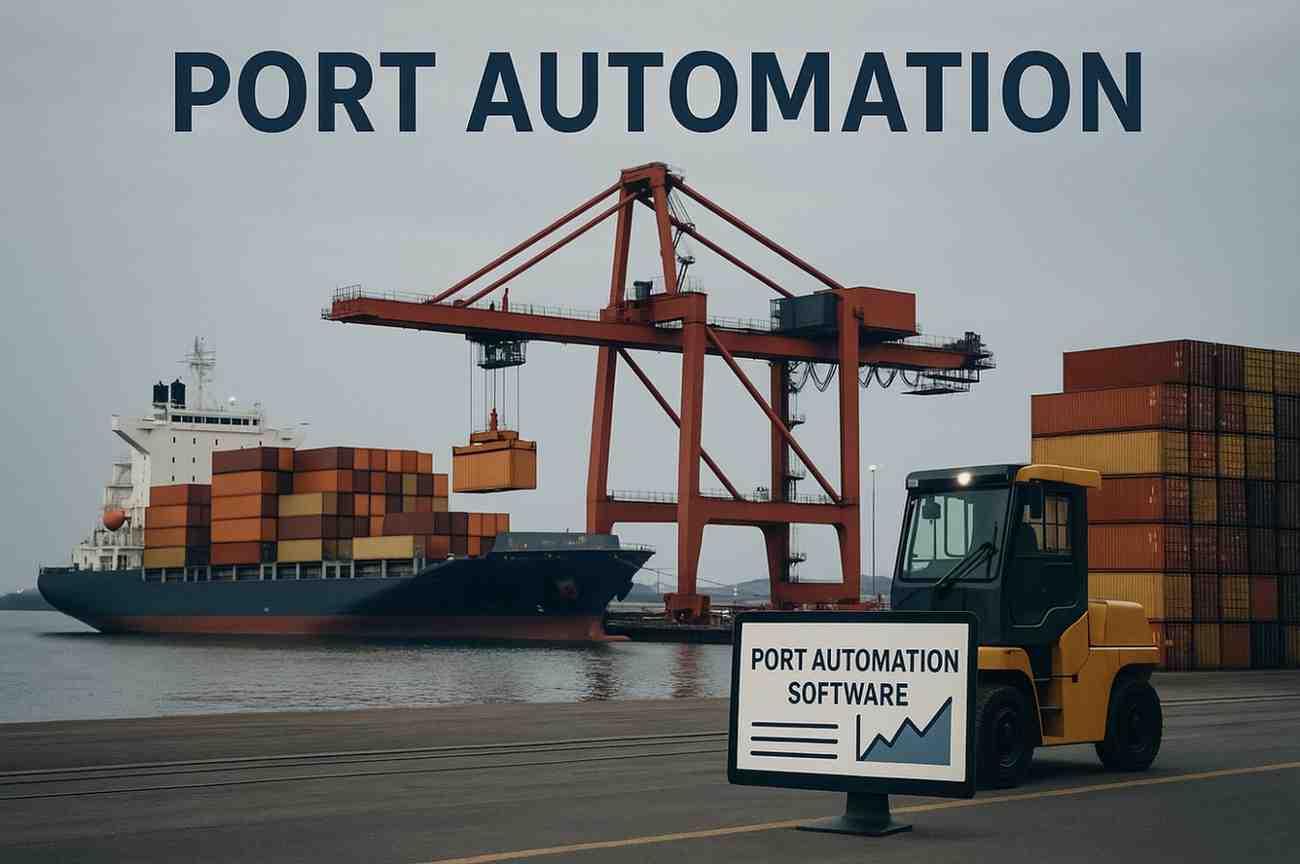
Teach operators the new screens and, more importantly, the exception steps. Agree what goes in the shift log, review alerts at handover and report recurring faults so the system improves with use.
Planning port automation for your shift teams with Suraj Informatics
Suraj Informatics provides port automation solutions designed with operations teams, including screens, alerts and training. Contact us to review your current shift routine.
Port automation for operations teams: common questions
Does automation reduce the need for operators?
It changes the work. Less copying and checking, more supervising and handling exceptions.
What do operators need to learn?
The live screens, the alert types and the steps for each exception.
How should alerts be managed?
Assign each type to a named role and review repeated ones at handover.
Can the team keep working during a system fault?
Plan a manual fallback and practise it so records can be rebuilt afterwards.
Talk to our port automation team
Tell us about your port or terminal and what you want to improve, and we will suggest where to start.





